All skins
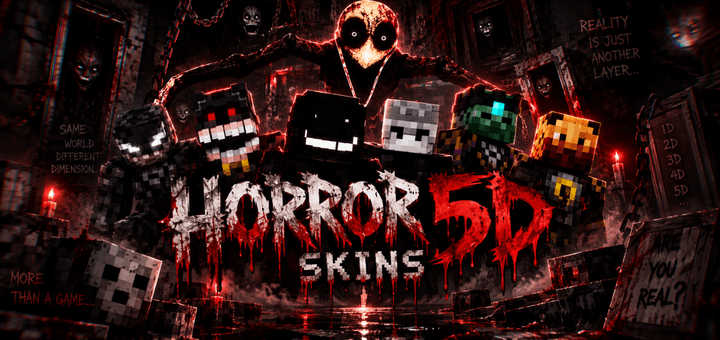
Horror 5D
BedrockSkin packPlayersby Blackeagle
About this skin pack
Enter the darkness with Horror 5D Pack — a creepy collection of terrifying, mysterious, and unusual skins designed to give your Minecraft world a much darker…
How to install
- Download the file below. On iOS or Android, open it from your Downloads with Minecraft; on Windows, double-click it.
- Minecraft imports the pack automatically. Enable it in your world’s settings under Behavior Packs or Resource Packs; an add-on usually needs both.
- Skin packs show up in the dressing room: Profile → Edit character → Owned.
- Playing on a Realm or server? Everyone needs the same packs, and the host has to enable them.