See your whole Minecraft seed before you play
Every structure, biome and ore on one map — Java & Bedrock.
No seed? Try:Village at spawnAncient cityBedrock village
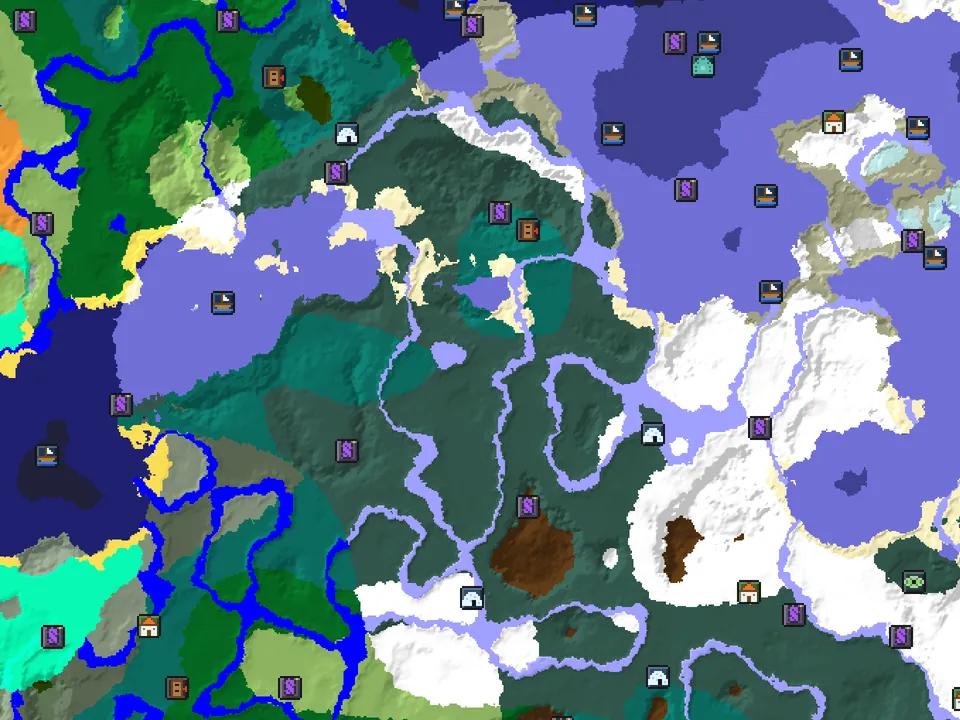
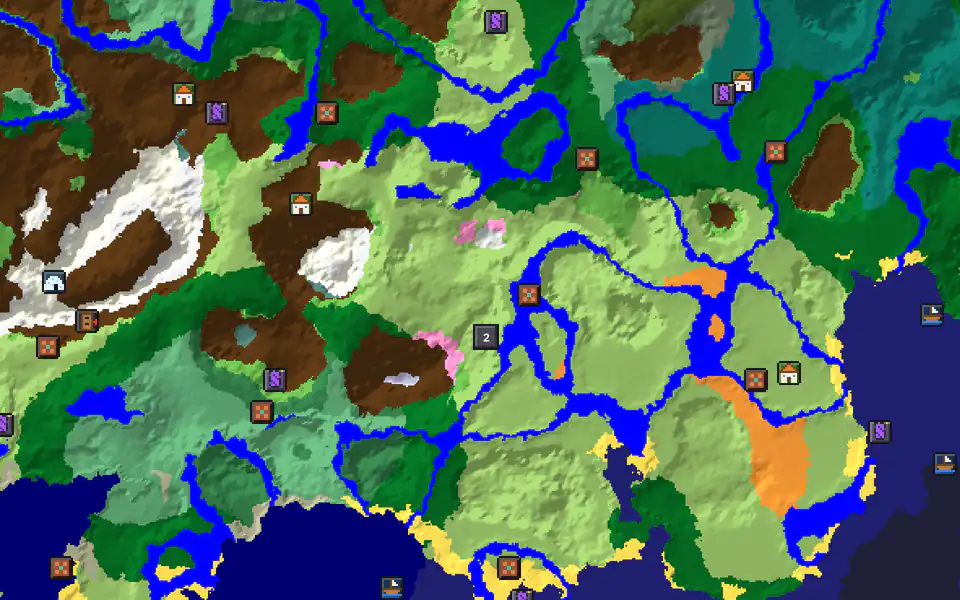
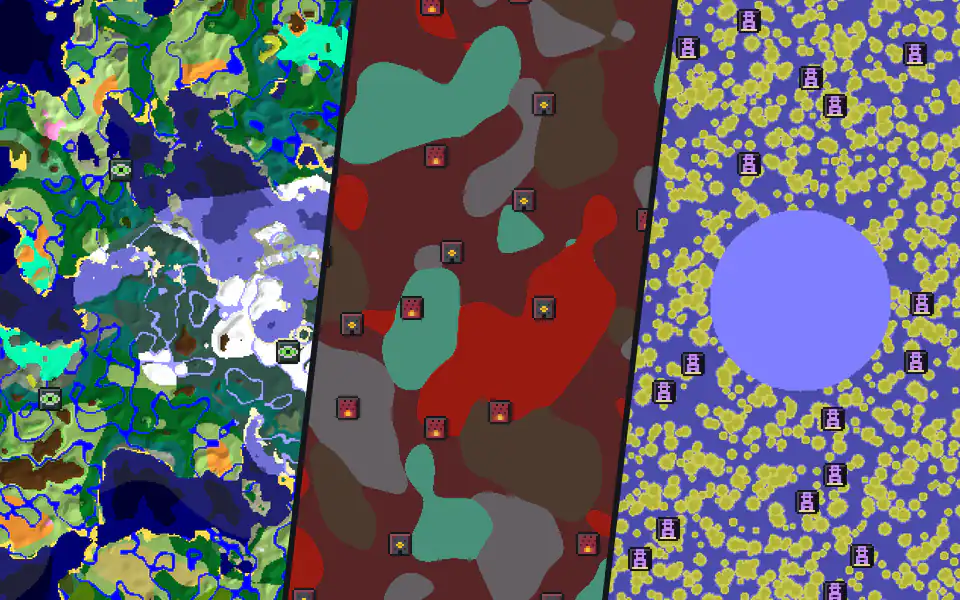
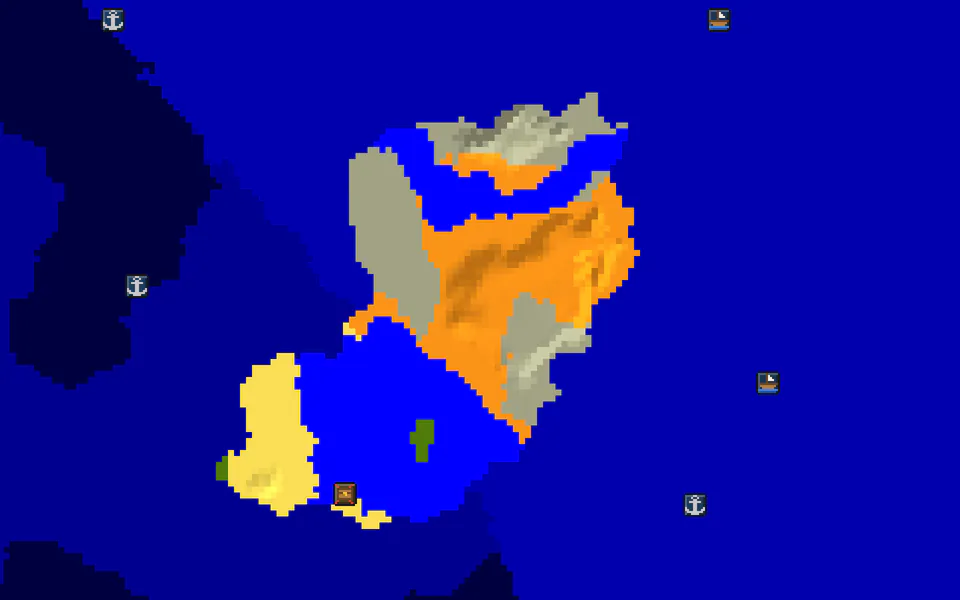
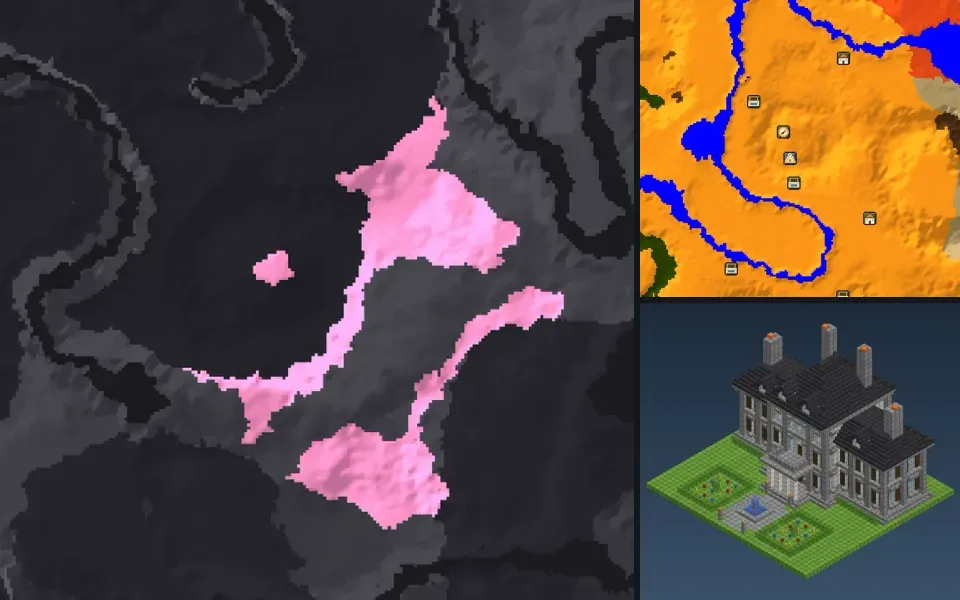
Popular structure and ore finders
All finders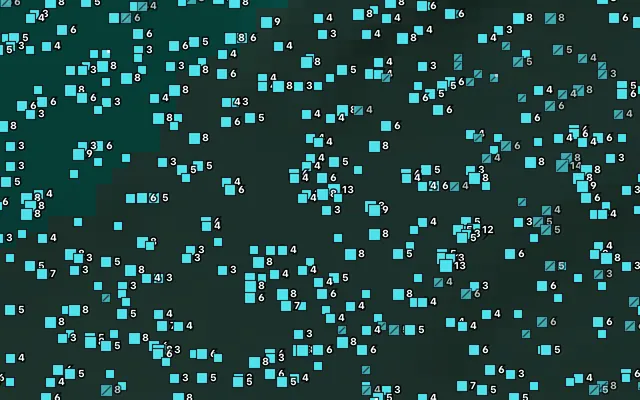
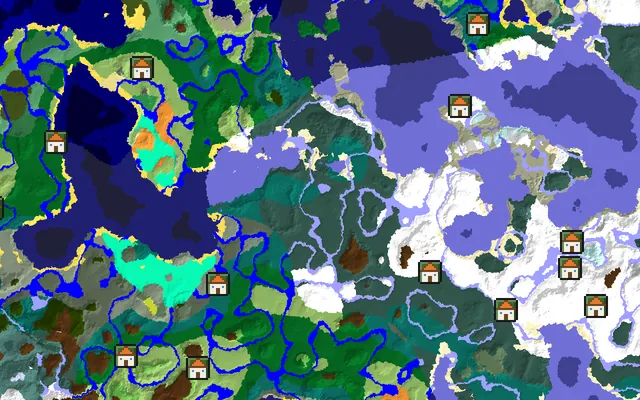
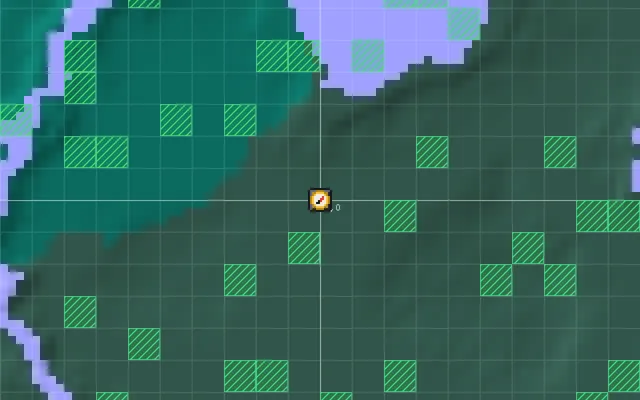
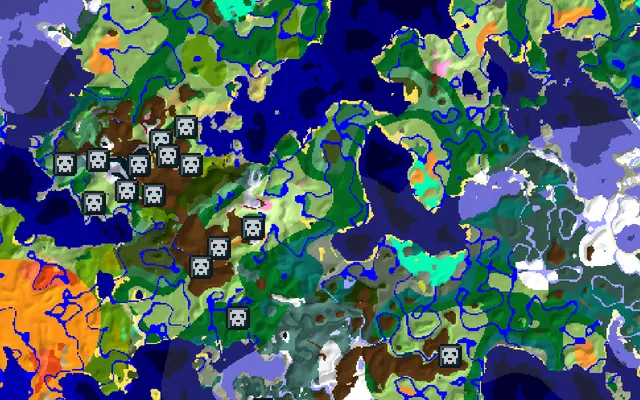
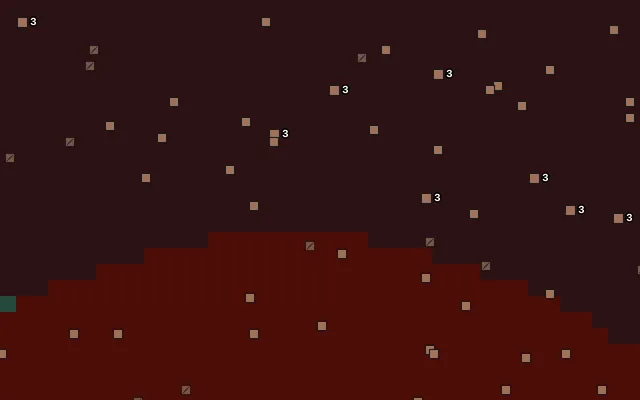
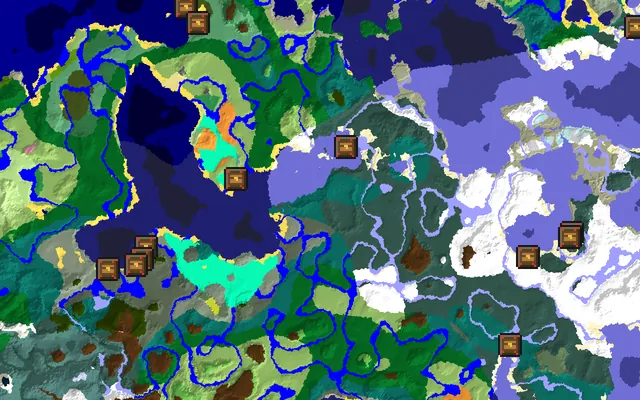
Featured guides
All guides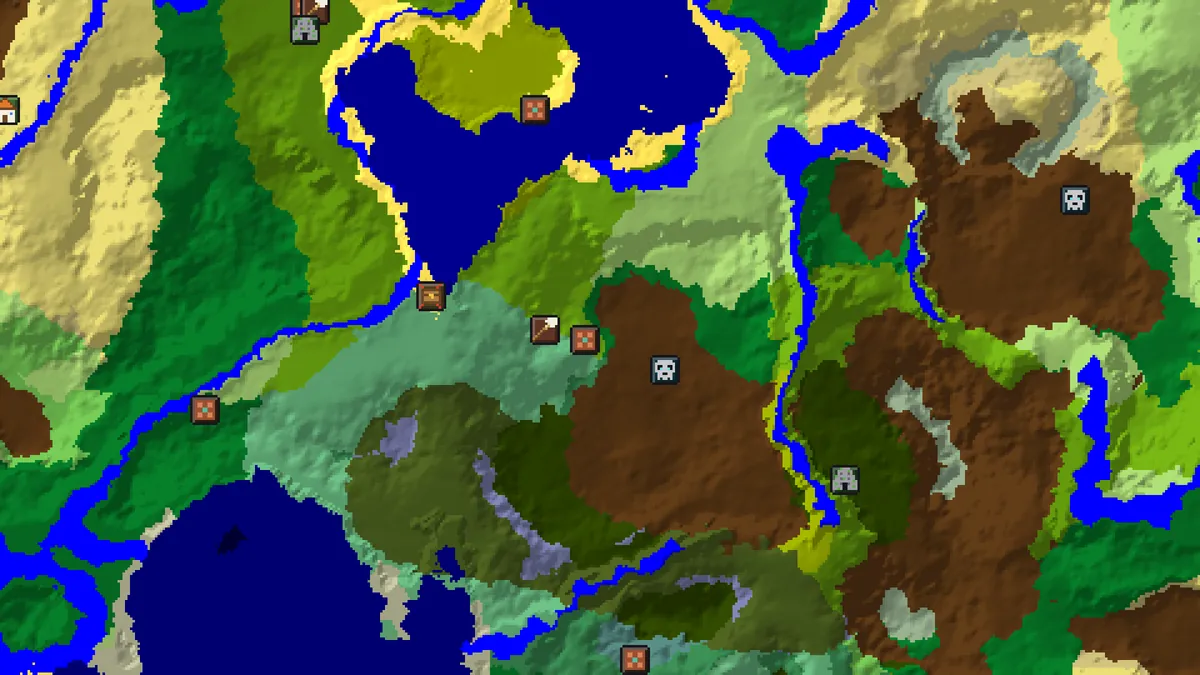 Getting startedHow to Find a Good Minecraft SeedA practical way to pick a Minecraft seed for Java or Bedrock: decide what you need near spawn, search for it, then check the candidate on the seed map first.8 min read · Updated
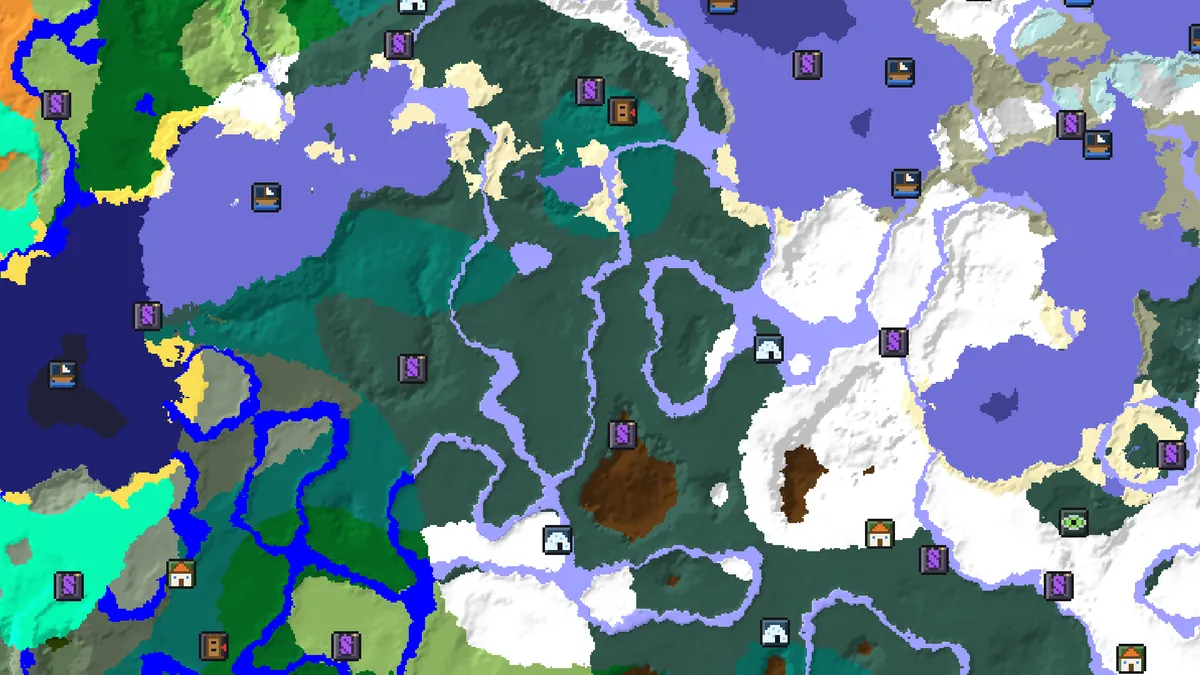 Getting startedHow to Use the Minecraft Seed MapA complete walkthrough of the seed map: entering a seed, reading biomes and structures, layers, the Nearest list, markers, share links and keyboard shortcuts.7 min read · Updated
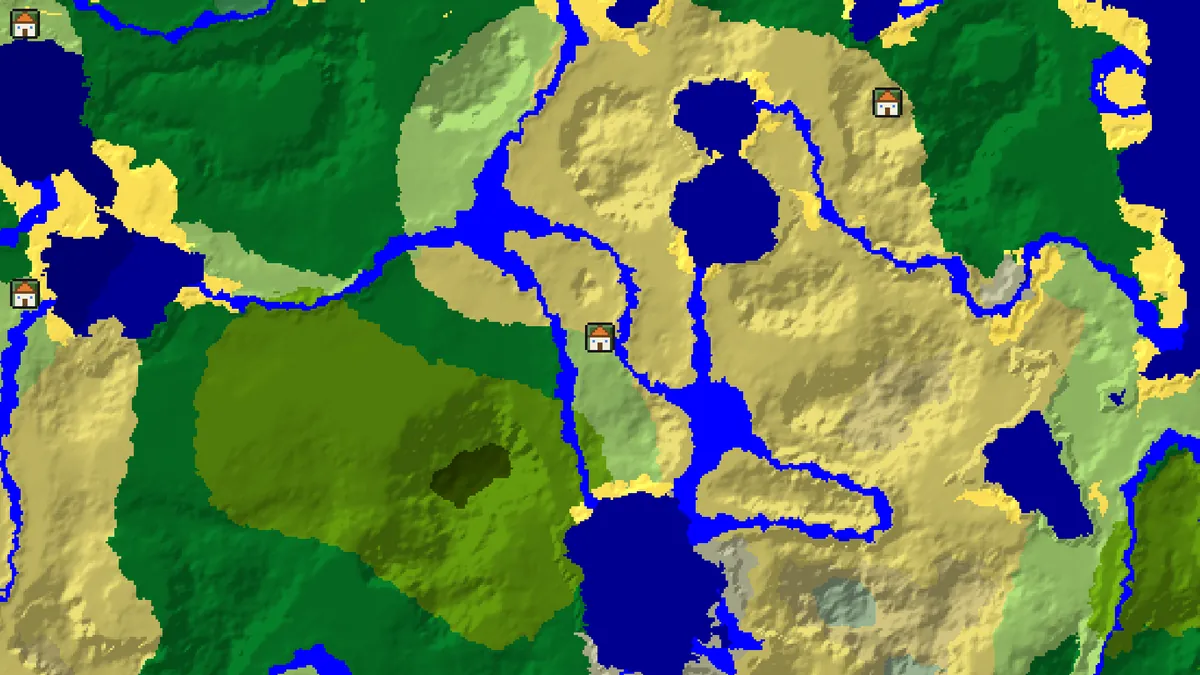 Structures and biomesJava vs Bedrock: Structure PlacementWhy the same seed gives the same biomes but different villages, strongholds and slime chunks on Java and Bedrock, and what the map places exactly for Bedrock.7 min read · Updated
About the seed map, Java vs Bedrock and our tools
How the seed map and finders work
What a seed decides
A seed is the number Minecraft feeds into its world generator. The same seed in the same edition and version always produces the same biomes, terrain and structure positions, which is why we can draw your world without your save file. Text seeds are turned into a number first (the Seed Converter shows how). The version matters as much as the seed: generation rules changed in 1.13, 1.16, 1.18, 1.19, 1.20 and 1.21, so pick the version the world was created in.
Map, finders and seed finder
The seed map shows every biome and structure at once. Each finder is that map with one layer switched on (villages, strongholds, diamonds, slime chunks) plus notes on how exact the positions are. The seed finder works the other way round: say what you want near spawn and it checks random seeds until it finds matches, ranked by seed score.
Runs in your browser
World generation runs on your device in WebAssembly, built on the open-source cubiomes library, so your seed is never sent to a server. Markers and structures you tick off as completed are saved in your browser, and a shared link reopens the exact view, seed, version and layers included.
Java vs Bedrock seeds
What is the same
Java Edition is supported from 1.7 to 26.3, Bedrock from 1.18. Since 1.18 Bedrock uses the same Overworld biome generator as Java, so one seed gives the same biomes on both, and finders like the Biome Finder work for either edition.
What is different
Structure placement is not shared: Bedrock has its own algorithm, so a village at the same seed usually sits somewhere else. We compute Bedrock positions separately and mark anything we can't place exactly as Java only instead of guessing. Slime chunks differ too: on Java they depend on the seed, on Bedrock they are the same in every world. Ore, cave and dungeon finders are Java only, because Bedrock decorates chunks with a different random generator.
Calculators and lookups All tools →
Nether Portal Calculator
Link Overworld and Nether portals — coordinates ÷ 8 and search ranges.
Coordinate Calculator
Convert between block, chunk and region coordinates, and measure distance.
Ore Levels
Best Y levels for every ore, before and after the 1.18 world height change.
Seed Converter
Turn a text seed into its numeric value (String.hashCode, same on Java and Bedrock).
Skin Viewer
See any Java player's skin, a Bedrock gamertag's or your own PNG in 3D, then get it as a Bedrock skin pack.
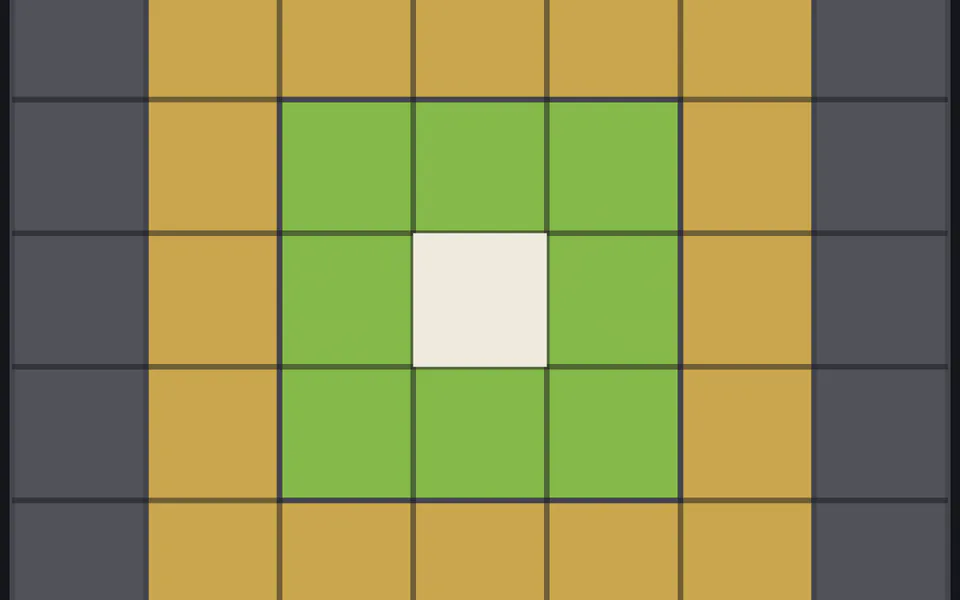
Spawn Chunk Calculator
Which chunks stay loaded around world spawn, by version.