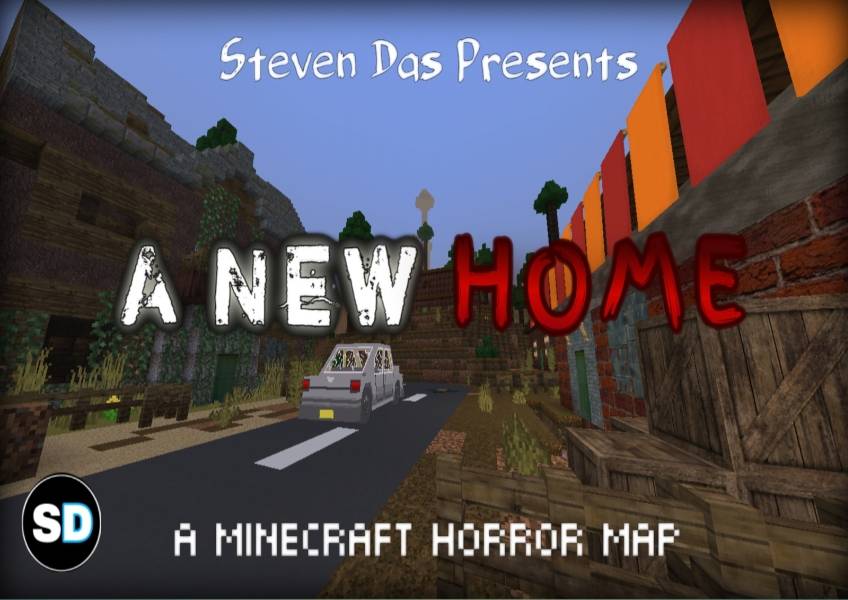
A New Home (Horror Map)
BedrockMapAdventureby Steven Das
About this map
The Story follows a boy named Peter who wanted to find a new rental house in the town, but instead, he faces some dark consequences.
Read the author’s full description (222 words)
Written by Steven Das for the MCPEDL post, shown as published.
A Minecraft Bedrock Edition Horror Map
INTRODUCTION:
This is a Minecraft Bedrock Edition Horror Map and my best creation, specially made for those who want to experience the eerie and unnatural side of Minecraft.
The air is heavy, rotting with secrets...
The town wasn’t meant to be found...
Not everything you see is real...
But now that you’re here—it won’t let you leave...
STORY:
Peter, an unemployed boy, who didn't paid his rent for 3 months, was forcefully thrown out of his previous house. Therefore he takes his car and goes on a long journey for finding a new rental house.
He unknowingly lands upon an abandoned town despite of the fact that it is Haunted. Supernatural forces follow him and haunt him in his journey. He then comes to a Grandpa's house which later brings him some dark consequences.
Will Peter be able to find A NEW HOME? Play to Find out!!
FEATURES:
- Candles now support dynamic lighting
- Interactive Furnitures
- Hiding spots
- Cutscenes with music
WARNING:
This Map Contains -
- Flashing Lights.
- Sudden Loud Noises.
- Disturbing Images.
- Blood and Gore
IMAGES:
Note: There is a hidden key in this yellow room, make sure to check every cabinet:
GAMEPLAY VIDEO (Old Version):
THIS MAP IS NOT FOR MULTIPLAYER
Also available in MCPEDL!
Check out My MCPEDL Profile:
https://mcpedl.com/user/stevendas777/
Mediafire download coming soon..!
Images
What’s new in the latest update
The author’s notes for the file uploaded .
- Sounds renewed and improved.
- Fixed some major and minor bugs.
Video
How to install
- Download the file below. On iOS or Android, open it from your Downloads with Minecraft; on Windows, double-click it.
- A .mcworld opens straight into your worlds list, ready to play.
- Playing on a Realm or server? Everyone needs the same packs, and the host has to enable them.
Advertisement