Animated Skin Template
BedrockSkin packPlayersby Daniiye
About this skin pack
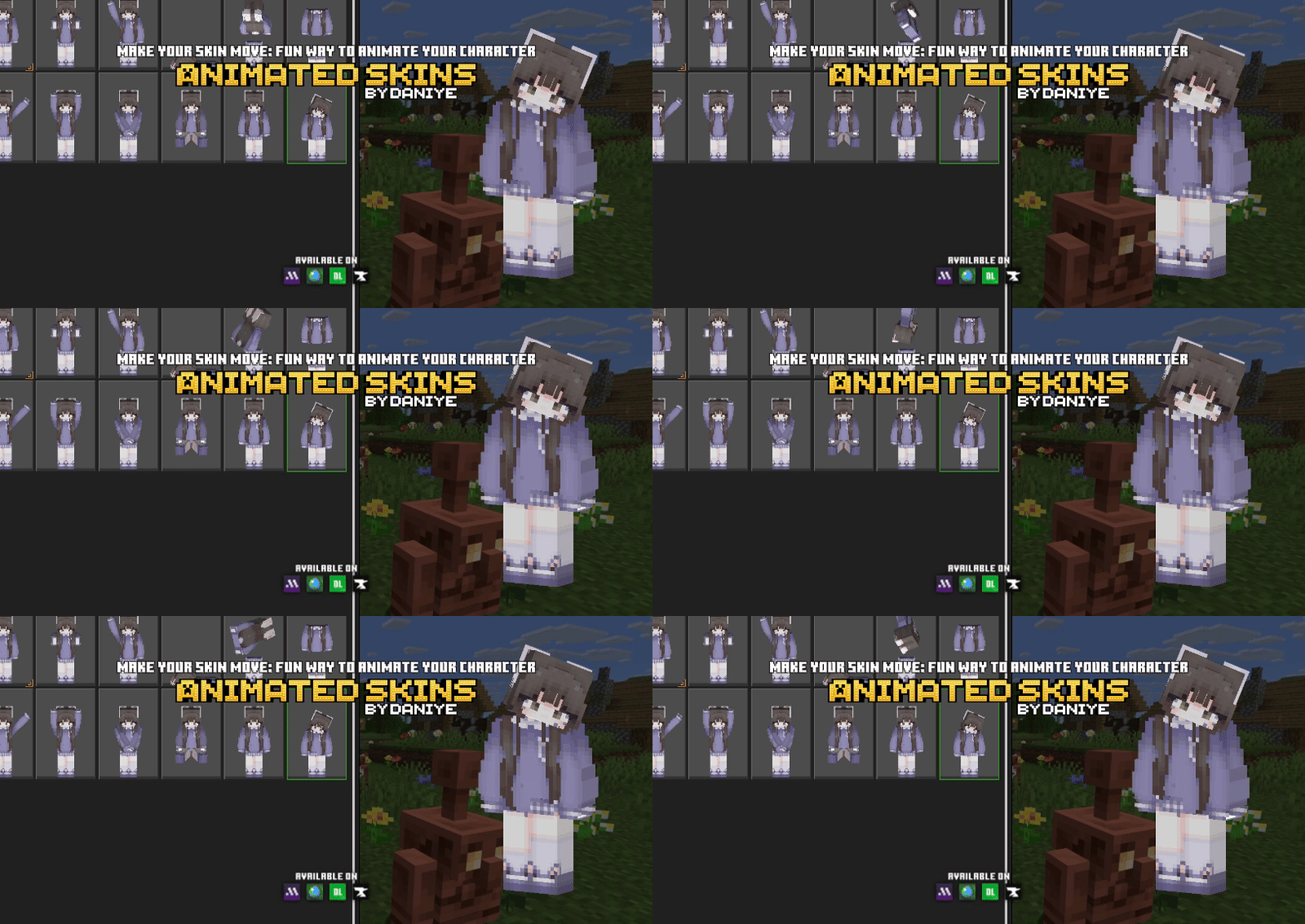
This skin pack lets your character have simple animations, and it works on most servers.
Read the author’s full description (288 words)
Written by Daniiye.
Make Your Skin Move: A Clean, Fun Way To Animate Your Character
This skin pack lets your character have simple animations, and it works on most servers unless they use built-in “gameplay fairness” settings. If you want to use your own skin, just edit the file and replace "template.png" with your own skin. After that, the animation will work properly.
If you want to use your own Minecraft skin, please follow the steps below. If not, you can skip this part and just install the pack after downloading.
How to Use Your Own Minecraft Skin
If you want to replace the skin in the animated skinpack with your own, follow these steps:
1. Download the Animated Skinpack
Choose Classic or Slim, then download the skinpack.
2. Change the file to .zip
Find the file you downloaded and rename it from:
.mcaddon → .zip
(Example: change “Animated Skins – Slim.mcaddon” to “Animated Skins – Slim.zip”)
You need a file manager that can change file extensions and open ZIP files.
3. Open the ZIP file
Inside the ZIP, look for a file named template.png and delete it.
4. Add your own skin
Download the skin you want to use.
Rename your skin to template.png
Then put it inside the ZIP in the same place where the old file was.
Note: This only works with skins downloaded from a browser.
It does NOT work with Minecraft Marketplace/Trusted skins.
5. Change the file back to .mcaddon
Rename the ZIP file back from:
.zip → .mcaddon
Then open the file to import it into Minecraft.
After that, check your skinpacks — your custom animated skin should appear.
Note: This is a "skin pack" that only adds simple animations to your skin. It isn’t an emote or gesture addon.
How to install
- Download the file below. On iOS or Android, open it from your Downloads with Minecraft; on Windows, double-click it.
- Minecraft imports the pack automatically. Enable it in your world’s settings under Behavior Packs or Resource Packs; an add-on usually needs both.
- Skin packs show up in the dressing room: Profile → Edit character → Owned.
- Playing on a Realm or server? Everyone needs the same packs, and the host has to enable them.
Advertisement