Baby Lite
BedrockSkin packPlayersby gamerzmcpe
About this skin pack
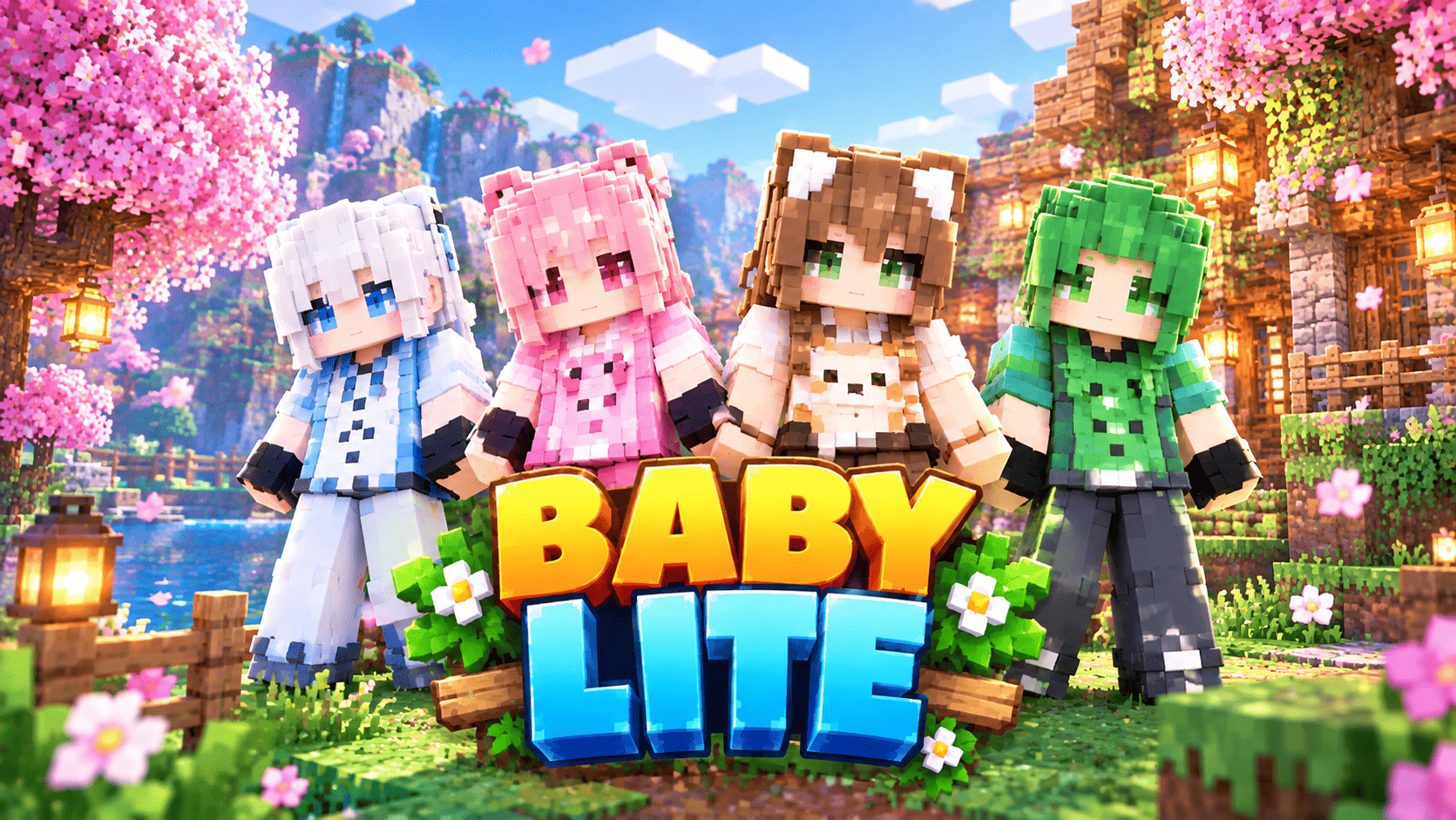
Baby Lite 3D is a cute Minecraft Bedrock skin pack with 10 original skins and real 3D model parts! Each skin has a crisp, clean baby-mob chest print — adult mob on top, its baby...
Read the author’s full description (233 words)
Written by gamerzmcpe.
Baby Lite 3D brings you 10 hand-crafted, fully original Minecraft
Bedrock skins, each one built around a baby mob theme — with custom 3D
geometry.
Every skin wears its heart on its chest: a clean, instantly-readable
adult mob face printed on the shirt, with its cute baby right next to
it — just like real marketplace key art. The pack includes:
- Baby Sheep, Baby Pig, Baby Cow, Baby Zombie, Baby Chicken,
Baby Wolf, Baby Cat, Baby Fox, Baby Panda and Baby Axolotl.
No two skins are alike: unique hair styles and colours, long pants or
shorts, sneakers, boots, sandals or socks, different faces, and custom
3D model parts — 3D back hair and side strands, sheep wool cap, pig
ears, cow horns, zombie hair spikes, chicken comb and beak, wolf/cat/fox
ears, panda ears, axolotl gills, tails, and a 3D skirt.
Every pixel and every 3D cube was designed from scratch for this pack.
No textures, models or designs were copied from anywhere.
How to install
- Download Baby_Lite.mcpack.
- Open the file — Minecraft will import the pack automatically.
- Go to Profile / Dressing Room > Skins > Owned and pick your skin.
Details
- Format: Minecraft Bedrock skin pack (.mcpack) with custom 3D geometry
- Skins: 10, classic 64x64 format .geo.json 3D parts
- Creator: GURJAR
- Version: 1.3.0 (min engine 1.21.0)
Credits
All skins, pixel art and 3D model parts designed and built from scratch
by GURJAR for the Baby Lite skin pack.
Images
How to install
- Download the file below. On iOS or Android, open it from your Downloads with Minecraft; on Windows, double-click it.
- Minecraft imports the pack automatically. Enable it in your world’s settings under Behavior Packs or Resource Packs; an add-on usually needs both.
- Skin packs show up in the dressing room: Profile → Edit character → Owned.
- Playing on a Realm or server? Everyone needs the same packs, and the host has to enable them.
Advertisement