All skins
Best skins
BedrockSkin packPlayersby Hyubi
About this skin pack
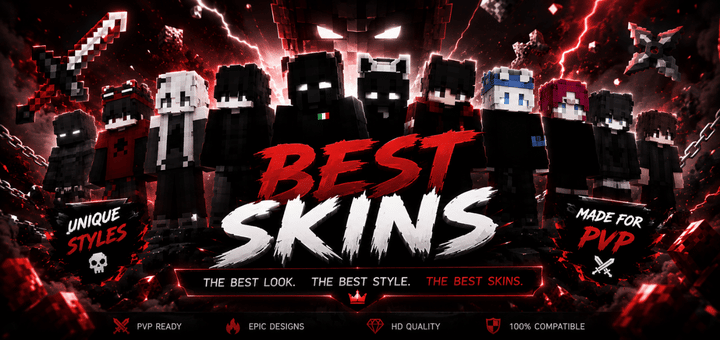
Step into battle with Best Skins, a powerful Minecraft skin pack featuring bold dark styles, epic designs, and standout looks for PvP, survival, and multiplayer. ⚔️
Read the author’s full description (48 words)
Written by Hyubi.
Upgrade your Minecraft look with Best Skins, a stylish skin pack featuring bold dark outfits, clean details, and cool designs made to stand out. Perfect for PvP, survival, multiplayer servers, minigames, roleplay, and everyday adventures. Choose your favorite style and bring a fresh, powerful look into every world. ⚔️
What’s new in the latest update
The author’s notes for the file uploaded .
I added New Best skins!
How to install
- Download the file below. On iOS or Android, open it from your Downloads with Minecraft; on Windows, double-click it.
- Minecraft imports the pack automatically. Enable it in your world’s settings under Behavior Packs or Resource Packs; an add-on usually needs both.
- Skin packs show up in the dressing room: Profile → Edit character → Owned.
- Playing on a Realm or server? Everyone needs the same packs, and the host has to enable them.
Advertisement