All skins
Better Marvel Skins
BedrockSkin packPlayersby Cash Morris
About this skin pack
This Mod Adds The Most Highly Detailed Marvel Skins you will ever see in Minecraft!
Read the author’s full description (214 words)
Written by Cash Morris.
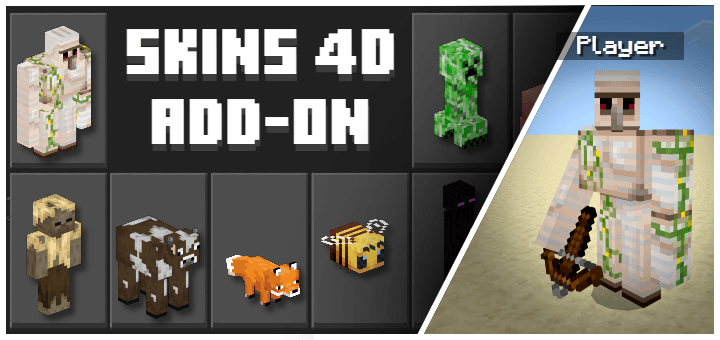
Suit up and step into the Minecraft universe as your favorite heroes and villains! This pack features over 40 of the most detailed Marvel player skins you will ever see in Bedrock Edition. Every single skin has been meticulously crafted with high-definition textures, accurate suit designs, and shading to bring these iconic characters to life like never before.
This project took a massive amount of time, effort, and dedication to perfect. Thank you so much for downloading and supporting my work!
Special Shoutout: Huge thanks to my husky for keeping me company through the long hours of making this pack!
Features:
- Ultra-Detailed Textures: Advanced shading and pixel-perfect accuracy for every character.
- Bedrock Compatible: Works flawlessly on mobile, console, and Windows 10/11 editions.
- Multiplayer Ready: Show off your favorite hero in servers, realms, or local worlds with friends.
Images
How to install
- Download the file below. On iOS or Android, open it from your Downloads with Minecraft; on Windows, double-click it.
- Minecraft imports the pack automatically. Enable it in your world’s settings under Behavior Packs or Resource Packs; an add-on usually needs both.
- Skin packs show up in the dressing room: Profile → Edit character → Owned.
- Playing on a Realm or server? Everyone needs the same packs, and the host has to enable them.
Advertisement