Custom Poppy Playtime Map | Map 5: What's The Time?
BedrockMapAdventureby ArtCraft8213
About this map
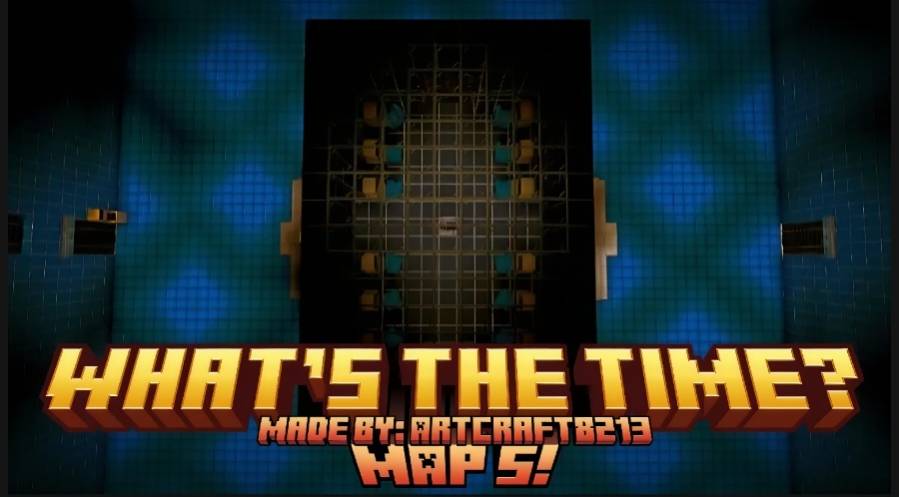
A fanmade Poppy Playtime Map made in MCBE! A continuation of Custom Poppy Playtime Maps!
Read the author’s full description (218 words)
Written by ArtCraft8213 for the MCPEDL post, shown as published.
Important: Map 5 is unfinished, join my Discord server (check the end of this description for the link) for updates and leaks!
JOIN DISCORD: https://discord.gg/yB7wDUzhjq
This map continues the story from my first four fanmade horror maps also inspired by Poppy Playtime, be sure to check them out on my profile before playing! Venture even deeper into the mysterious facility as you uncover new areas, solve more challenging puzzles, and face even greater dangers hidden within the darkness. Every hallway, room, and abandoned section holds secrets waiting to be discovered, but are you even truly alone? Terrifying creatures stalk the shadows, silently watching your every move and waiting for the perfect moment to strike. Be careful when playing and never let your guard down, they attack unexpectedly. This map is filled with more realistic environments, improved atmosphere, and more immersive gameplay than the previous four maps, this map also delivers a darker, more suspenseful horror experience that will keep you on edge of your seat from start to finish.
IMPORTANT REQUIREMENTS FOR THIS MAP TO WORK CORRECTLY:
- Me Poppy Playtime by MeBesm (Strictly v1.0.8, not v1.0.9 and above)
- Poppy Playtime Rebranded by OWALBO (v5)
- SecurityCraft by RedTNT
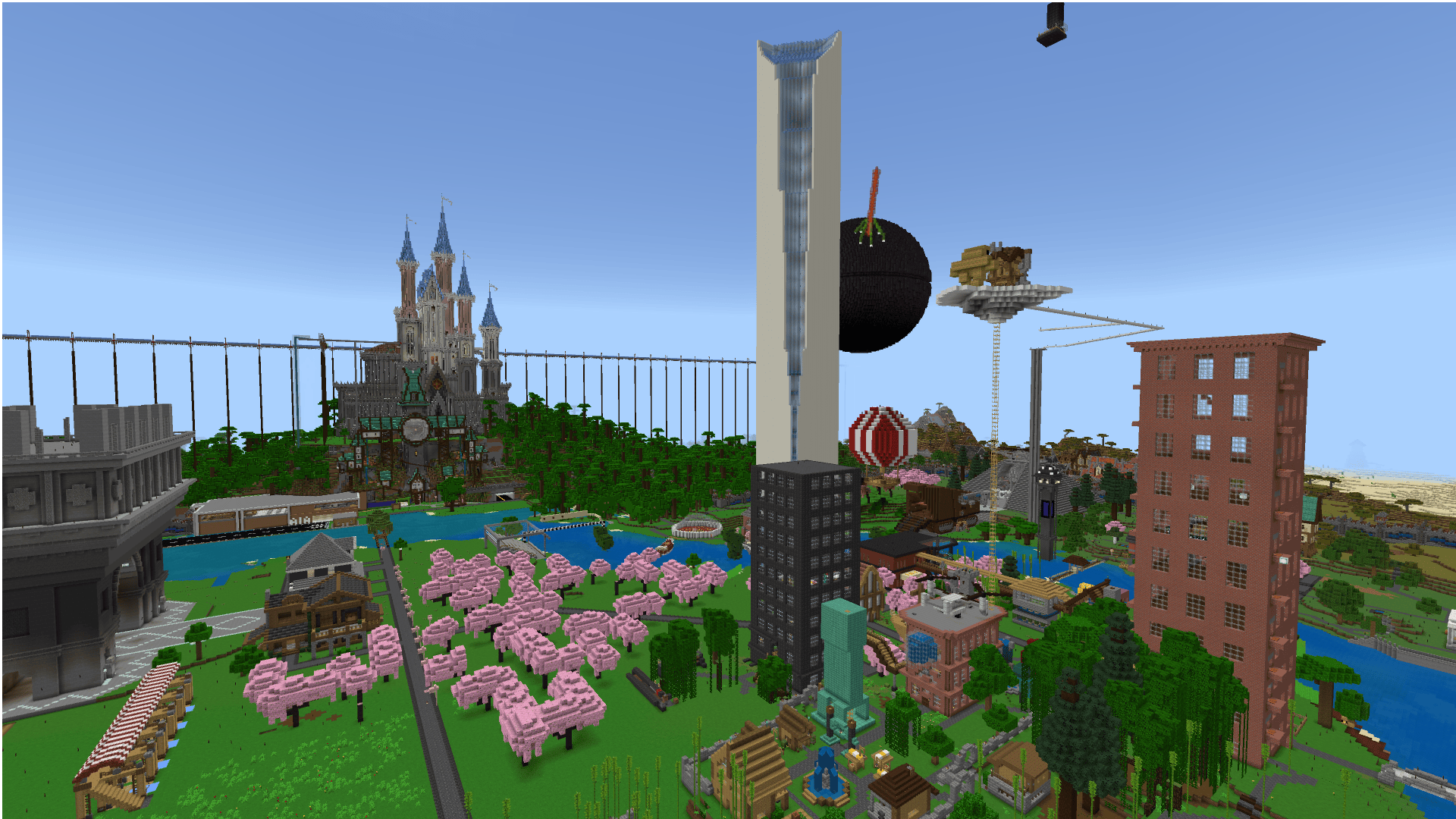
Here are screenshots of gameplay:
Special Thanks to:
- CatSnap for the thumbnail and playtesting
- Playtesters for playtesting before the initial release
What’s new in the latest update
The author’s notes for the file uploaded .
BETA v1
First version of Map 5! Next update will be a continuation and bug fixes.
How to install
- Download the file below. On iOS or Android, open it from your Downloads with Minecraft; on Windows, double-click it.
- A .mcworld opens straight into your worlds list, ready to play.
- Playing on a Realm or server? Everyone needs the same packs, and the host has to enable them.
Advertisement