🎈 IT: Fear Expansion | EL SANDO
BedrockMapAdventureby EL SANDO
About this map
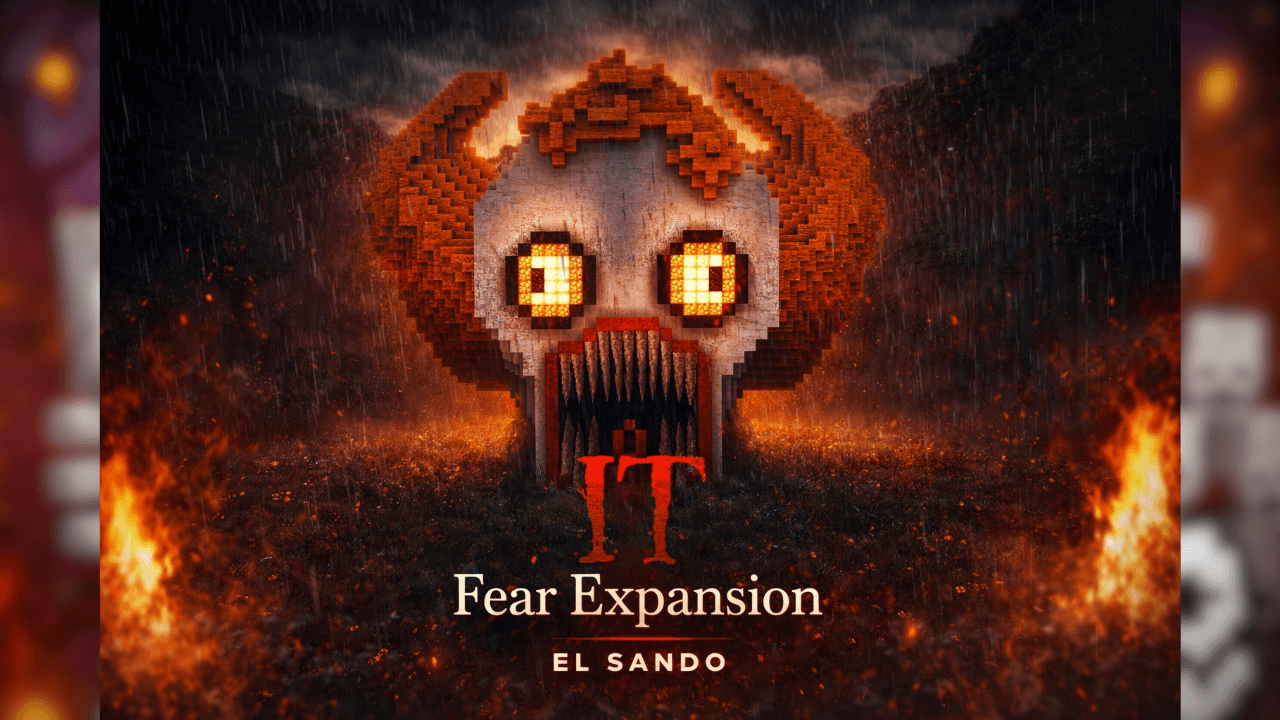
Immerse yourself in a psychological horror experience where fear doesn't just haunt you… it watches you. IT: Fear Expansion is a work-in-progress map that marks the beginning o...
Read the author’s full description (201 words)
Written by EL SANDO for the MCPEDL post, shown as published.
🎈 IT: Fear Expansion
A Horror Experience by EL SANDO
TRAILER
Immerse yourself in a psychological horror experience where fear doesn't just haunt you… it watches you.
IT: Fear Expansion is a work-in-progress map that marks the beginning of an ambitious and dark project. Although this is only the first version, the true horror is yet to come. Very soon, this world will be transformed with the arrival of a complete system inspired by the terror of the most feared clown: Pennywise.
Explore unsettling environments, feel the tension in every corner, and prepare for what's coming…
💀 What's included in this version?
A starting map with a dark and mysterious atmosphere
Scenarios designed to generate constant tension
First look at an expanding horror universe
Foundation for the future advanced horror system
🎈 What's coming in the future?
The Complete Pennywise Addon
Intelligent Chase System
Random Horror Events
Unexpected Clown Appearances
Psychological Sounds, Effects, and Mechanics
Fully Immersive Experience
⚠️ Warning
This project is in development. What you see now is just the beginning of something much bigger… and much scarier.
🔥 Project Vision
IT: Fear Expansion won't just be a map… it will be one of the most intense horror addons ever created for Minecraft Bedrock.
What’s new in the latest update
The author’s notes for the file uploaded .
Improvements were added to the pit and decorations in the house, improvements to the final structure of the clown It, and decorations from the SpookyCraft - Halloween Decorations add-on were also added.
Video
How to install
- Download the file below. On iOS or Android, open it from your Downloads with Minecraft; on Windows, double-click it.
- Minecraft imports the pack automatically. Enable it in your world’s settings under Behavior Packs or Resource Packs; an add-on usually needs both.
- A .mcworld opens straight into your worlds list, ready to play.
- Playing on a Realm or server? Everyone needs the same packs, and the host has to enable them.
Advertisement