Lotte World Tower 1:1
BedrockMapOtherby MakoEnergyGamer
About this map
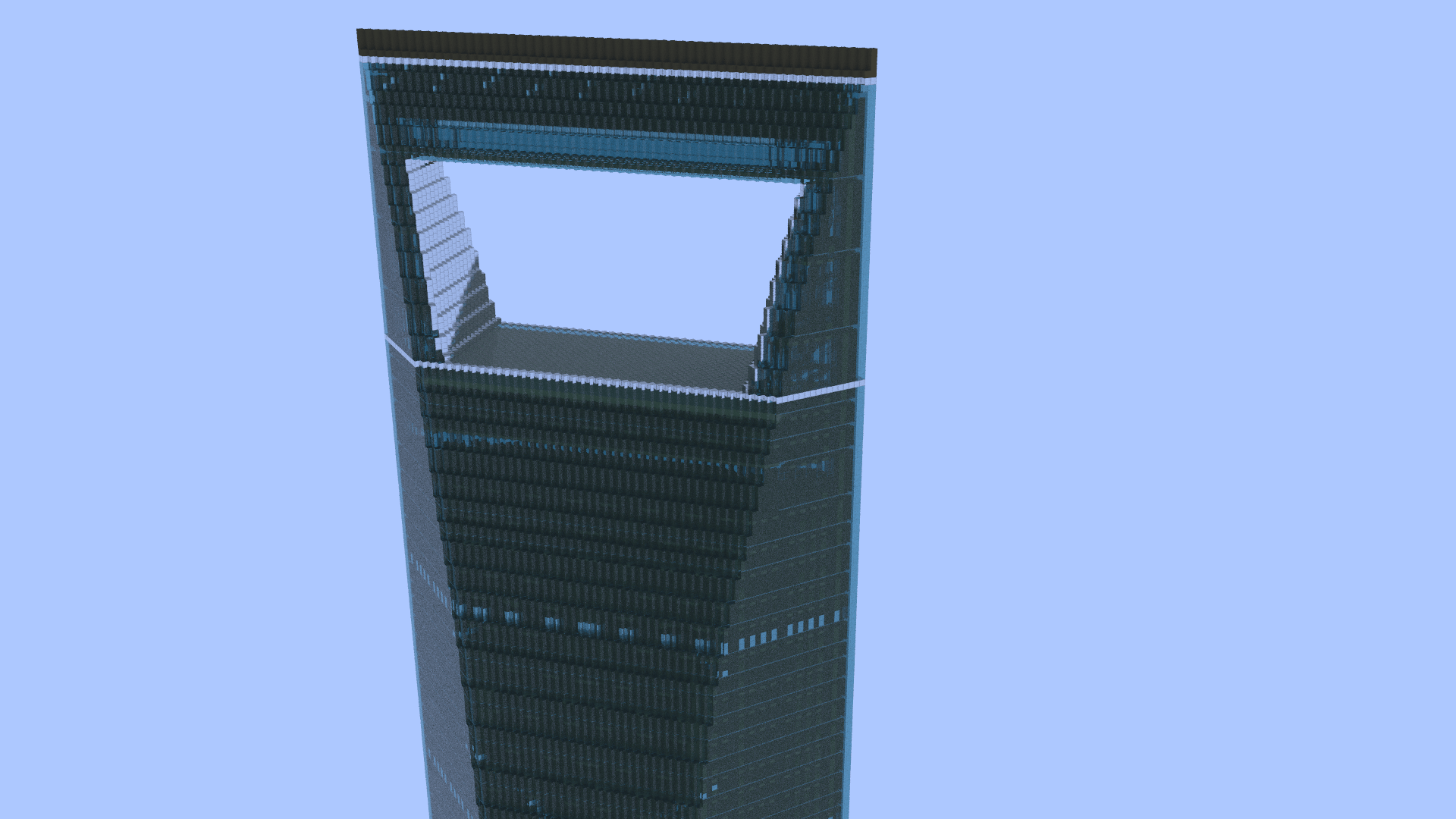
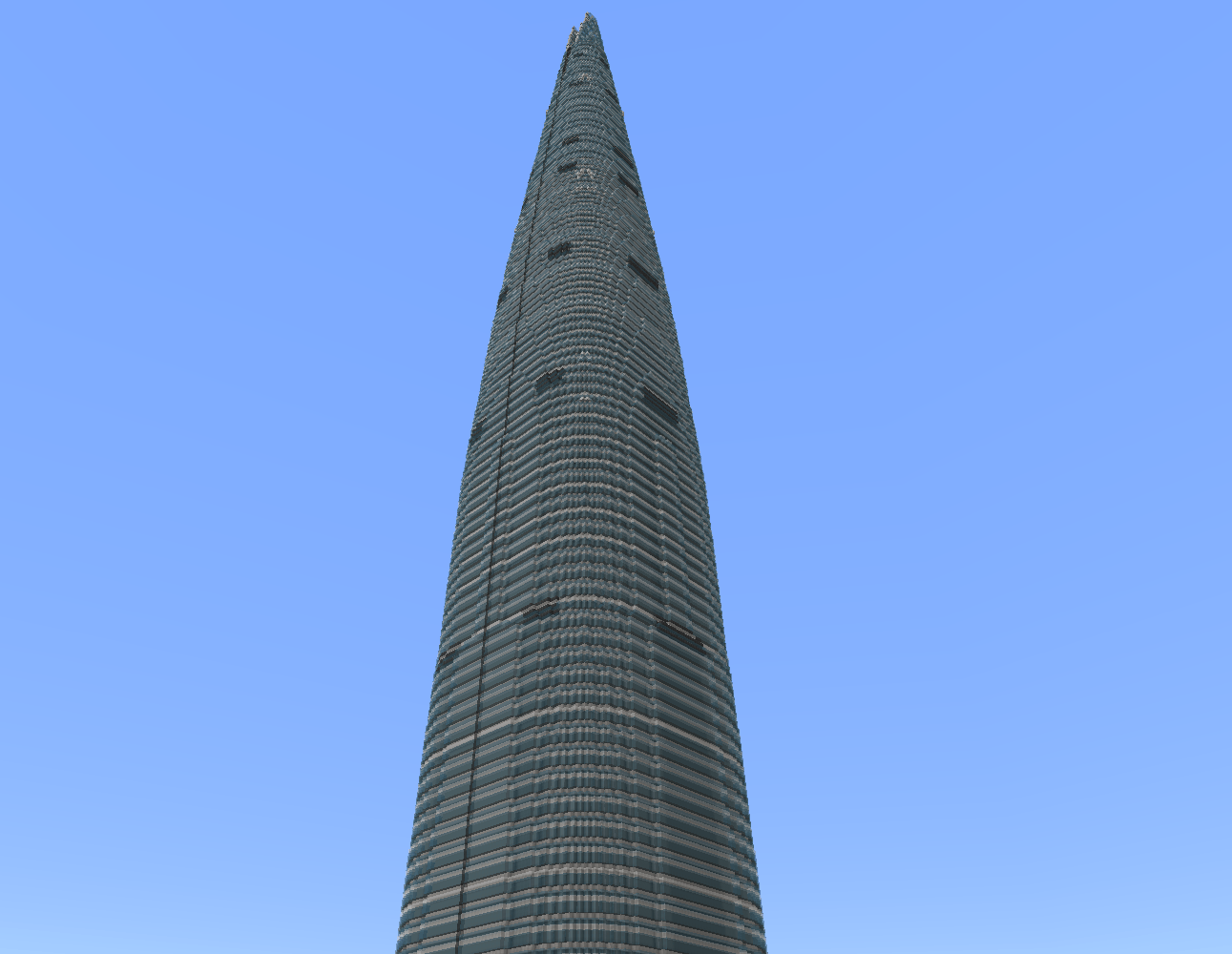
Explore a 1:1-scale recreation of Seoul's 555-meter Lotte World Tower in Minecraft Bedrock/MCPE, complete with an included height-extension pack.
Read the author’s full description (220 words)
Written by MakoEnergyGamer for the MCPEDL post, shown as published.
Lotte World Tower 1:1
Explore a detailed 1:1-scale recreation of Lotte World Tower in Seoul, South Korea, built for Minecraft Bedrock Edition.
The skyscraper has been recreated at a scale of 1 block = 1 meter, allowing you to explore South Korea's tallest building at its full scale in Minecraft.
Because the structure exceeds Minecraft's normal building height limit, a height-extension behavior pack is included with the world.
Features
- 1:1-scale recreation of Lotte World Tower
- Detailed exterior and skyscraper structure
- Full-scale structure beyond Minecraft's normal building height limit
- Height-extension behavior pack included
- Ready-to-import .mcworld file
- Suitable for exploration, screenshots, city projects, and showcase videos
Compatibility
Minecraft Bedrock Edition 1.21.80 or newer is recommended.
The included height-extension behavior pack is required for the world to display correctly. Do not disable or remove it.
Installation
Download the .mcworld file and open it with Minecraft Bedrock Edition. Minecraft will automatically import the world.
Usage & Credits
You may use this world and its buildings in your own Minecraft projects.
You may also use this world in videos, screenshots, livestreams, and other publicly shared content. However, clear credit to the original creator is required.
Redistribution of this world or its buildings as a downloadable file is not permitted without permission.
Do not claim this world or its buildings as your own creation.
Created by MakoEnergyGamer.
Images
How to install
- Download the file below. On iOS or Android, open it from your Downloads with Minecraft; on Windows, double-click it.
- A .mcworld opens straight into your worlds list, ready to play.
- Playing on a Realm or server? Everyone needs the same packs, and the host has to enable them.
Advertisement