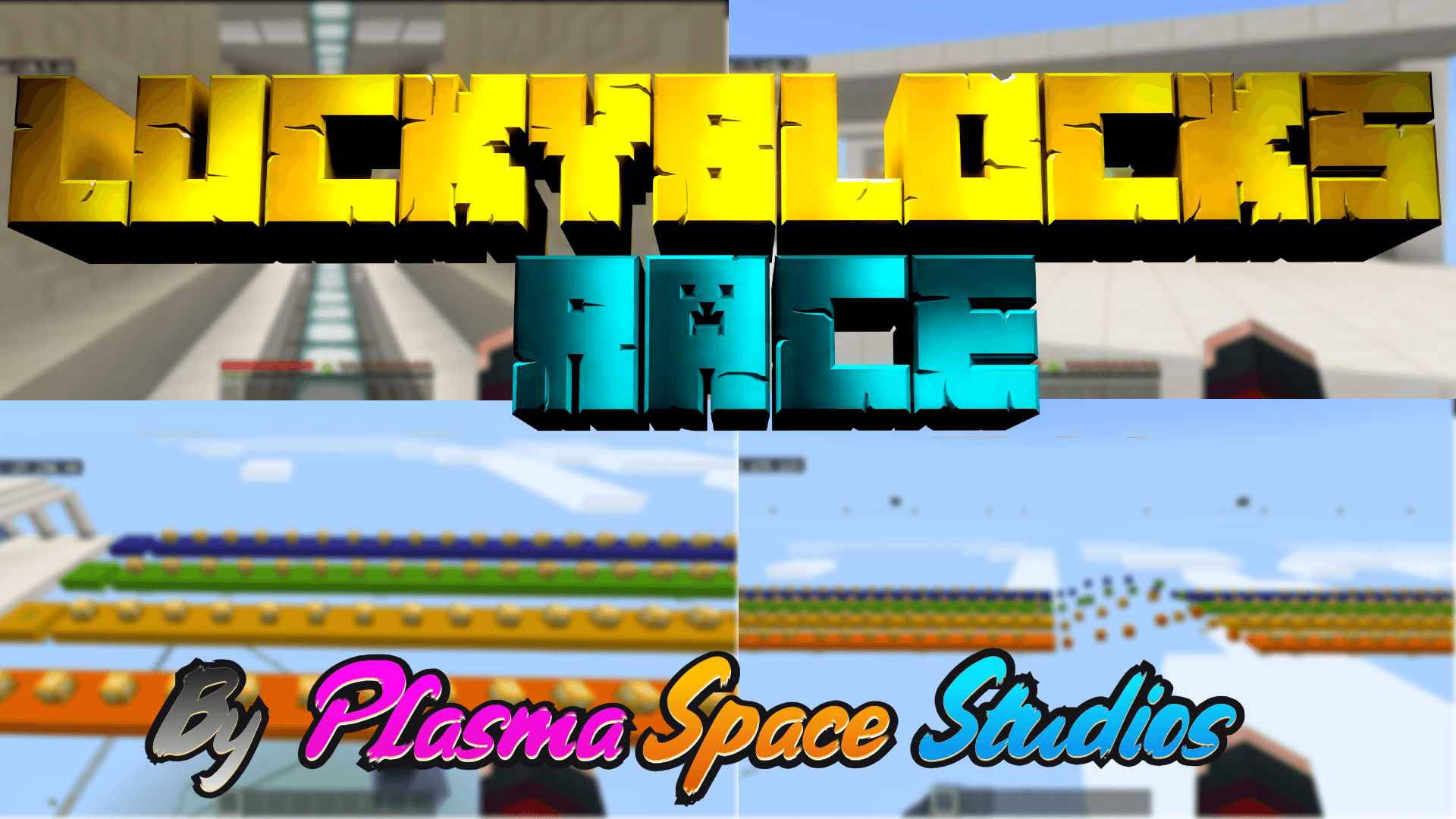
Lucky Block Race (two levels)
BedrockMapParkourby FantasyMinecraft
About this map
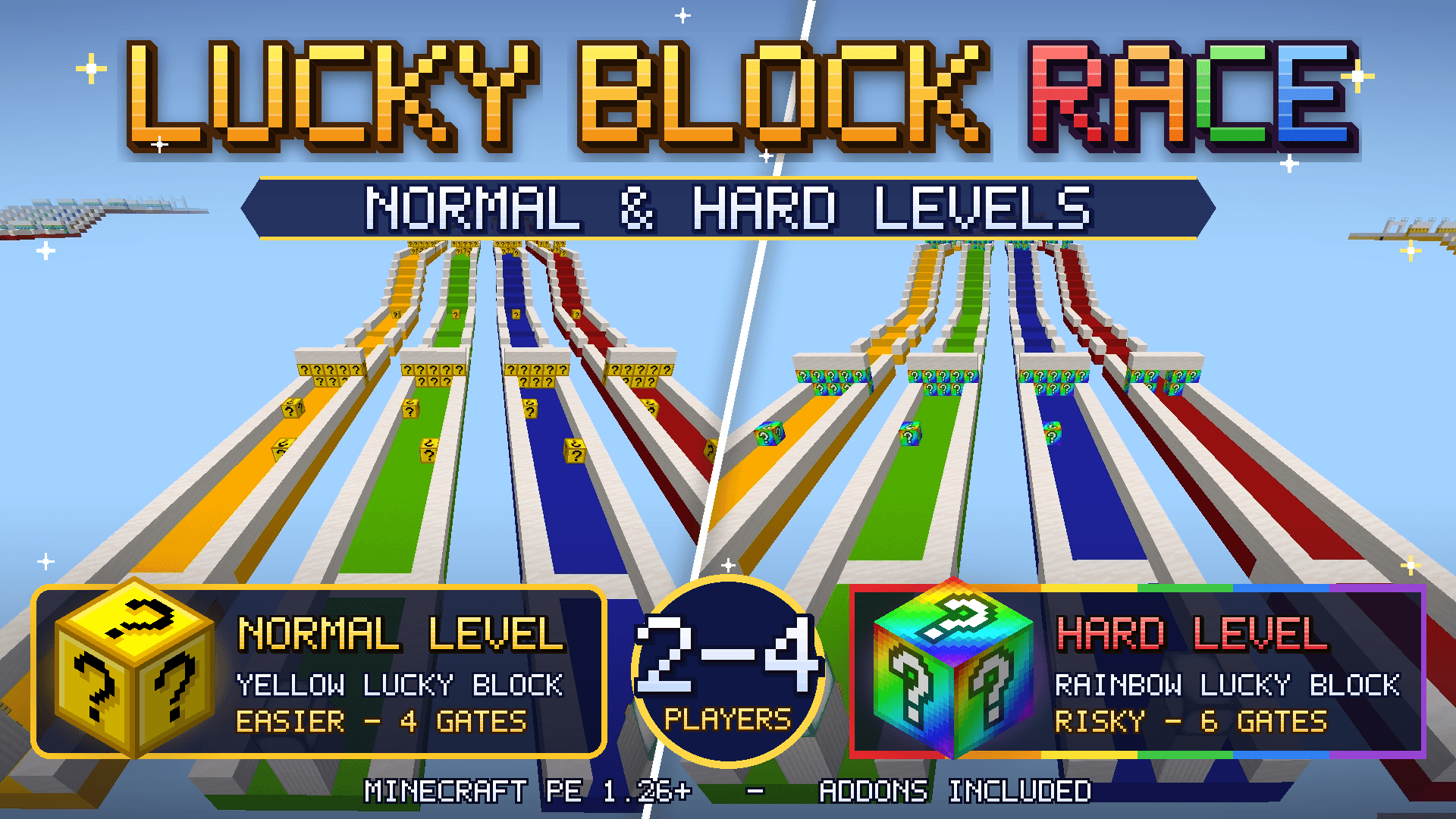
Race your friends in Lucky Block Race, a Minecraft Bedrock/PE minigame featuring 4 colorful racing lanes, unpredictable Lucky Blocks, and two exciting difficulties: Normal and H...
Read the author’s full description (248 words)
Written by FantasyMinecraft.
🍀 Lucky Block Race
Minecraft Bedrock Edition / MCPE • Minigame World • 2–4 Players
Get ready for an unpredictable race where every Lucky Block could change everything! 🏁
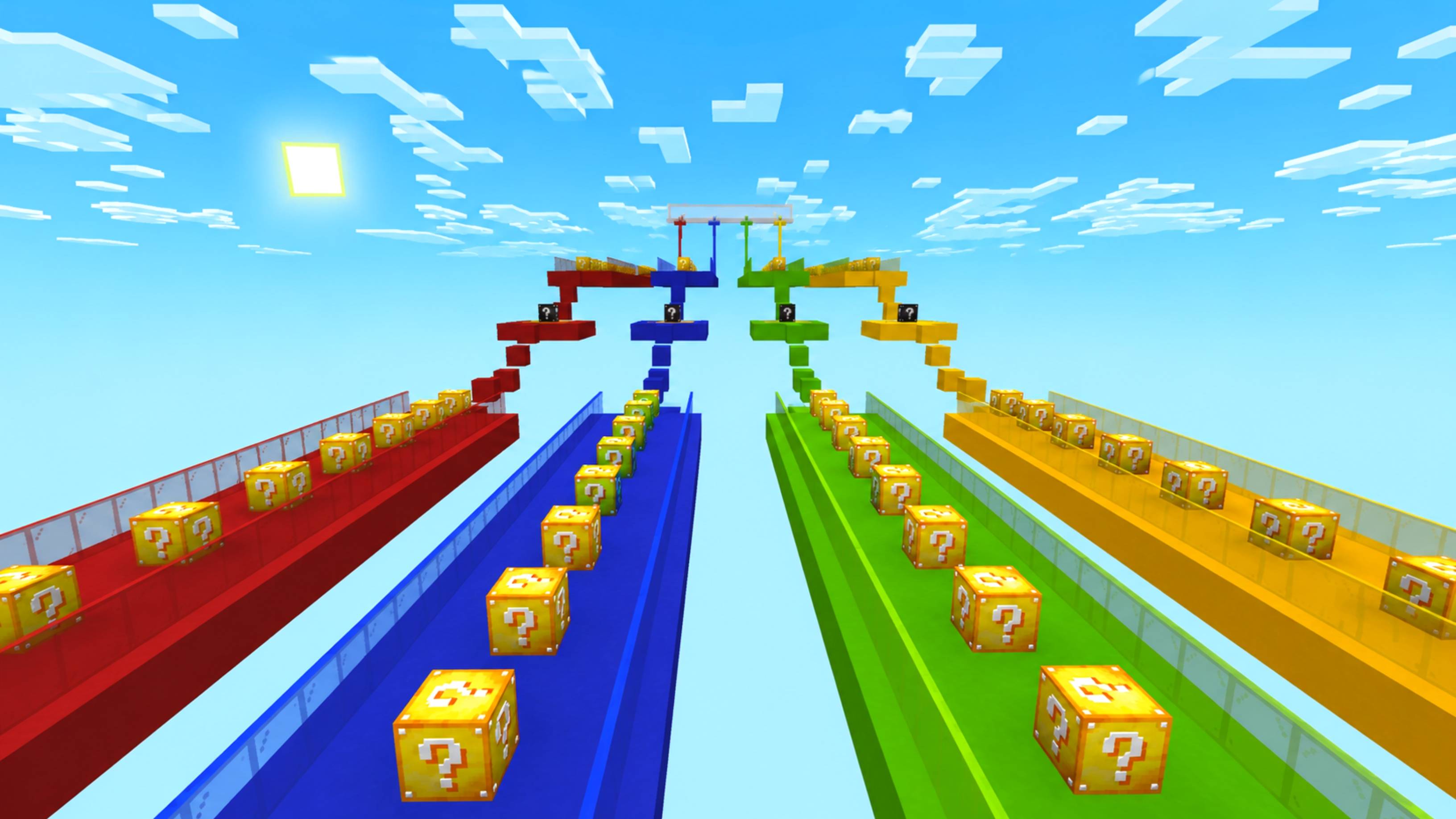
Lucky Block Race is a multiplayer racing minigame for Minecraft Bedrock Edition in which you compete against your friends across four colorful lanes filled with mysterious Lucky Blocks. Break the blocks, face random events, overcome obstacles, and try to reach the finish line before everyone else!
🎮 FEATURES
• 4 colorful racing lanes: yellow, green, blue, and red
• Two game modes: Normal and Hard
• Yellow Lucky Blocks in Normal mode
• Rainbow Lucky Blocks in Hard mode
• Multiplayer for 2–4 players
• Random rewards, surprises, mobs, and hazards
• Checkpoints to recover after falling
• Automatic race results
• Replayable competitive gameplay
🟡 NORMAL MODE
A more beginner-friendly challenge with helpful rewards, neutral surprises, and occasional hazards.
🌈 HARD MODE
Face more dangerous random events and a longer course. Every block could put your victory at risk!
👥 HOW TO PLAY
1. Invite your friends and enter the race lobby.
2. Choose Normal or Hard mode.
3. Wait for the countdown.
4. Run through your lane and break the Lucky Blocks.
5. Survive the surprises and use checkpoints.
6. Reach the finish line first to claim victory!
📦 INFORMATION
• Game: Minecraft Bedrock Edition / MCPE
• Players: 2–4
• Modes: Normal and Hard
• Custom Lucky Block systems and race mechanics
• Addons included with the world
💥 Gather your friends, choose your difficulty, and discover who has the best luck!
Download Lucky Block Race and let the race begin! 🏁🍀
Images
How to install
- Download the file below. On iOS or Android, open it from your Downloads with Minecraft; on Windows, double-click it.
- A .mcworld opens straight into your worlds list, ready to play.
- Playing on a Realm or server? Everyone needs the same packs, and the host has to enable them.
Advertisement