Lucky Blocks world
BedrockMapAdventureby Hyubi
About this map
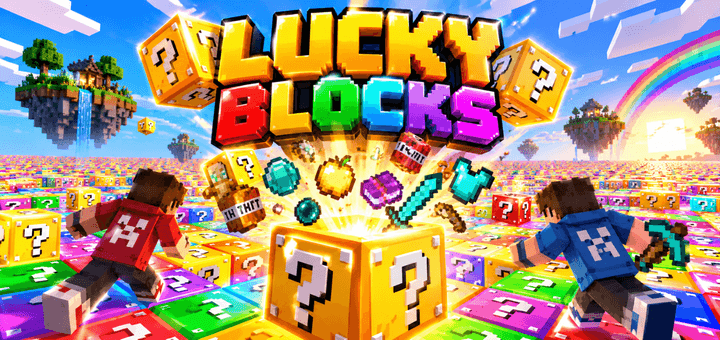
Jump into a colorful world of surprises with Lucky Blocks, where every block can reveal useful items, rare rewards, crazy loot, or complete chaos. Break the blocks, collect what...
Read the author’s full description (229 words)
Written by Hyubi.
Lucky Blocks
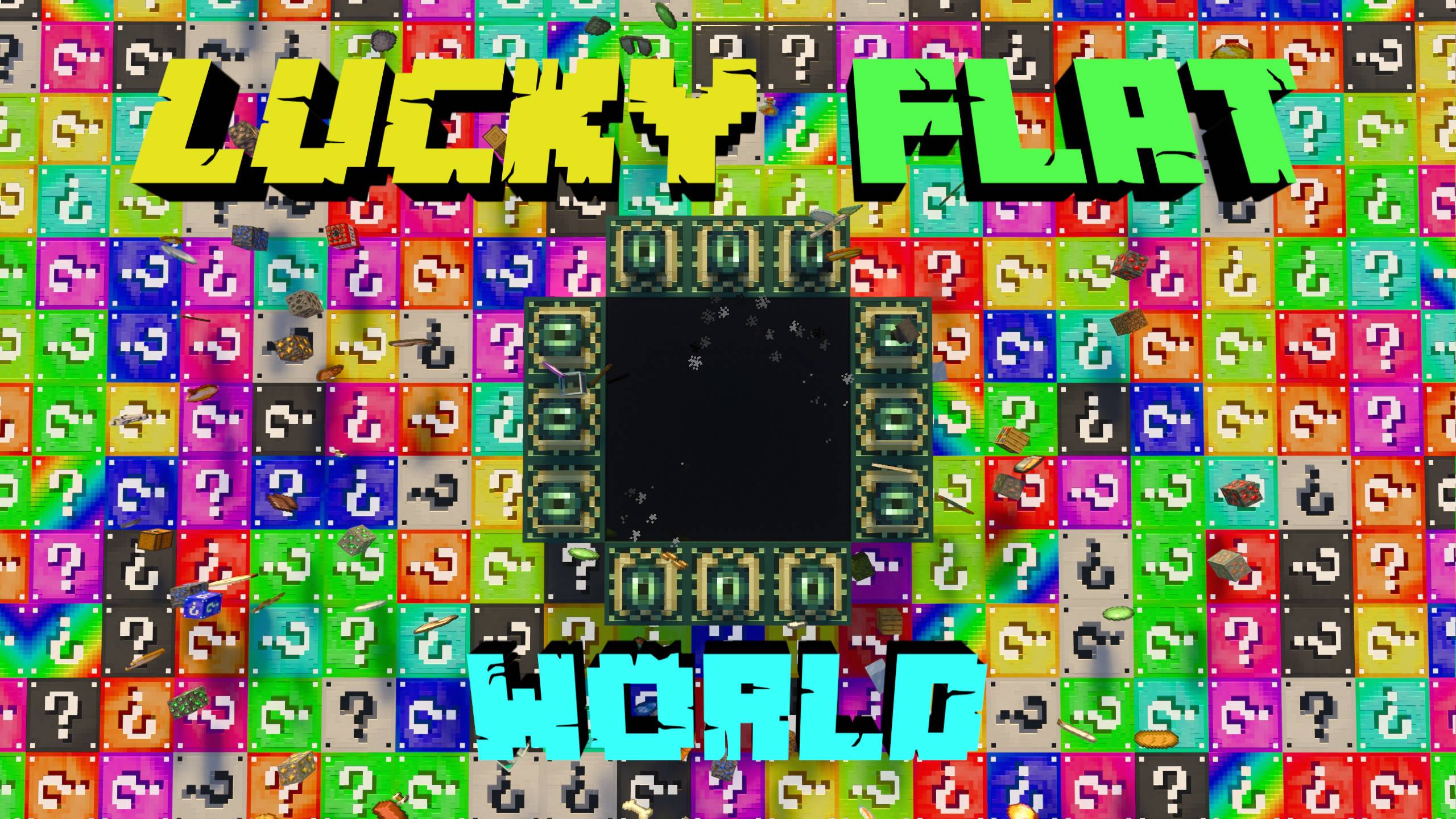
Get ready for a colorful and unpredictable Minecraft experience with Lucky Blocks! The entire world is filled with different Lucky Blocks, and every block can give you something completely different.
Break the blocks, collect useful items, discover rare rewards, and deal with unexpected surprises. You never know what the next Lucky Block will contain.
🌈 How It Works
The map is covered with many different colored Lucky Blocks. Simply choose a block, break it, and see what happens.
You can receive useful items, equipment, resources, food, special loot, or completely unexpected results. Every block makes the game a little more unpredictable.
🎁 Features
• Many colorful Lucky Blocks
• Random items and rewards
• Different surprises from every block
• Huge Lucky Block playing area
• Fun and unpredictable gameplay
• Great for playing alone or with friends
• Perfect for challenges and multiplayer
📊 Scoreboard
The map also includes a scoreboard system that keeps track of your Lucky Block progress while you play.
This makes it easy to compare your score with friends and see who can break the most Lucky Blocks.
⚔️ Challenge Your Friends
Play together and turn the map into your own Lucky Block competition. Break as many blocks as possible, collect the best loot, and see who gets the luckiest rewards.
But remember: not every Lucky Block has to be helpful. 👀
Break the blocks. Collect the loot. Test your luck! 🌈❓🎁
Have Fun Playing!
What’s new in the latest update
The author’s notes for the file uploaded .
I added new Lucky Block drops!
How to install
- Download the file below. On iOS or Android, open it from your Downloads with Minecraft; on Windows, double-click it.
- Minecraft imports the pack automatically. Enable it in your world’s settings under Behavior Packs or Resource Packs; an add-on usually needs both.
- A .mcworld opens straight into your worlds list, ready to play.
- Playing on a Realm or server? Everyone needs the same packs, and the host has to enable them.
Advertisement