Mike Shader
BedrockTexture packRealisticby ItzzMikey
Part of:Best shaders & Vibrant Visuals packs
- Rating
- 3.7 / 5
- Downloads
- 20,801 downloads
- Last update
- Updated
- Published on
- Published on MCPEDL
About this texture pack
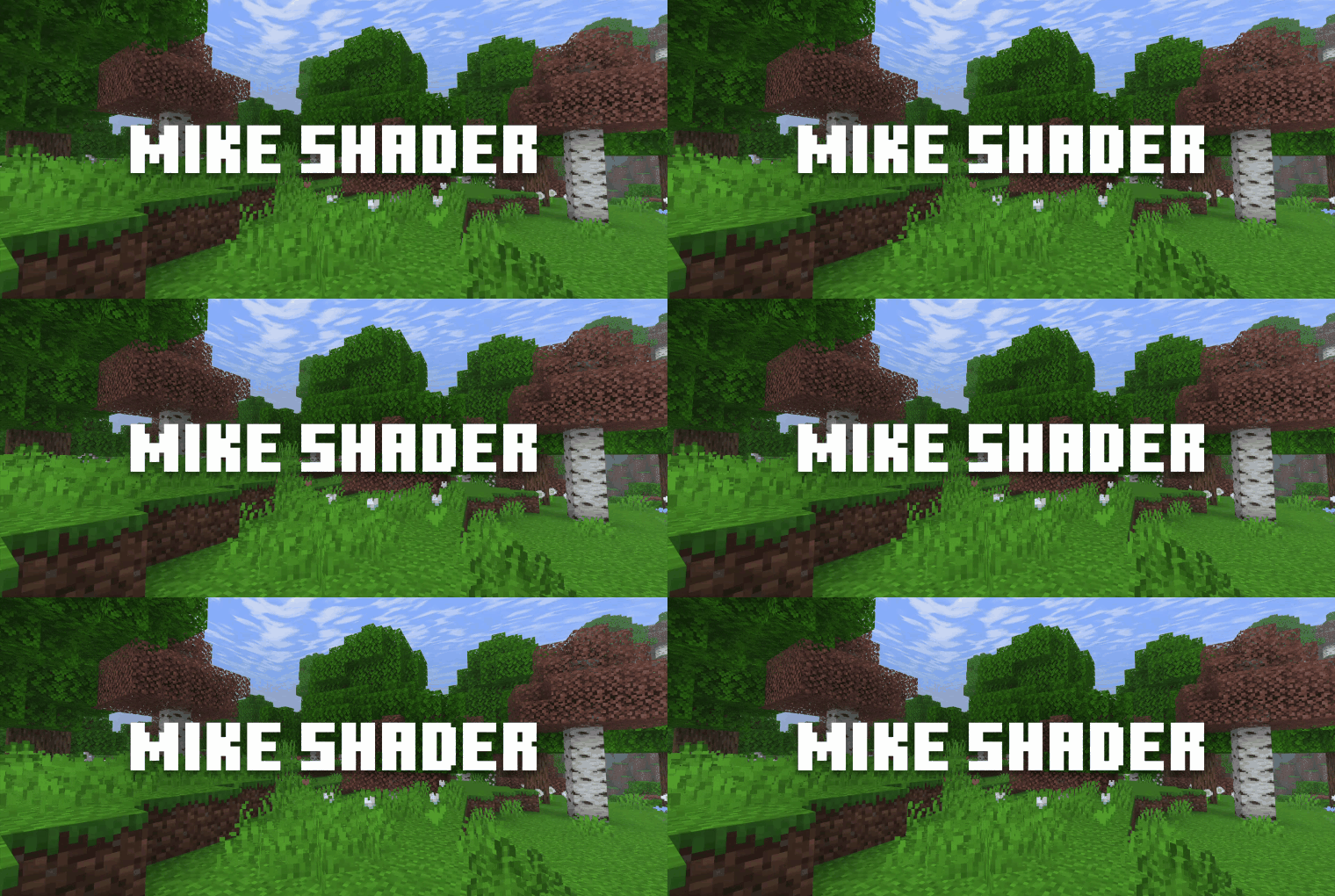
Mike Shader is a single resource pack for Minecraft Bedrock that changes how plants, the sky, fog and fire look. Its author says it runs without the Vibrant Visuals toggle, without MB Loader and without a patched game. The files back that up: the pack is made of textures, fog settings and biome settings, with no renderer files.
What it adds
What is in the pack
The download holds 181 files in one resource pack. The files are textures, fog definitions, a biomes_client.json and a flipbook_textures.json.
- 144 block textures, plus 8 colormap files, 4 environment textures and 1 particle texture.
- 2 fog definitions.
- A biomes_client.json file, which sets water colour and fog per biome.
- A flipbook_textures.json file, so some textures are animated.
Sky options
The pack has three subpacks. You pick one with the gear icon on the pack in your world's resource pack list, and you can change it later.
| Option | Pack |
|---|---|
| No Custom Sky | Mike Shader |
| Cloud Sky | Mike Shader |
| Aurora Sky | Mike Shader |
Requirements and compatibility
- Minimum game version in the manifest: 1.16.100. That is the lowest version the pack declares, not a promise for every later release.
- One resource pack only. There is no behavior pack, no script and so no beta script modules.
- The author states that Vibrant Visuals, MB Loader and a patched game are not needed.
- File size: 7.59 MB as one .mcpack.
- The pack replaces vanilla block textures (144 files in textures/blocks), so another texture pack placed above it in the list will override the blocks both packs change.
- The MCPEDL page is posted by Built-by-HALO; the description inside the pack reads "Made by ItzzMikey".
Get started
- Install it: how to install Minecraft Bedrock add-ons covers .mcaddon, .mcpack and .mcworld files on iOS, Android and Windows.
- Activate Mike Shader as a resource pack.
- Tap the gear icon on the pack and choose a sky: No Custom Sky, Cloud Sky or Aurora Sky.
Version history
- Mike_Shader.mcpack (pack version 1.0.1) · The only file on the page, 7.59 MB. The page itself was last edited on 27 August 2026; the author has not published a changelog.
Compared with similar packs
- Complementary Unbound CloudsComplementary Unbound Clouds is a larger download (20.43 MB) that only ships 7 environment textures and needs Minecraft 1.21.120 or newer. Mike Shader declares 1.16.100 and changes blocks, fog and biomes as well as the sky.
Questions and answers
- Does Mike Shader need Vibrant Visuals?
- The author says no: the Vibrant Visuals toggle, MB Loader and a patched game are all not needed. The pack contains only textures, fog files and biome settings, with no renderer files.
- How do I change the sky in Mike Shader?
- Open the pack's settings with the gear icon and pick one of its three subpacks: No Custom Sky, Cloud Sky or Aurora Sky.
- Which Minecraft version does Mike Shader need?
- Its manifest sets a minimum of 1.16.100. The author has not tagged supported versions on the MCPEDL page.
How we know
The numbers, names and commands on this page were read from the pack’s own files and from MCPEDL on . We did not play it, and we host no copy of it.
Read from: the publisher's page: page · the publisher's page: files · the publisher's page: description · file:Mike_Shader.mcpack · manifest.json · Mike_Shader/manifest.json · Mike_Shader/textures/ · Mike_Shader/fogs/ · Mike_Shader/biomes_client.json · Mike_Shader/textures/flipbook_textures.json
Advertisement
More from ItzzMikey and other shaders & texture packs
- Shaders & Texture packs
Prizma Visuals Legacy (Vibrant Visuals Pack Deferred)
by Al3xis5
- Downloads
- 9.9M
- Rating
- 3.7