One Ocean Block
BedrockMapSurvivalby YouTube: Dante Gaming
About this map
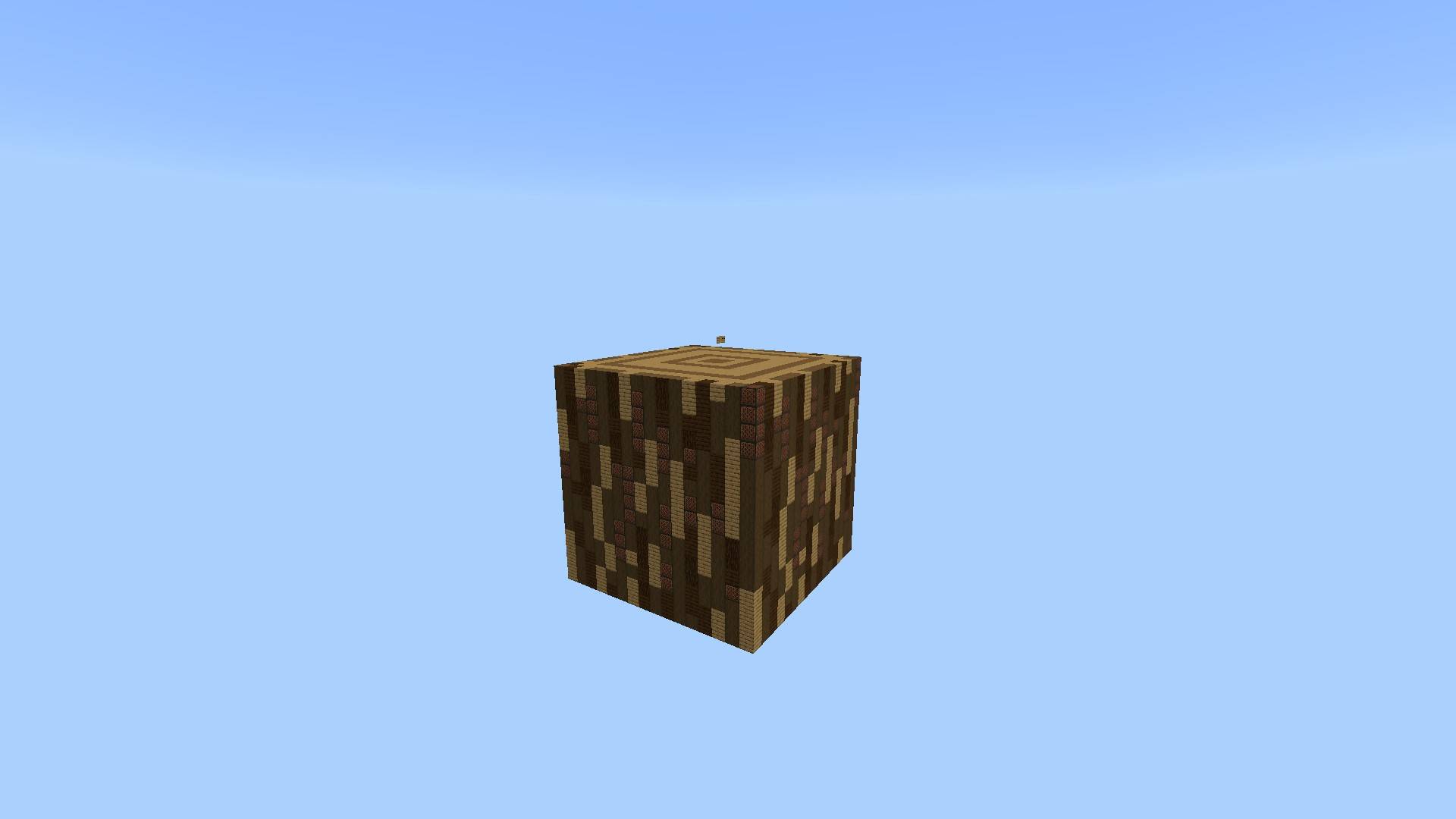
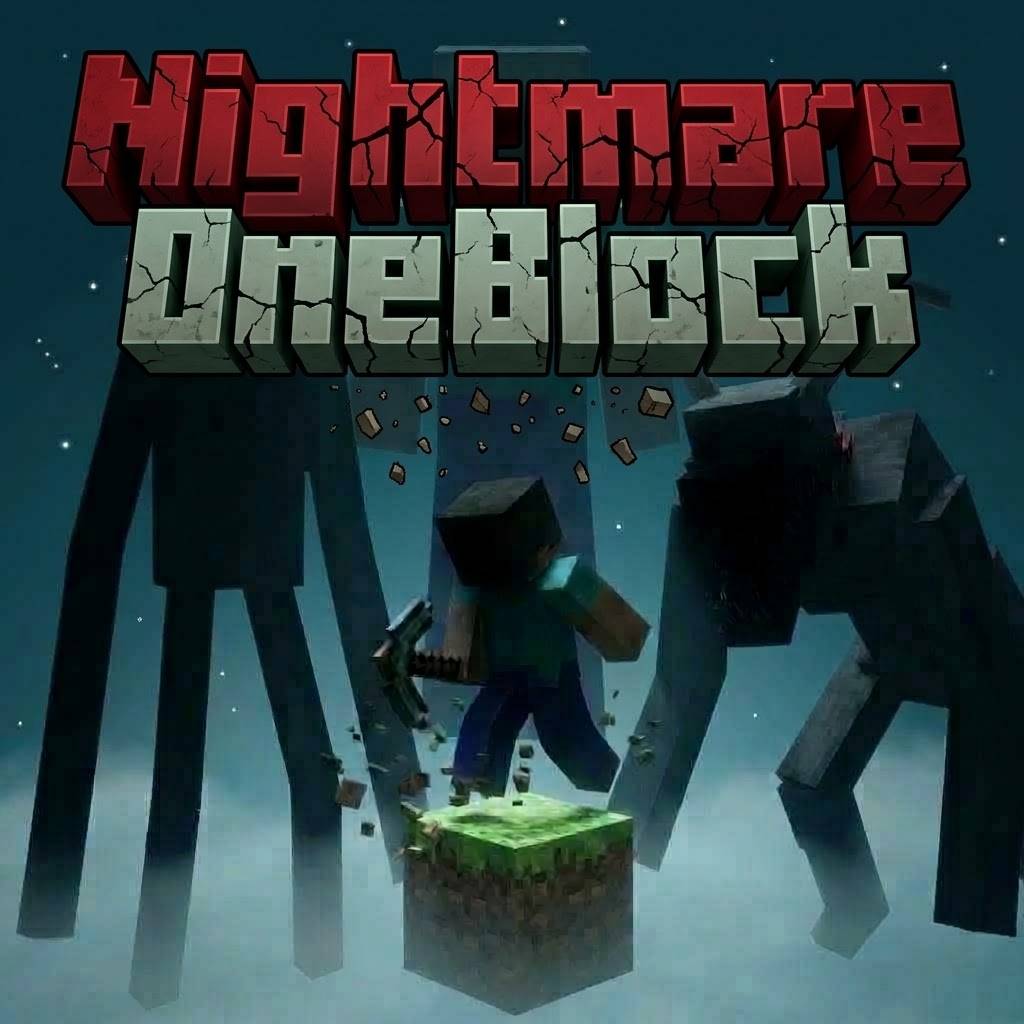
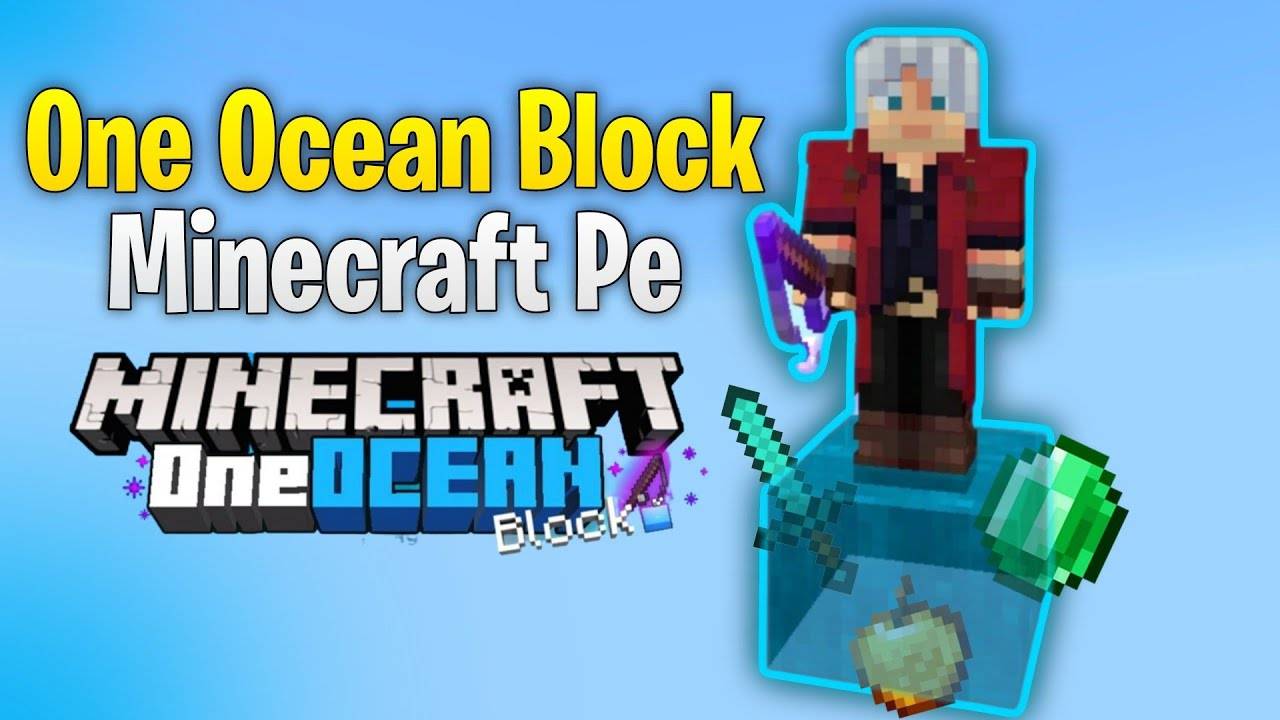
One Ocean Block is a survival map liike one block but here you spawn on a single water block with just a fishing rod. Catch random items like food, blocks, diamonds, and more to...
Read the author’s full description (138 words)
Written by YouTube: Dante Gaming.
About:
One Ocean Block is a survival map like One Block but here You’ll spawn on a single water block with only a fishing rod in hand. Your mission? Survive by fishing for everything you need — from food and blocks to rare items like diamonds and netherite.
Everything required to survive and progress can be obtained through fishing.
Special thanks to BONY162! I used his addon as the base and modified it with his permission.
How to complete:
To complete the challenge, fish until you collect the items needed to build an End Portal, enter the End Dimension, and defeat the Ender Dragon. After that, the map is complete — but you're welcome to continue playing and exploring!
Screenshots:
If you're unsure how it works, no worries — just watch the tutorial video linked below
Follow Me On Instagram:
https://www.instagram.com/dante__gaming?igsh=bml6eDN2dHNlaTk0
What’s new in the latest update
The author’s notes for the file uploaded .
- Added Breeze Rods: You can now craft the Mace and Wind Charges!
- Added Heavy Core: The legendary Mace component is now a rare fishing drop.
- Added Wind Charges: Blast yourself across your island!
- Added Ominous Bottle: Trigger raids or bad omens on demand.
- Added Music Disc (Precipice): New tunes for your island.
- Inventory Cleanup: Removed all specific Dyes (Black, Blue, Brown, Cyan, Gray, Magenta, Yellow) to save inventory space. You can still craft dyes from the flowers you catch.
- Removed Junk: Removed Dead Brain Coral (it was useless).
- Rebalanced Loot: Removed Netherite Block. It was too overpowered for a fishing drop. you must now grind for scraps/debris.
- Fixed Typos: Corrected internal names for 5 items that were previously not dropping at all:
- Enchanted Golden Apple
- Azalea
- Bookshelf
- Cobbled Deepslate
- Glow Berries
Video
How to install
- Download the file below. On iOS or Android, open it from your Downloads with Minecraft; on Windows, double-click it.
- A .mcworld opens straight into your worlds list, ready to play.
- Playing on a Realm or server? Everyone needs the same packs, and the host has to enable them.
Advertisement