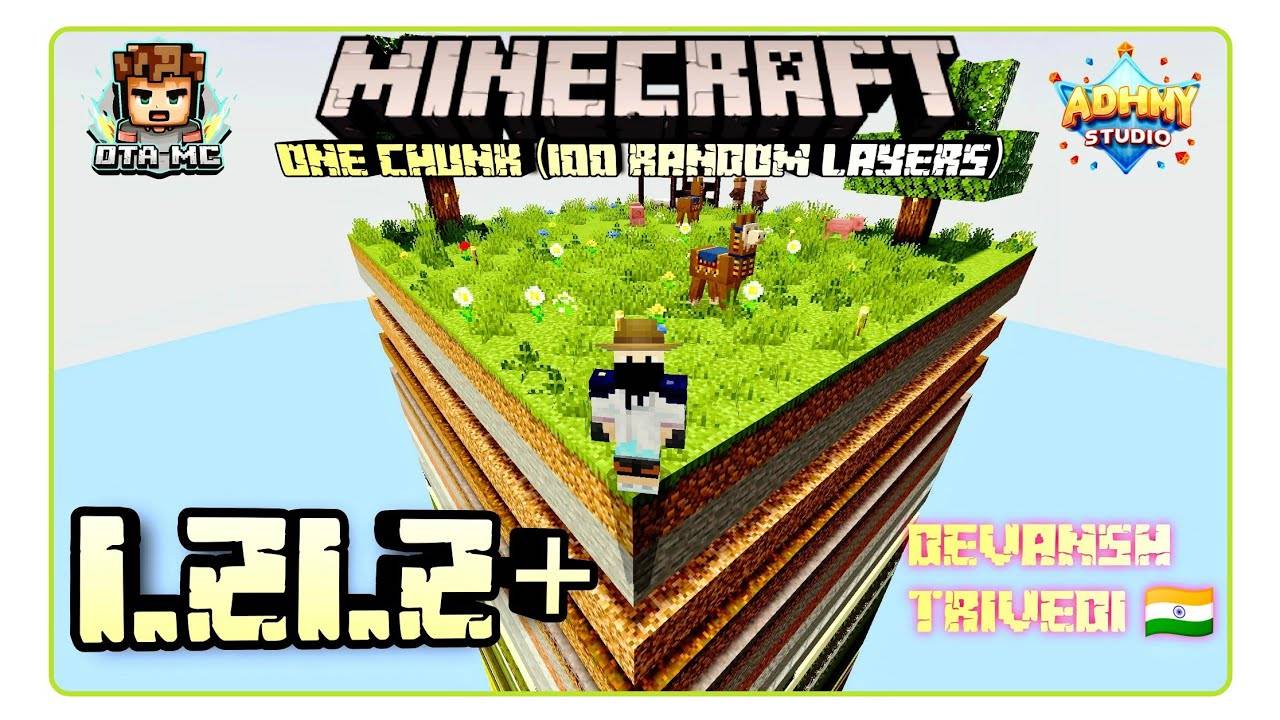
One chunk 100 random layers
BedrockMapAdventureby ІÄ_MÇ
About this map
*One Chunk With 100 Random Layer Map**: A Thrilling Minecraft Survival Challenge
Read the author’s full description (211 words)
Written by ІÄ_MÇ for the MCPEDL post, shown as published.
⛏️ One Chunk With 100 Random Layers
A Unique Minecraft Survival Challenge
About the Map
Welcome to One Chunk With 100 Random Layers, a challenging survival map created by DtA MC.
This map places you inside a single chunk world where 100 different layers are stacked vertically on top of each other.
Each layer contains different blocks, resources, mobs and surprises. Your goal is to descend through all the layers and survive the journey.
The idea was inspired by Anshu Bhist’s famous “100 Days Random Chunk” survival video.
Gameplay Challenge
- Explore 100 survival layers
- Every layer contains unique blocks and resources
- Limited space makes survival more difficult
- Dangerous mobs and hidden surprises appear as you descend
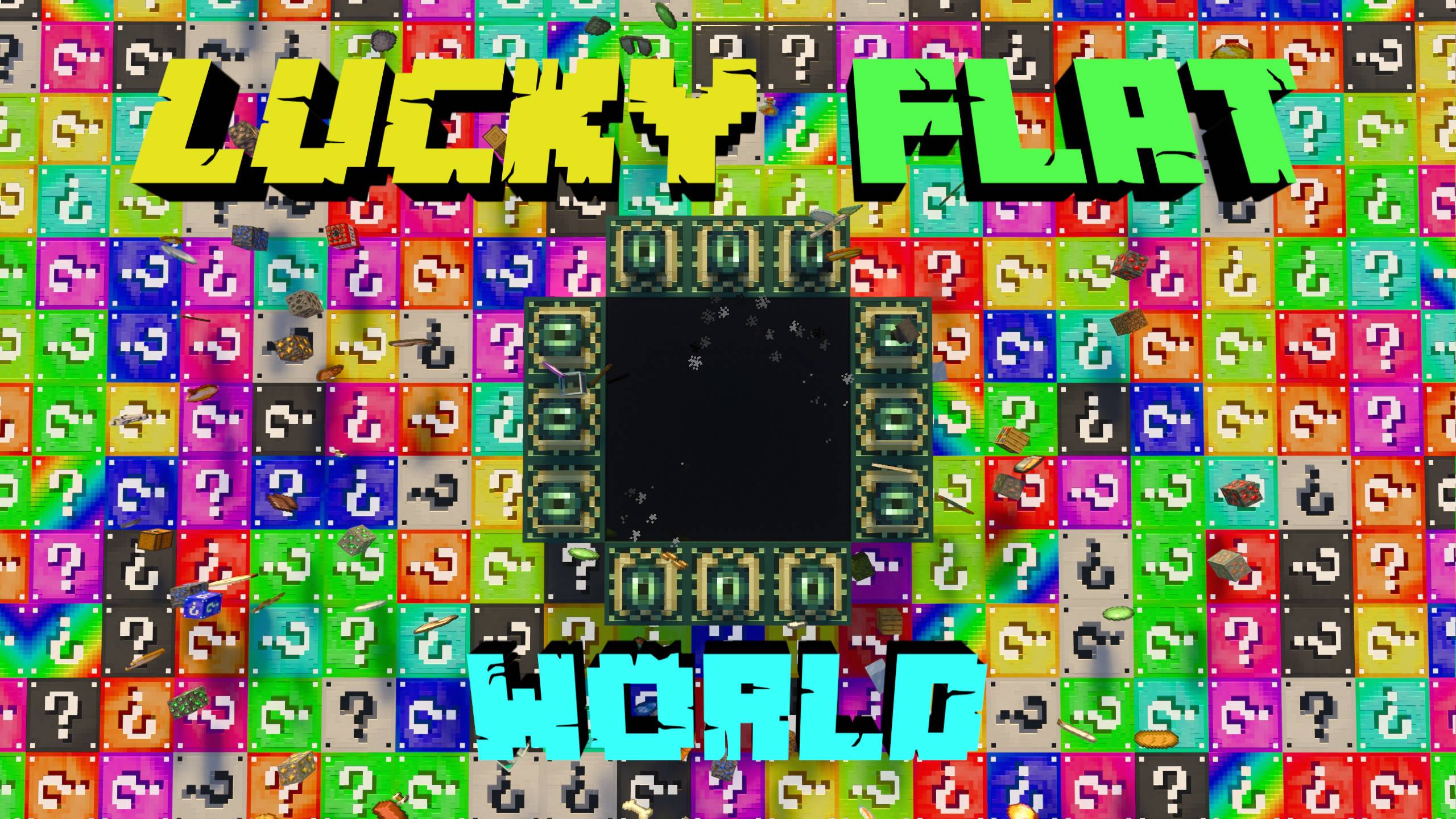
- Reach the End Portal at the bottom to complete the challenge
Screenshots
🌐 Community
Join our Discord ServerFollow on Instagram
Terms & Conditions
- Personal Use Only – You may use or modify the map for personal gameplay but cannot redistribute it.
- Content Creation – Videos are allowed but must include official links: ModBay | CurseForge | MCPEDL | Website
- No Reposting – Do not upload this map on other websites.
- Servers & Realms – Free to use without permission.
- No Commercial Use – Selling this content is not allowed.
- Violations – Any misuse may result in copyright action.
By using this content, you agree to these terms.
What’s new in the latest update
The author’s notes for the file uploaded .
The Big update 1.21.2+ Fix some glitches Add new layers and all block Clear auto ko problem Clear worst promotion title and description Fix some bug but not a all Add promotive new title and annoying Add new layers and blocks and 😱😱😱
Video
How to install
- Download the file below. On iOS or Android, open it from your Downloads with Minecraft; on Windows, double-click it.
- A .mcworld opens straight into your worlds list, ready to play.
- Playing on a Realm or server? Everyone needs the same packs, and the host has to enable them.
Advertisement