One Lucky Block V1.4 | OneBlock Lucky Block | Lastest Version Supported
BedrockMapAdventureby FleetMc Studio
About this map
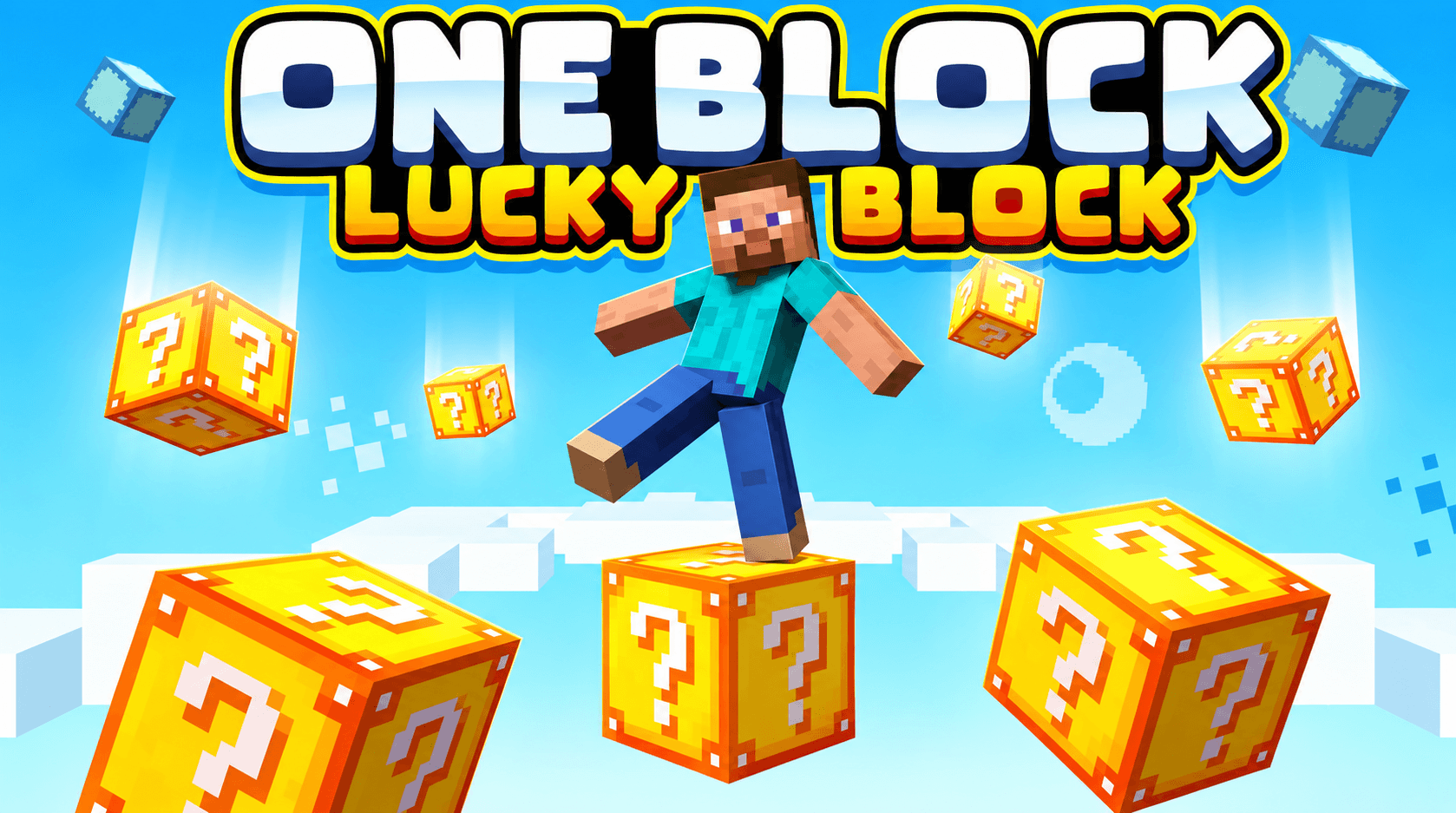
MCPE One Lucky Block is a fun survival map where players break a single Lucky Block to receive random items, structures, and special weapons. Play solo or with friends in multip...
Read the author’s full description (236 words)
Written by FleetMc Studio.
🍀 MCPE One Lucky Block
A fun Lucky Block survival challenge for Minecraft Bedrock Edition!
📖 Summary
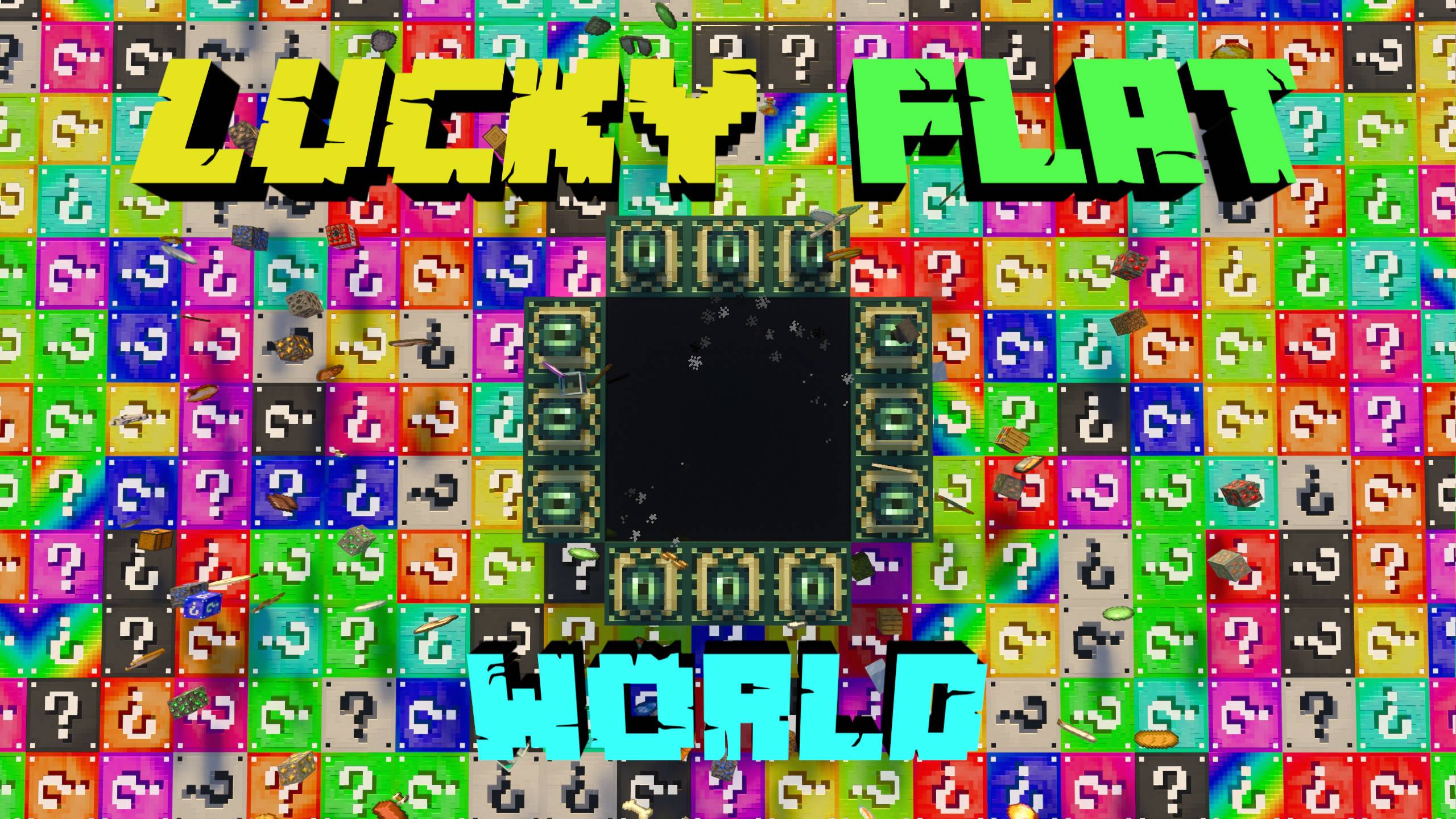
MCPE One Lucky Block is a survival challenge map where players break a single lucky block that generates random items, structures, and special weapons. You can play the map solo or enjoy it with your friends in multiplayer.
Every time you break the block, something new will appear. Sometimes helpful items, sometimes structures, and sometimes surprises that will test your survival skills!
✨ Features
- 🍀 Classic One Lucky Block gameplay
- 🎮 Supports Singleplayer and Multiplayer
- 🎁 Random items when breaking the block
- 🏗️ Random structures generation
- ⚔️ New weapons and useful items
- 🚀 Automatic teleport system
- 🧩 Fun survival progression
🏠 Lobby
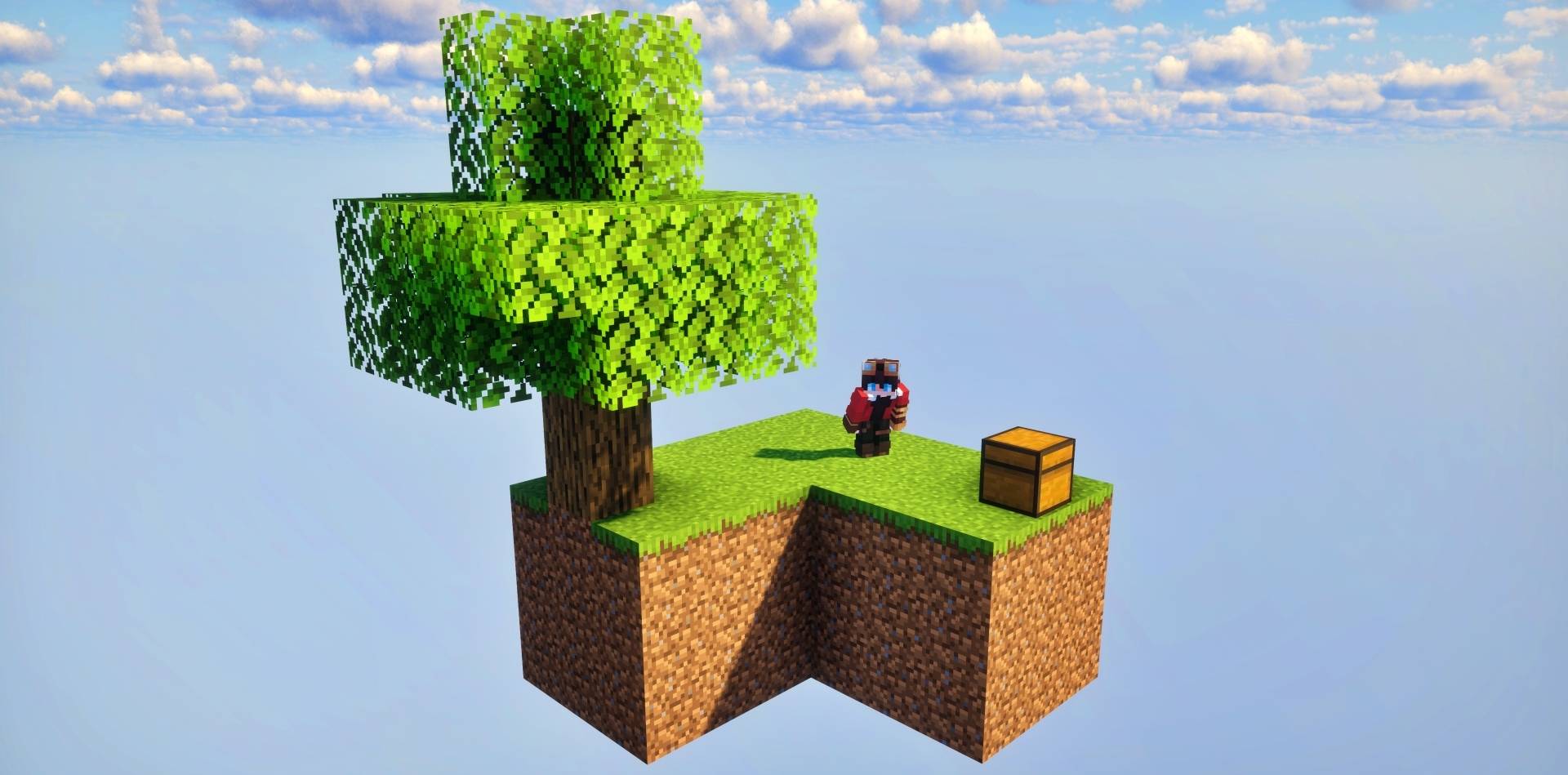
Players first spawn in a Lobby Area where the game begins. From the lobby, players will be automatically teleported to the One Block island where the main challenge starts.
Lobby Preview
🌍 Main Gameplay Area
After teleporting to the island, players must break the Lucky Block to generate resources, structures, and surprises.
Use the items you receive to expand your island, survive the challenges, and progress through the map.
Gameplay Preview
🧑💻 Credits
Map By: FleetMc Studio
Lucky Block Addon: Effect99
The Lucky Block addon belongs to its original creator. I have creator permission to use this addon in this map.
⭐ Give Your Review
If you enjoyed this map, please share your feedback and review. Your opinion helps improve future maps!
🐞 Report a Bug
Made with ❤️ by FleetMc Studio
Images
What’s new in the latest update
The author’s notes for the file uploaded .
Added Some Extra Lucky Block as Gift In Lobby
How to install
- Download the file below. On iOS or Android, open it from your Downloads with Minecraft; on Windows, double-click it.
- A .mcworld opens straight into your worlds list, ready to play.
- Playing on a Realm or server? Everyone needs the same packs, and the host has to enable them.
Advertisement