Roblox
BedrockSkin packPlayersby d_de_diego_d
About this skin pack
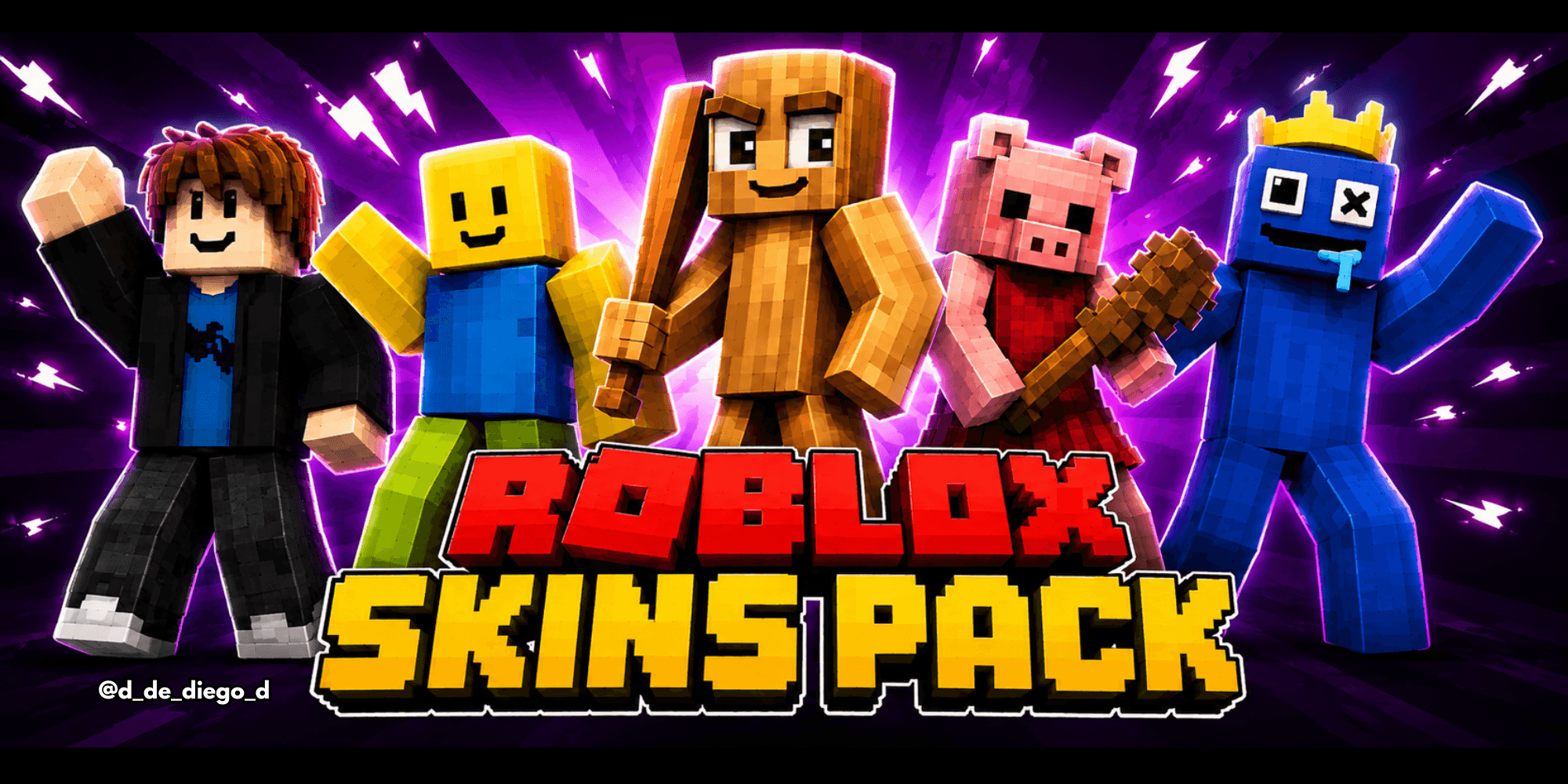
Bring Roblox to Minecraft! 🎮🔥 Play as characters from Rainbow Friends, DOORS, Piggy, Noobs, Brainrot and many more!
Read the author’s full description (129 words)
Written by d_de_diego_d.
Roblox
ENGLISH
Bring the Roblox universe to Minecraft with Roblox Skins! 🎮🔥 This skin pack features characters and styles from some of the most popular Roblox games and trends, including Rainbow Friends, DOORS, Piggy, Defaults, Noobs, Brainrot and much more.
✨ Features:
- 🌈 Rainbow Friends
- 🚪 DOORS
- 🐷 Piggy
- 🧑 Roblox Defaults
- 🟨 Noobs
- 🧠 Brainrot
- 🎮 And many more Roblox characters and styles!
- 🆕 More skins coming soon
By @d_de_diego_d
ESPAÑOL
¡Lleva el universo de Roblox a Minecraft con Roblox Skins! 🎮🔥 Este skin pack reúne personajes y estilos de algunos de los juegos y tendencias más populares de Roblox, incluyendo Rainbow Friends, DOORS, Piggy, Defaults, Noobs, Brainrot y mucho más.
✨ Características:
- 🌈 Rainbow Friends
- 🚪 DOORS
- 🐷 Piggy
- 🧑 Roblox Defaults
- 🟨 Noobs
- 🧠 Brainrot
- 🎮 ¡Y muchos más personajes y estilos de Roblox!
- 🆕 Nuevas skins próximamente
By @d_de_diego_d
© TRIDEX 2026 - All Rights Reserved
Images
How to install
- Download the file below. On iOS or Android, open it from your Downloads with Minecraft; on Windows, double-click it.
- Minecraft imports the pack automatically. Enable it in your world’s settings under Behavior Packs or Resource Packs; an add-on usually needs both.
- Skin packs show up in the dressing room: Profile → Edit character → Owned.
- Playing on a Realm or server? Everyone needs the same packs, and the host has to enable them.
Advertisement