SRG's Voxel Skin Pack
BedrockSkin packPlayersby SRG64
About this skin pack
Voxel only 4D skin pack
Read the author’s full description (203 words)
Written by SRG64.
Hi, I'm SRG64. I've made another 4D skin pack!
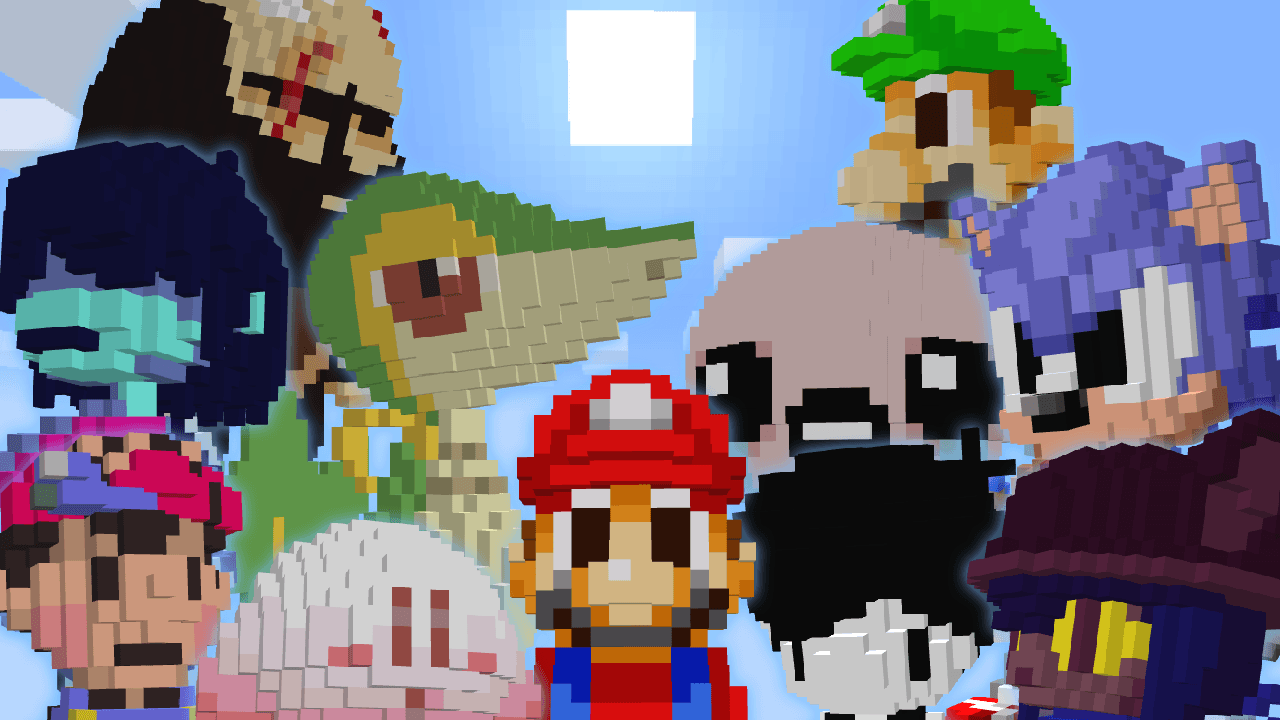
This skin pack is made only with voxel (3D pixel art) !!
v1.4 Skin Pack List
These skins are created by voxelizing pixel art, so each one takes time to make.
It's pretty much like this↑↑
This skin pack overwrites “1st Animal Friends” when used. Please download this skin pack from the Marketplace before installing it.
How to Install
This file is an mcpack, but you must rename it to a zip file, extract it, and then proceed with the work.
Installation on iOS
Open the file app, move to "On My iPhone => Minecraft => internal => premium_cache => skin_packs" and delete all files. Then rename the mcpack to zip, move the extracted files into "skin_packs" This completes the installation.
Installation on Windows 10 / 11
Press win R and paste "%appdata%\Minecraft Bedrock\premium_cache\skin_packs" and run. Delete all files inside "skin_packs" Then rename the mcpack to zip, move the extracted files into "skin_packs" This completes the installation.
For other descriptions, please refer to the readme_en.txt file in the folder.
This does not work on The Hive.
Do not distribute it. Please share it via the CurseForge link.
If you install it as is with mcpack, it will look strange.
Images
How to install
- Download the file below. On iOS or Android, open it from your Downloads with Minecraft; on Windows, double-click it.
- Minecraft imports the pack automatically. Enable it in your world’s settings under Behavior Packs or Resource Packs; an add-on usually needs both.
- Skin packs show up in the dressing room: Profile → Edit character → Owned.
- Playing on a Realm or server? Everyone needs the same packs, and the host has to enable them.
Advertisement