Super Sky Block
BedrockMapAdventureby Spike Studios
About this map
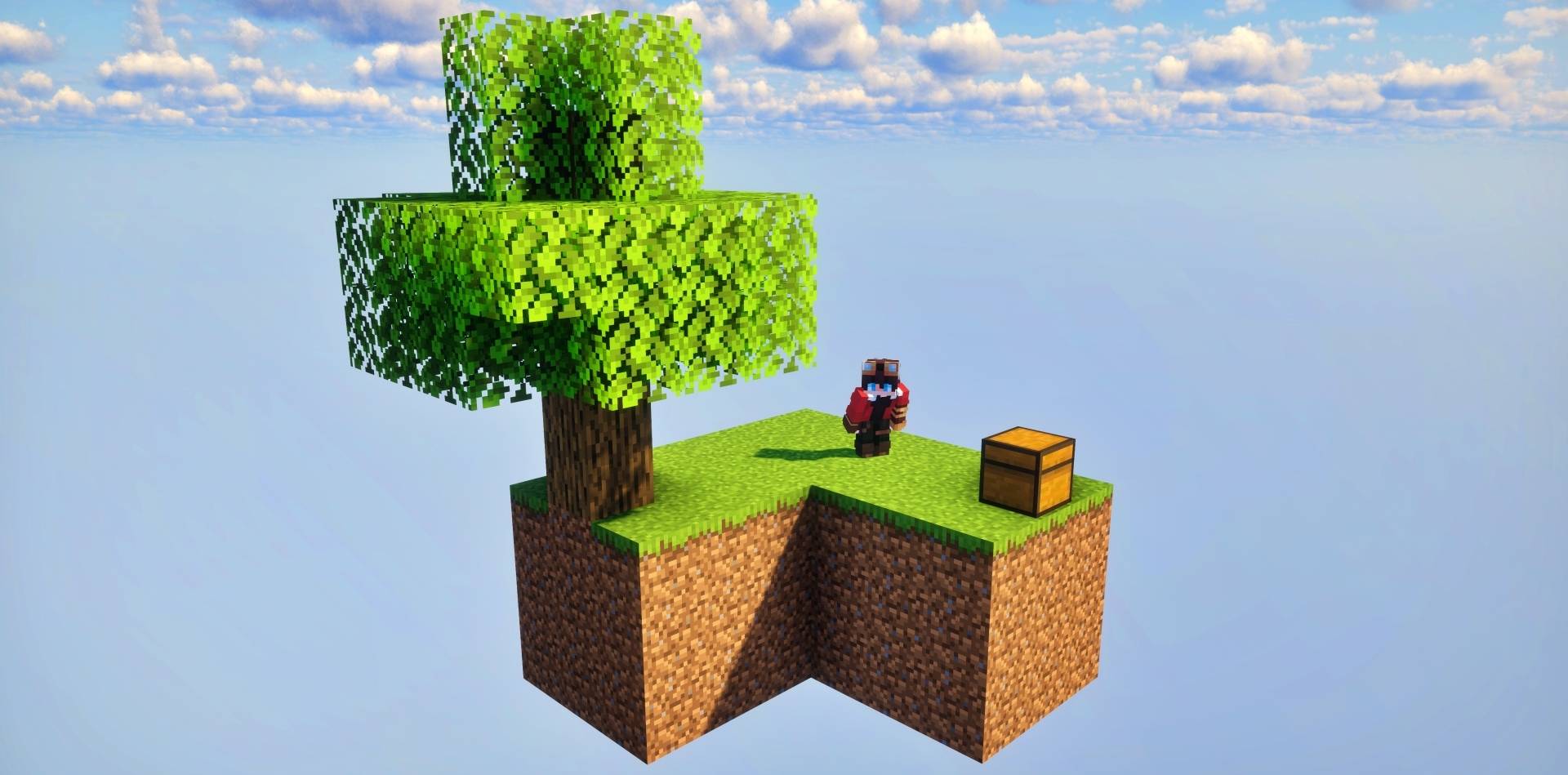
A feature-rich Minecraft Bedrock SkyBlock map with multiple biome islands, challenges, structures, puzzles, multiplayer support, and a custom SkyShop progression system.
Read the author’s full description (461 words)
Written by Spike Studios for the MCPEDL post, shown as published.
Super Sky Block - SkyShop
Survive in the sky, explore unique islands, overcome challenges, and progress through your adventure with the SkyShop!
Super Sky Block expands the classic SkyBlock experience with multiple themed islands, structures, puzzles, enemies, secrets, and a custom progression system designed around exploration and survival.
Start with almost nothing and gradually expand your resources, discover new islands, face dangerous challenges, and build your ultimate base in the sky.
☁️ Features
- Expanded SkyBlock survival experience
- Multiple unique floating islands
- Different biome-themed environments
- Custom structures and exploration areas
- Puzzles and hidden secrets
- Dangerous enemies and challenges
- SkyShop progression system
- Resources and rewards to unlock
- Multiplayer support for up to 3 players
- Designed for Minecraft Bedrock Edition
🌎 Explore the Islands
Super Sky Block is built around exploration.
Instead of staying on a single small island, players can travel between many different floating locations, each featuring its own environment, resources, structures, challenges, and surprises.
Every new island can provide something useful for your survival journey, encouraging you to explore the entire map and discover everything hidden throughout the world.
🛒 SkyShop
The SkyShop adds an additional progression system to the map.
As you gather resources and continue your adventure, the shop allows you to obtain useful items and materials that can help expand your island, prepare for more difficult challenges, and continue progressing.
It gives the traditional SkyBlock experience another long-term goal beyond simply surviving.
⚔️ Challenges & Progression
Super Sky Block is designed to be more than a normal floating survival island.
Throughout the map you will encounter different structures, limited resources, enemies, traps, puzzles, and progression goals.
Exploring new islands becomes an important part of developing your world, unlocking new resources, and preparing yourself for increasingly dangerous areas.
👥 Multiplayer
Super Sky Block - SkyShop supports up to 3 players.
Play alone or bring your friends and work together to gather resources, build your base, explore the islands, and survive the challenges waiting throughout the map.
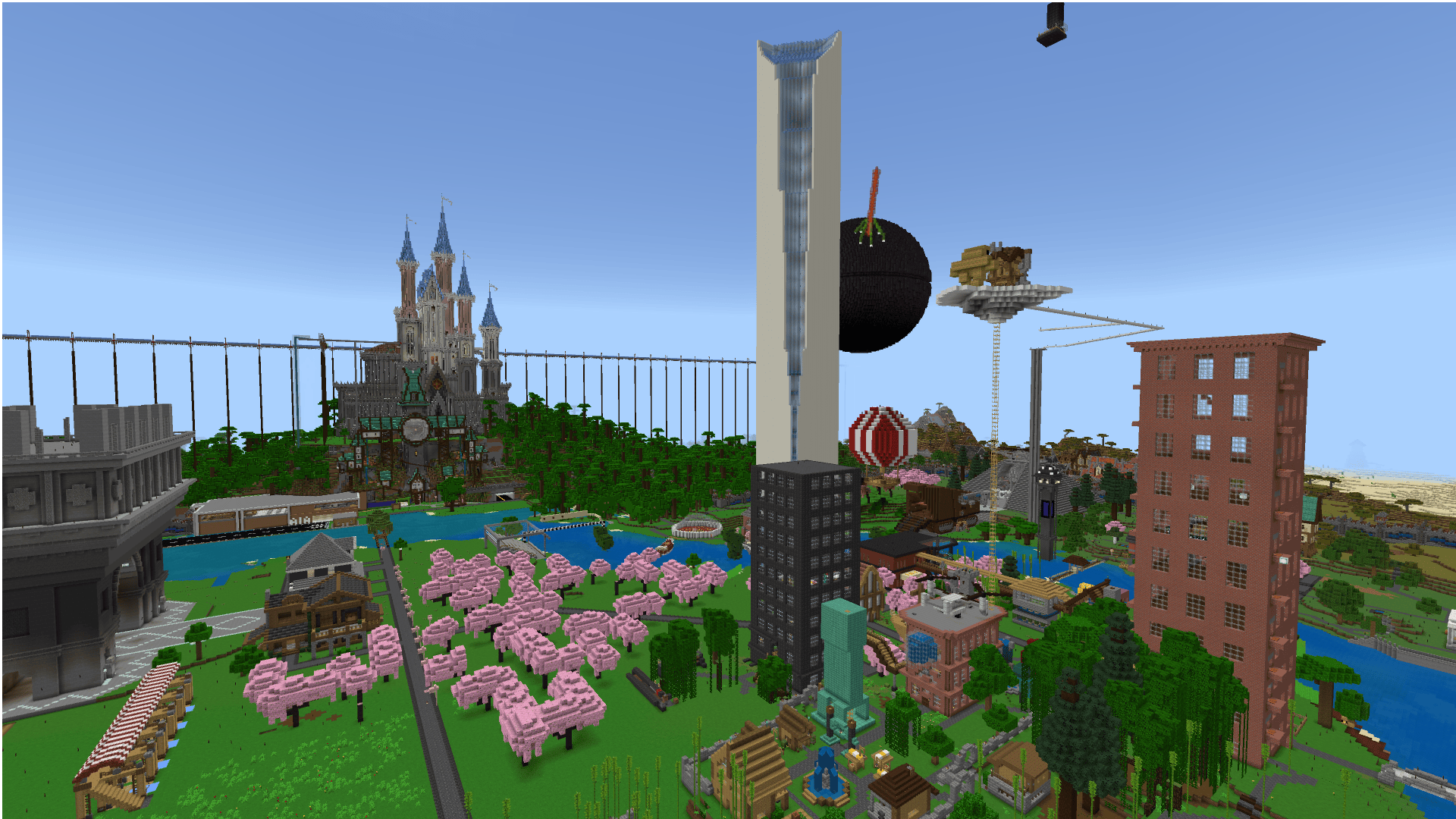
📸 Islands & Map Preview
**Discover the many islands, structures, environments and challenges waiting throughout Super Sky Block.**
| | | | | | | | | | | | | | | | | | | | | | | | | | | | | | | | | | | | | | | | | | | | | | | | | | | | | | | | | | | | | | | | | | | | | | | | | | | | | | | | | | | | | | | | | | | |
_A full look at the islands, structures and environments waiting throughout the map._
📦 Installation
- Download the .mcworld file from CurseForge.
- Open the downloaded file.
- Minecraft should automatically import the world.
- Open your Minecraft Worlds list.
- Select Super Sky Block - SkyShop.
- Enter the world and begin your adventure!
✅ Compatibility
Super Sky Block - SkyShop is made for Minecraft Bedrock Edition.
Check the Files section for the latest tested Minecraft versions and available releases.
🛠️ Credits
Project: Spike Studios
Please do not redistribute the map or its assets without permission.
❤️ Support the Project
If you enjoy Super Sky Block - SkyShop, consider leaving a rating, following the project and checking out my other Minecraft Bedrock creations.
Every download helps support future updates and projects!
Good luck surviving the sky! ☁️✨
Images
How to install
- Download the file below. On iOS or Android, open it from your Downloads with Minecraft; on Windows, double-click it.
- A .mcworld opens straight into your worlds list, ready to play.
- Playing on a Realm or server? Everyone needs the same packs, and the host has to enable them.
Advertisement