Verity PvP
BedrockSkin packPlayersby Hyubi
About this skin pack
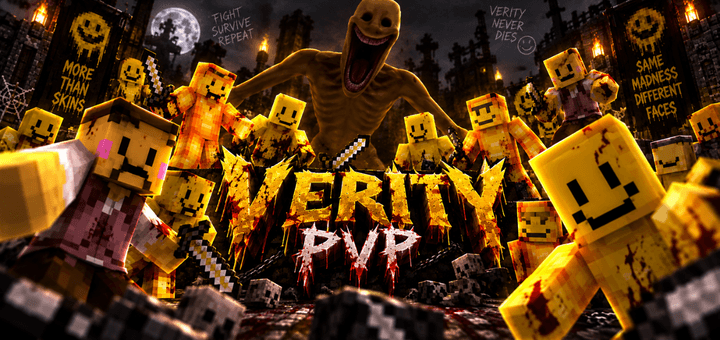
Enter the arena with Verity PvP, a dark horror-themed skin pack featuring eerie yellow characters built for intense battles, creepy multiplayer moments, and unsettling PvP encou...
Read the author’s full description (178 words)
Written by Hyubi for the MCPEDL post, shown as published.
Verity PvP
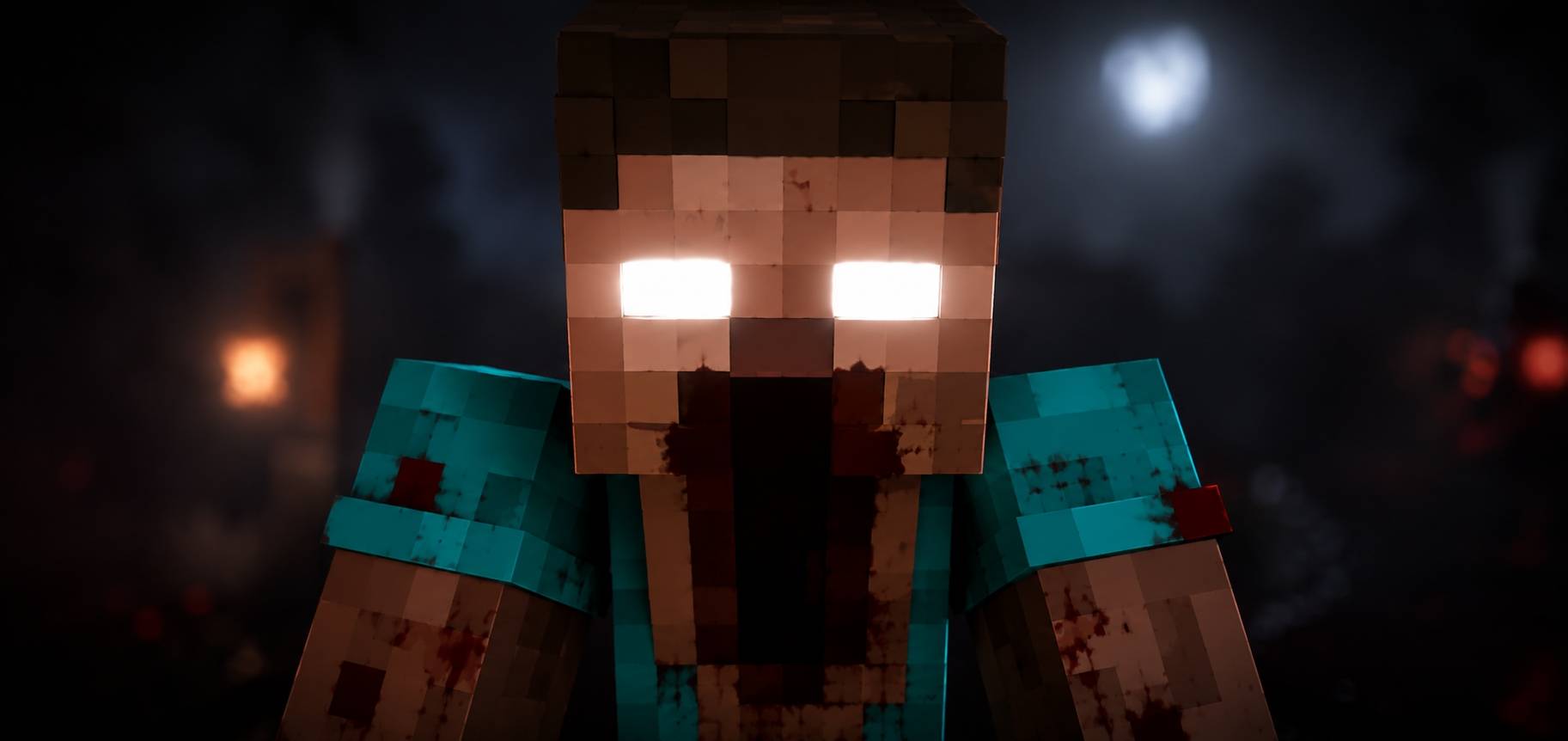
Step into a darker kind of battle with Verity PvP, a horror-inspired Minecraft skin pack built around eerie yellow characters, unsettling faces, and a creepy PvP atmosphere.
The skins are designed to look strange, disturbing, and instantly recognizable while still working well for multiplayer, PvP arenas, SMPs, and horror-themed worlds.
⚔️ What’s Included
• 5 unique Verity-inspired skins
• Creepy yellow character designs
• Different outfits and facial styles
• Perfect for PvP and multiplayer
• Great for horror maps and roleplay
• Disturbing but simple Minecraft-style looks
Some skins appear almost friendly at first, while others have a much more unsettling appearance, making the pack fit perfectly into darker servers and horror scenarios.
👁️ Made for PvP
Use the skins in duels, team fights, survival worlds, or custom arenas. Their bright yellow colors make them easy to recognize during combat while the Verity theme gives every match a strange and creepy feeling.
Whether you are fighting against friends or creating your own horror PvP world, Verity PvP gives your character a unique and unsettling identity.
Enter the arena. Keep smiling. Survive the fight.⚔️🙂💀
How to install
- Download the file below. On iOS or Android, open it from your Downloads with Minecraft; on Windows, double-click it.
- Minecraft imports the pack automatically. Enable it in your world’s settings under Behavior Packs or Resource Packs; an add-on usually needs both.
- Skin packs show up in the dressing room: Profile → Edit character → Owned.
- Playing on a Realm or server? Everyone needs the same packs, and the host has to enable them.
Advertisement