All skins
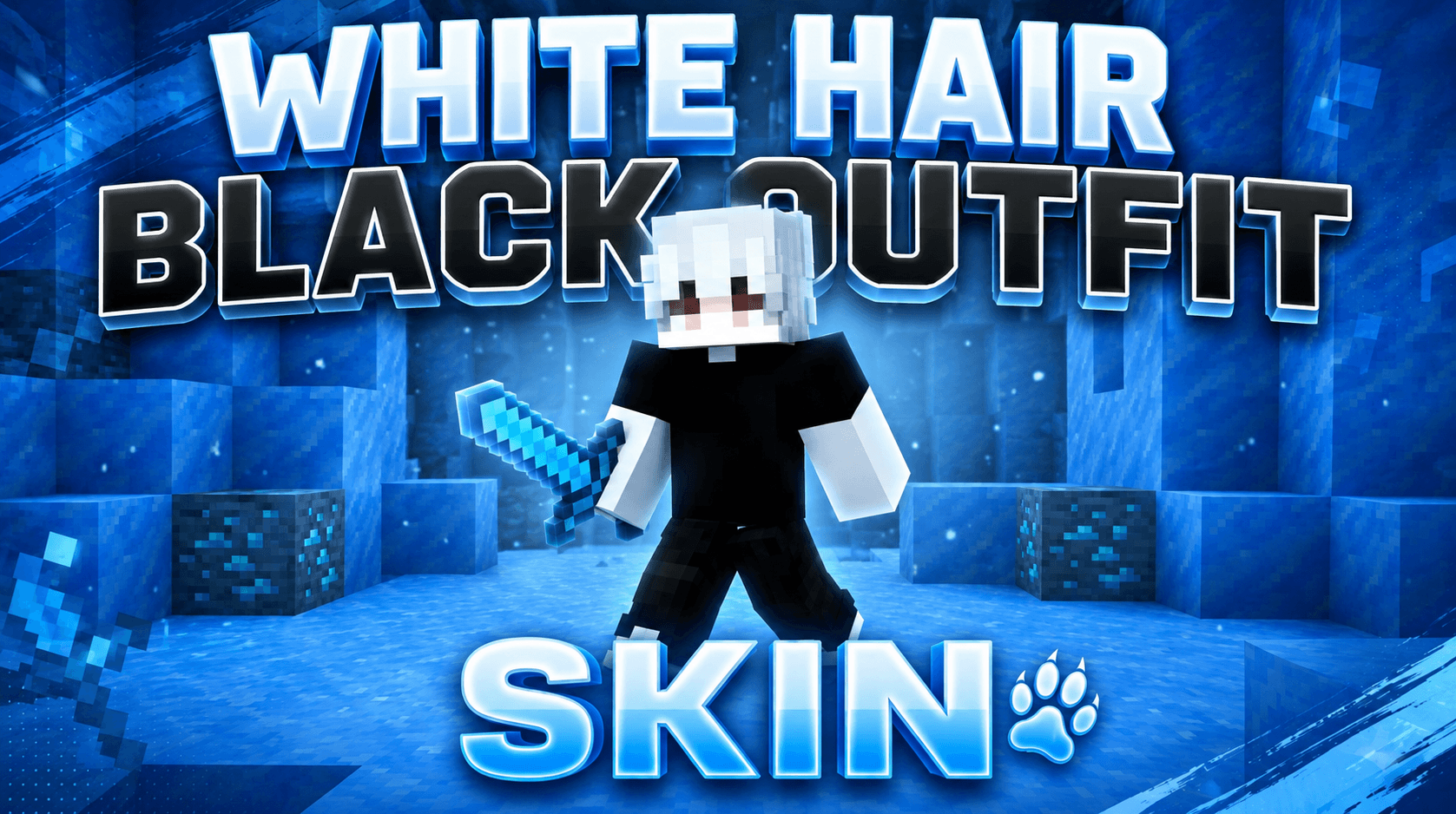
White Hair Black Outfit Skin
BedrockSkin packPlayersby Mcadd182719
About this skin pack
A stylish Minecraft Bedrock skin featuring white hair and a sleek black-and-white outfit.
Read the author’s full description (84 words)
Written by Mcadd182719.
Enhance your Minecraft Bedrock experience with this White Hair Black Outfit Skin. Featuring a clean character design with bright white hair, a monochrome outfit, and a dark modern aesthetic, this skin is perfect for PvP, survival, BedWars, SkyWars, and everyday gameplay.
✨ Features ✔ White hair character design ✔ Black-and-white outfit ✔ Clean pixel-art style ✔ Perfect for Minecraft Bedrock Edition ✔ Great for PvP and survival ✔ Stylish modern appearance
📦 Installation Download the skin file, open it with Minecraft, import the skin, and equip it in the Dressing Room.
Images
How to install
- Download the file below. On iOS or Android, open it from your Downloads with Minecraft; on Windows, double-click it.
- Minecraft imports the pack automatically. Enable it in your world’s settings under Behavior Packs or Resource Packs; an add-on usually needs both.
- Skin packs show up in the dressing room: Profile → Edit character → Owned.
- Playing on a Realm or server? Everyone needs the same packs, and the host has to enable them.
Advertisement