Bland VISUALS
BedrockTexture packRealisticby udgamer
About this texture pack
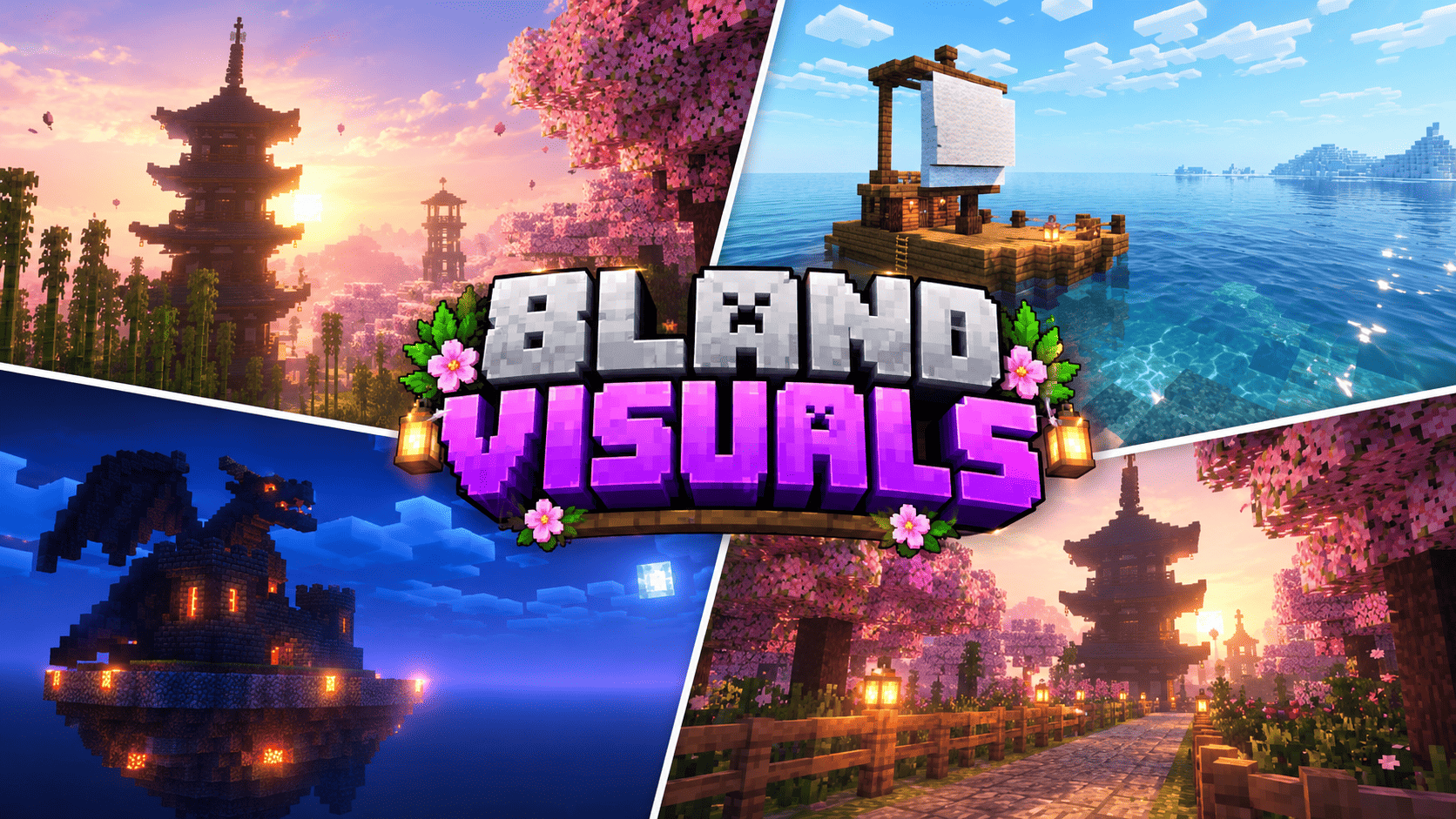
Bland VISUALS turns Minecraft Bedrock into golden hour: a huge glowing sun, blossom-pink skies, god rays through the trees, mirror-clear water and blue moonlit nights. Pure Vibr...
Read the author’s full description (644 words)
Written by udgamer for the MCPEDL post, shown as published.
Bland VISUALS — the light your builds deserved
You know that feeling when you finish a cherry grove base at sunset, fly up for a screenshot, and the sky just… sits there? Flat blue, pale sun, no glow, no mood. Bland VISUALS exists for that exact moment.
Bland VISUALS is a hand-authored lighting pack for Minecraft Bedrock and Pocket Edition, built entirely on the official Vibrant Visuals renderer. It does not replace your blocks, it does not touch your builds, and it does not need any loader. It simply changes the light, the sky, the water and the colour grade so that every biome finally feels like the place you imagined while building it.
A sun worth looking at. The sun is bigger, warmer and physically calibrated. At noon it is clean and bright so you can build comfortably. At sunrise and sunset it drops into a wide amber bloom, spilling light across the horizon and pushing soft golden shafts between your trees, through your windows and under your bridges. Nine different biome moods decide what colour that sunset is: pink over a cherry grove, green-gold in a jungle, amber over badlands, blush over snow.
Skies with a memory. Every biome group carries its own atmosphere recipe — Rayleigh scattering, sun Mie strength, horizon blend stops and sky colours — all written from scratch and keyframed across the whole day. Cross from a blossom grove into a dark forest and the sky quietly shifts from rose to velvet twilight instead of snapping back to vanilla.
Nights that read. Vanilla nights are flat grey; Bland VISUALS nights are deep blue and moonlit. The moon is a high-resolution eight-phase body with craters and a soft halo, moonlight is three times stronger than vanilla, and ambient light is raised from a barely visible 0.03 lux to a usable 0.38–2.30 lux. Torches, lanterns, campfires, soul lights, glowstone, froglights and candles all emit their own authored colours, so a torch-lit path looks like a path and not like a grey corridor.
Water you want to sail on. Six water presets cover ocean, deep ocean, river, swamp, icy and default. Add gentle animated waves and animated caustics on the seabed, and shallow seas turn turquoise while deep oceans fall away into navy. The boat you built last month finally looks like a boat.
Reflections and surfaces. Roughness values are sharpened so screen-space reflections read on stone, wood, polished blocks and, most of all, water. Metal keeps its character, glass stays readable, and wet-looking surfaces catch the sky instead of washing out.
Honest performance. There are no shader programs, no custom models and no texture replacements. Everything is data on the renderer Mojang already ships, so the cost sits close to Vibrant Visuals itself. On a mid-range phone, drop Render Distance and Volumetric Fog to Medium and you still keep the colour, the sun and the sky, because those are atmosphere values rather than post-processing tricks.
What you get
- 109 vanilla biomes mapped across nine lighting worlds plus the Nether
- 11 atmosphere presets, 11 lighting presets, 11 colour grading presets, 11 volumetric fog presets
- Custom 1024×1024 sun and 3072×1536 eight-phase moon, 2048×2048 clouds — all drawn from scratch
- ACES tone mapping with 1.16–1.42 saturation and separate shadow, midtone and highlight grading
- 17 recoloured light blocks, six water types, waves and caustics
Setup takes one minute. Import the .mcpack, open your world settings, activate it under Global Resources, make sure Graphics Mode is set to Vibrant Visuals, and re-enter the world once. Then find somewhere high, wait for the sun to drop, and take the screenshot you came here for.
Made by UDGAMER. Every preset, colour curve, fog definition, light colour and all four sky textures were authored from scratch for this pack. No third-party shader code, presets, textures or models were used. Thanks to the Minecraft Bedrock creator community for keeping custom lighting alive.
Images
How to install
- Download the file below. On iOS or Android, open it from your Downloads with Minecraft; on Windows, double-click it.
- Minecraft imports the pack automatically. Enable it in your world’s settings under Behavior Packs or Resource Packs; an add-on usually needs both.
- Playing on a Realm or server? Everyone needs the same packs, and the host has to enable them.
- Starting a new world? Choose its seed first: the Seed Map shows villages, structures and biomes near spawn for any Bedrock seed.
Advertisement
More texture packs
- Texture packs
Dark Fantasy Visuals (Bedrock Resource Pack)
by Starfish Studios Inc
- Downloads
- 1.4M
- Rating
- 4.0





