All texture packs
Cozy Toon
BedrockTexture packRealisticby RenderPhoenix C.
About this texture pack
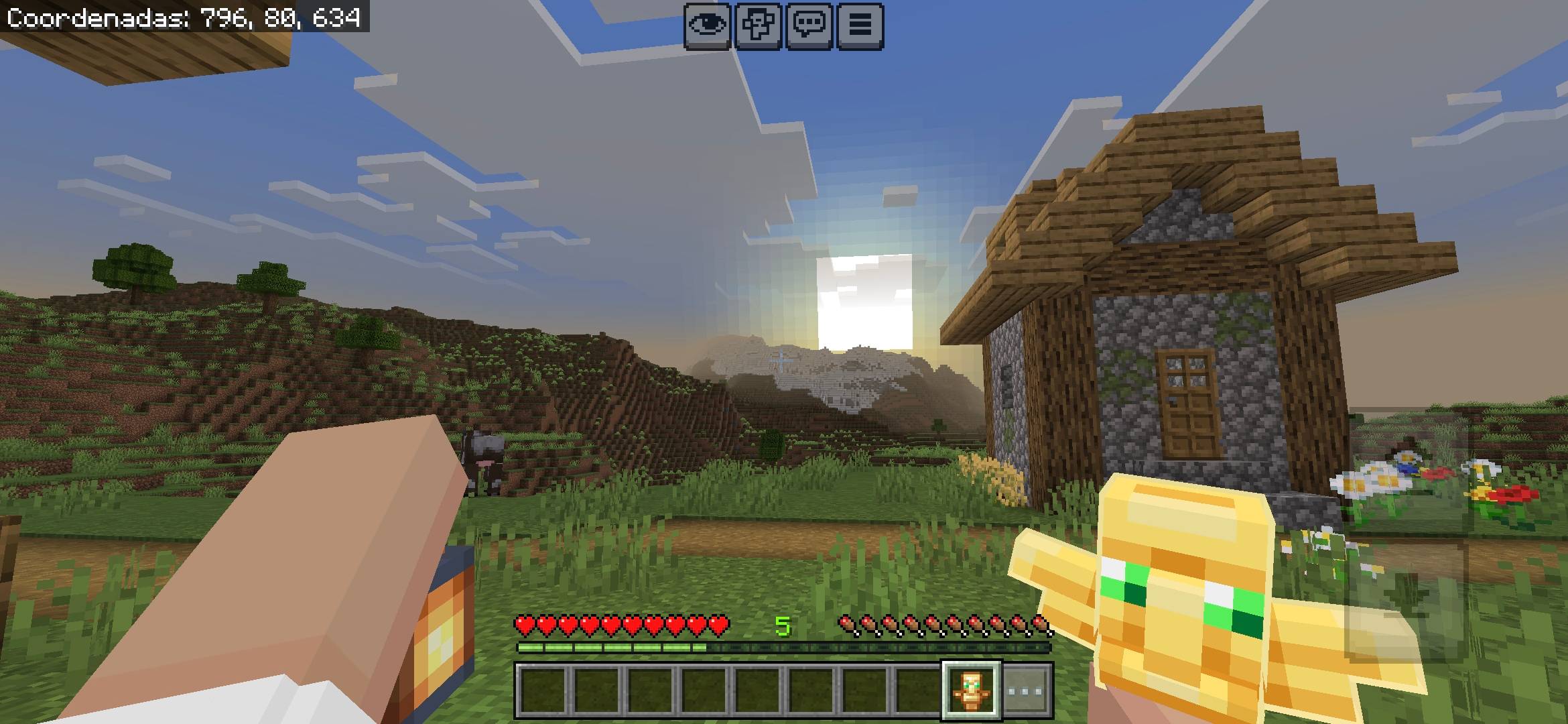
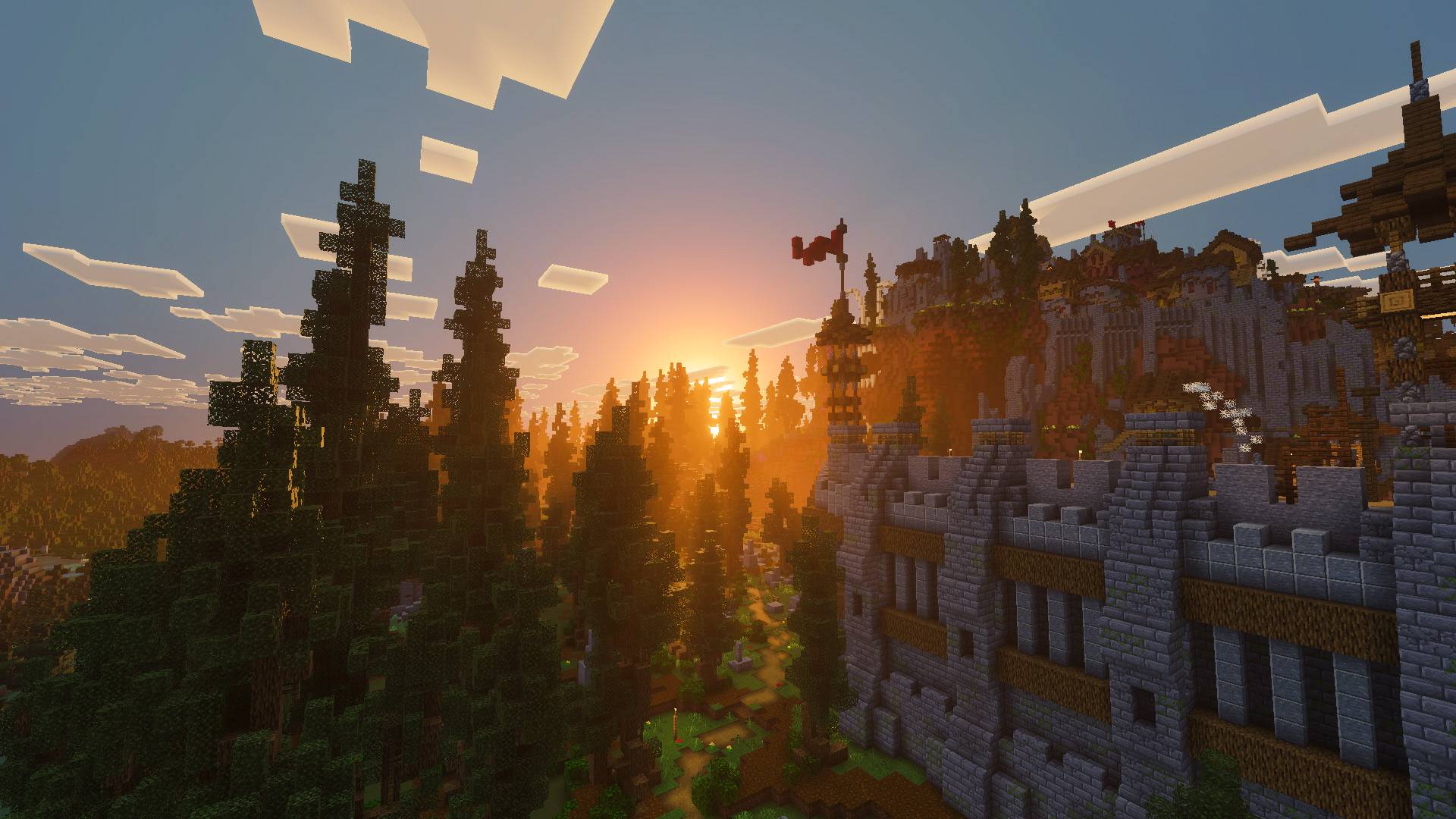
Cozy Toon brings warm lighting and a soft cel-shaded look to Minecraft Bedrock, creating a cozy, cartoon-inspired world.
Read the author’s full description (462 words)
Written by RenderPhoenix C. for the MCPEDL post, shown as published.
Cozy Toon Shader
Cozy Toon is a Minecraft Bedrock shader project that brings a warm, cartoon-inspired look to your world. Inspired by cel shading, it aims to give Minecraft a cozy visual style with warm lighting and a clean, toon-like atmosphere.
For the best visual experience, Cozy Toon is recommended to be used with the Bare Bones resource pack. The simplified textures complement the shader's cartoon aesthetic and help create a charming, animated-world feel.
Features
Cel Shading: A cartoon-inspired shading style that gives Minecraft a distinctive toon-like appearance.
Warm Lighting: Soft, warm lighting designed to create a cozy atmosphere.
Bare Bones Compatibility: Looks especially good alongside the Bare Bones resource pack for a clean, simplified visual style.
Minecraft Bedrock: Made for Minecraft Bedrock Edition. Compatibility may depend on your Minecraft version, device, and required shader loader.
Installation
Disclaimer: Minecraft Bedrock does not officially support loading custom shaders on every platform. The following are unofficial methods for loading shaders. Compatibility may vary depending on your Minecraft version, device, and shader loader.
Android
-
Install MB Loader from Google Play.
-
Launch Minecraft through MB Loader.
-
Import Cozy Toon Shader into Minecraft.
-
Activate the shader in Global Resources.
Windows
-
Follow this guide to install Wyvern.
-
Import Cozy Toon Shader into Minecraft.
-
Activate the shader in Global Resources.
Linux (x86_64)
This method is for mcpelauncher-manifest.
-
Install the mcpelauncher-materialbinloader-mod.
-
Import Cozy Toon Shader into Minecraft.
-
Activate the shader in Global Resources.
iOS
Using shaders on iOS is not straightforward and is not recommended for beginners.
-
Obtain a compatible Minecraft installation and shader loader. Refer to the shader loader's official documentation for supported methods.
-
Install Minecraft using your preferred compatible sideloading tool, if required.
-
Import Cozy Toon Shader into Minecraft.
-
Activate the shader in Global Resources.
Note: These are general installation instructions based on unofficial shader-loading methods. The shader may not work on every device or Minecraft version. Use only compatible tools and follow their documentation.
Recommended Settings
For the intended visual style, try:
- Graphics Mode: Fancy, if supported
- Beautiful Skies: On, if available
- Render Clouds: On, if available
- Resource Pack: Bare Bones
These are suggested settings, not mandatory requirements. Visual results may vary depending on your device and Minecraft version.
Contributors
Developer: Renderphoenix Creatives
Contributors: Devsuki, Kairo
Support the Project
Enjoying Cozy Toon? Support Renderphoenix Creatives and help us continue developing Minecraft projects.
Patreon: Renderphoenix
Copyright
Copyright © Renderphoenix Creatives. All rights reserved.
Cozy Toon Shader is a project by Renderphoenix Creatives. Redistribution, reuploading, or republishing this project without permission is prohibited.
You are welcome to create videos, screenshots, and other content featuring Cozy Toon Shader. Please credit Renderphoenix Creatives and link to the official project page when sharing your content.
Please use the official project page to download and share Cozy Toon Shader.