Craftable Totem By HTZ
BedrockScriptUtilityby HyperTechnoZ131
About this script
Tired of hunting down Evokers or triggering endless raids just to secure a second chance at life? Craftable Totem simplifies your survival experience by introducing a straightfo...
Read the author’s full description (214 words)
Written by HyperTechnoZ131.
✨Craftable Totem✨
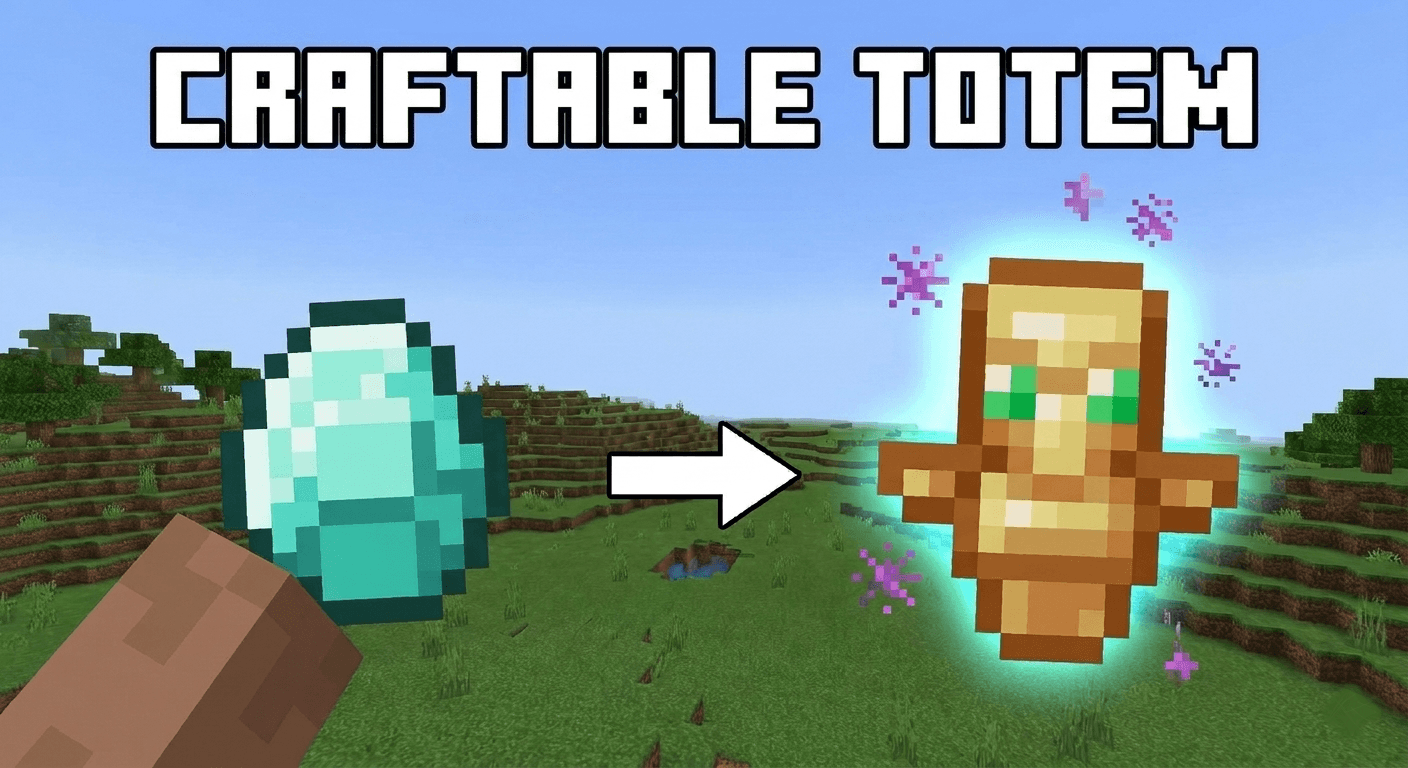
Tired of hunting down Evokers or triggering endless raids just to secure a second chance at life? Craftable Totem simplifies your survival experience by introducing a straightforward, vanilla-friendly crafting recipe for the Totem of Undying.Instead of dealing with bad luck and loot RNG, you can now use your hard-earned mining rewards to craft peace of mind.
✨ Features
Simple Crafting: Access the Totem of Undying straight from your crafting table.
Balanced Economy: Built around the high value of a Diamond, making it accessible yet fair for survival progression.
Vanilla Experience: Integrates seamlessly into standard survival gameplay without disrupting the core game feel.
Multiplayer Ready: Works perfectly in both single-player worlds and dedicated multiplayer servers.
🔧 The Recipe
Open your Crafting Table and use the following setup:[Insert a diamond in your crafting grid here]
Core Component: Requires exactly 1 Diamond surrounded by your extra configuration materials.
🚀 Installation & Setup
Download the latest version from the Files tab.Drop the file into your game's appropriate folder (e.g., mods folder for Java, or tap to install if it's a Bedrock .mcpack).Boot up your game and start crafting!
💬 Feedback & Bug Reports
If you encounter any issues or want to suggest recipe adjustments, feel free to drop a comment below in the CurseForge project page comments. Enjoy your extra lives!
https://modbay.org/user/hypertechnoz131/
How to install
- Download the file below. On iOS or Android, open it from your Downloads with Minecraft; on Windows, double-click it.
- Minecraft imports the pack automatically. Enable it in your world’s settings under Behavior Packs or Resource Packs; an add-on usually needs both.
- Playing on a Realm or server? Everyone needs the same packs, and the host has to enable them.
- Starting a new world? Choose its seed first: the Seed Map shows villages, structures and biomes near spawn for any Bedrock seed.
Advertisement