Texture packs
Shadow Fantasy Visuals | Vibrant Visuals Shader
by Iced Fox Studios
- Downloads
- 142K
- Rating
- 3.1
by Cromos GG
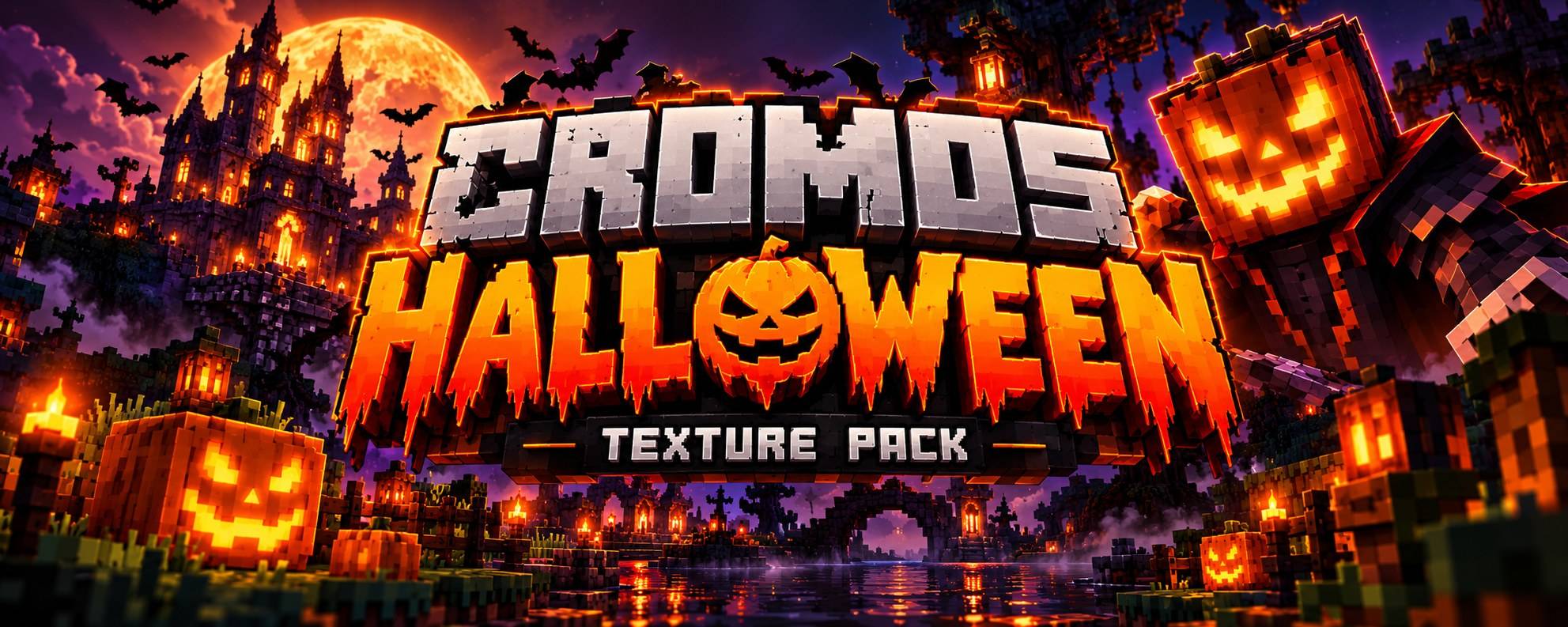
Transform your Minecraft Bedrock world into a spooky Halloween adventure with custom textures, themed UI, inventory, hotbar, and more!
Written by Cromos GG for the MCPEDL post, shown as published.
Experience the Cromos Halloween Texture Pack in intense 1v1 PvP battles on CubeCraft!
▶ Watch on YouTube
A classic Halloween texture pack from 2017, brought back to life for Minecraft Bedrock!
Created by CROMOS.GG
Halloween has arrived in Minecraft Bedrock Edition!
Cromos Halloween – Revamped PvP Texture Pack transforms your Minecraft experience with Halloween-inspired textures, spooky visuals, custom interface elements and nostalgic details.
Originally created in 2017, this classic texture pack returns under CROMOS.GG, preserving its original Halloween identity.
Take your PvP battles to the next level with a unique Halloween atmosphere!
Enjoy the themed swords, items and visual elements while fighting opponents in Minecraft Bedrock.
One of the highlights of the original pack is its Halloween-inspired interface.
Some UI elements may vary depending on your Minecraft Bedrock version and UI settings.
Created back in 2017, Cromos Halloween returns with its nostalgic textures and spooky Halloween atmosphere.
This revamped edition aims to preserve the spirit of the original while bringing the resource pack to modern Minecraft Bedrock.
Recommended: Classic UI profile for a more nostalgic experience.
Join the CROMOS.GG Discord community for Minecraft Bedrock content and updates!
Original Creation: 2017
Revamped Edition: 2026
Platform: Minecraft Bedrock / MCPE
Creator: CROMOS.GG
Created and maintained by Cromos GG / CROMOS.GG.
Please do not reupload, redistribute or claim this texture pack as your own without permission.
Thank you for downloading and supporting Cromos Halloween!
Made with ❤️ by CROMOS.GG
Advertisement
by Iced Fox Studios
by Hyperest Studios | HyperF3GamerINDO