Weather FOG | v1.0.4 Piss filter Update
BedrockTexture packRealisticby Hyperest Studios | HyperF3GamerINDO
About this texture pack
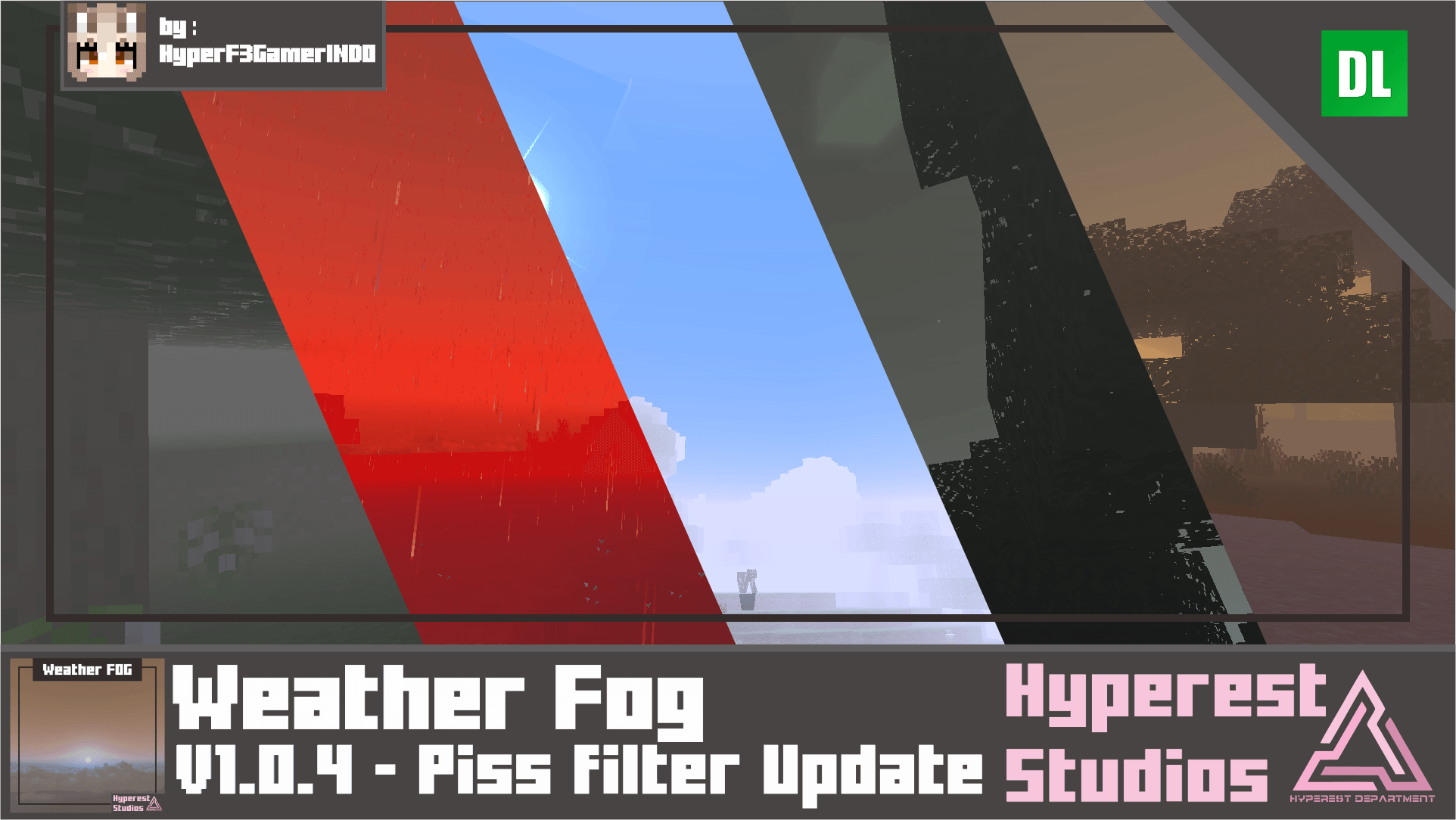
Are you looking for a FOG that change weather or condition in a game? well, this is you may look for, this pack change visual in-game start from dark vibe Minecraft into sandstorm.
Read the author’s full description (234 words)
Written by Hyperest Studios | HyperF3GamerINDO for the MCPEDL post, shown as published.
Are you looking for a FOG that change weather or condition in a game? well, this is you may look for, this pack change visual in-game start from dark vibe Minecraft into sandstorm.
Basic Information
Weather FOG Specifications
- Features/Settings:
- Set to Vibrant Visual, it's ok if you device can't run it, you can still enjoy it.
- Vibrant Visual Option: Shadow Quality: Low, Clouds: Medium, Volumetric Fog Quality: Low, Reflections: Low, Bloom: 50%
Weather FOG Visual
To change the visual at Global Resources > Active the pack > click Gear icon.
Cloudy
Dark
Sandstorm
Red Mist
Midnight Purple
Toxic Waste
Blue Mist
Piss filter
Alpha
Video
Note
- Set Brightness in-game to 0 if you cannot see it's okay to set whatever you want.
- Polluted Cloud: you can turn this off/on at Minecraft in-game settings Video -> "Render Cloud".
- Render Distance draw the FOG! so, the lowest Render Distance the more FOG you can get.
- This Shader perfect for horror minigames, and scary event!
- Perfect for Apocalyptic, Horror And scary map.
Join our Discord and submit your ideas!
Click here for more!
Visit website for more info about this addon!
If you are content creator, please use MCPEDL, ModBay, Better Bedrock or Planet Minecraft link if you want to share it, do not relink or use direct link to Mediafire! Do not upload to another websites or applications without my permission.
You can modify this pack for yourself only.
What’s new in the latest update
The author’s notes for the file uploaded .
=======================
🔼Updated List🔼
- Bug Fix.
=======================
✅Added List✅
- Added Piss filter.
- Added Alpha.
=======================
❌Removed List❌
=======================
Video
How to install
- Download the file below. On iOS or Android, open it from your Downloads with Minecraft; on Windows, double-click it.
- Minecraft imports the pack automatically. Enable it in your world’s settings under Behavior Packs or Resource Packs; an add-on usually needs both.
- Playing on a Realm or server? Everyone needs the same packs, and the host has to enable them.
- Starting a new world? Choose its seed first: the Seed Map shows villages, structures and biomes near spawn for any Bedrock seed.
Advertisement
More texture packs
- Texture packs
Dark Fantasy Visuals (Bedrock Resource Pack)
by Starfish Studios Inc
- Downloads
- 1.4M
- Rating
- 4.0





