ECLIPSED: Complementary Edition | Vibrant Visuals
BedrockTexture packRealisticby Someone09696
About this texture pack
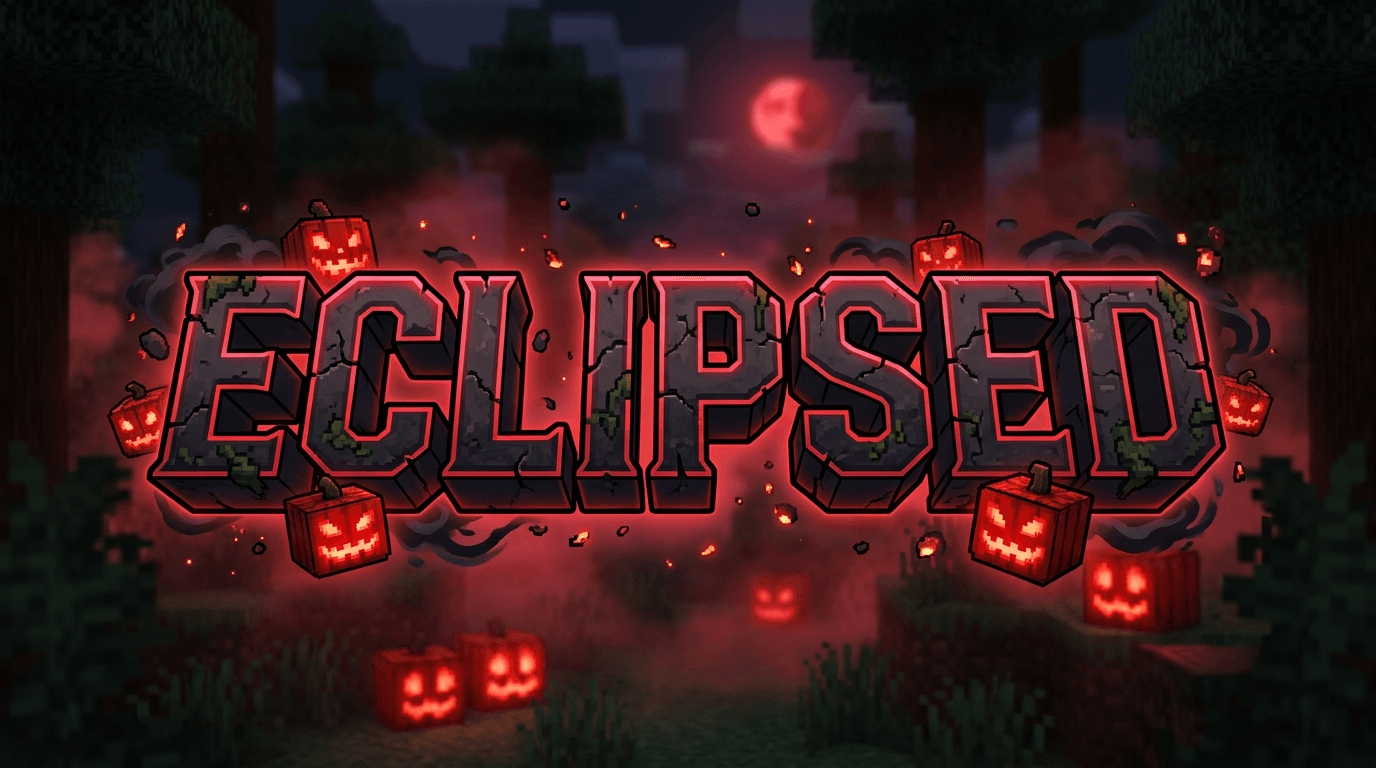
ECLIPSED: Dread Edition transforms Minecraft Bedrock Deferred Graphics into a terrifying survival horror experience. It plunges your world into eternal twilight with suffocating...
Read the author’s full description (323 words)
Written by Someone09696 for the MCPEDL post, shown as published.
ECLIPSED: Dread Edition [Deferred PBR]
"Light fades. The mist remains."
🌑 Overview
ECLIPSED: Dread Edition is a high-end survival horror visual overhaul built exclusively for Minecraft Bedrock Edition's Deferred Graphics Pipeline (Render Dragon). It entirely replaces the cheerful, bright aesthetic of vanilla Minecraft with a suffocating, bleak, and terrifying atmosphere.
Perfect for hardcore survival, horror maps, and Halloween events, ECLIPSED plunges your world into eternal twilight.
✨ Feature Showcase
- Heavy Volumetric Fog: Thick, creeping, desaturated fog that severely limits visibility and swallows light, creating a claustrophobic wasteland.
- Pitch-Black Storms: When the rain falls, the world descends into complete darkness, making lightning strikes blindingly contrastive and dramatic.
- Crimson Skies & Blood Moons: A haunting, deep red tint infects the night sky, water, and lunar cycle.
- Dynamic PBR Lighting: Specular surface reflections and intense emissive lighting. Sea Lanterns, glowstone, and carved pumpkins pierce the darkness with stark, blinding intensity.
- Glowing Mobs & Ores: Diamond and other ores emit a faint glow in pitch-black caves, while entities stare back at you from the void.
⚙️ Required Video Settings
To experience this pack correctly, you must enable the following:
- Go to Settings > Video.
- Enable Vibrant Visuals (under Graphics Mode).
- Ensure Volumetric Fog is toggled ON.
- Recommended: Turn Brightness down to 0% for the true horror experience.
📥 Installation Guide
- Download the .mcpack file.
- Double-click the file to automatically import it into Minecraft.
- Apply it to your Global Resources or directly to a World.
- Ensure no other fog or lighting packs are loaded above it!
❓ FAQ
- Why is my sky still blue? Ensure you have the Vibrant Visuals graphics mode enabled in your video settings. This pack uses advanced PBR features that do not work on the standard rendering engine.
- Does this support RTX? This pack is built for the newer cross-platform Deferred Graphics pipeline, not the legacy Windows 10 RTX pipeline.
- Can I use this on mobile? Yes! As long as your device supports the new graphics engine in the Minecraft app.
Images
How to install
- Download the file below. On iOS or Android, open it from your Downloads with Minecraft; on Windows, double-click it.
- Minecraft imports the pack automatically. Enable it in your world’s settings under Behavior Packs or Resource Packs; an add-on usually needs both.
- Playing on a Realm or server? Everyone needs the same packs, and the host has to enable them.
- Starting a new world? Choose its seed first: the Seed Map shows villages, structures and biomes near spawn for any Bedrock seed.
Advertisement
More texture packs
- Texture packs
Dark Fantasy Visuals (Bedrock Resource Pack)
by Starfish Studios Inc
- Downloads
- 1.4M
- Rating
- 4.0





