All skins
EmoLand 4D
BedrockSkin packPlayersby Reisho
About this skin pack
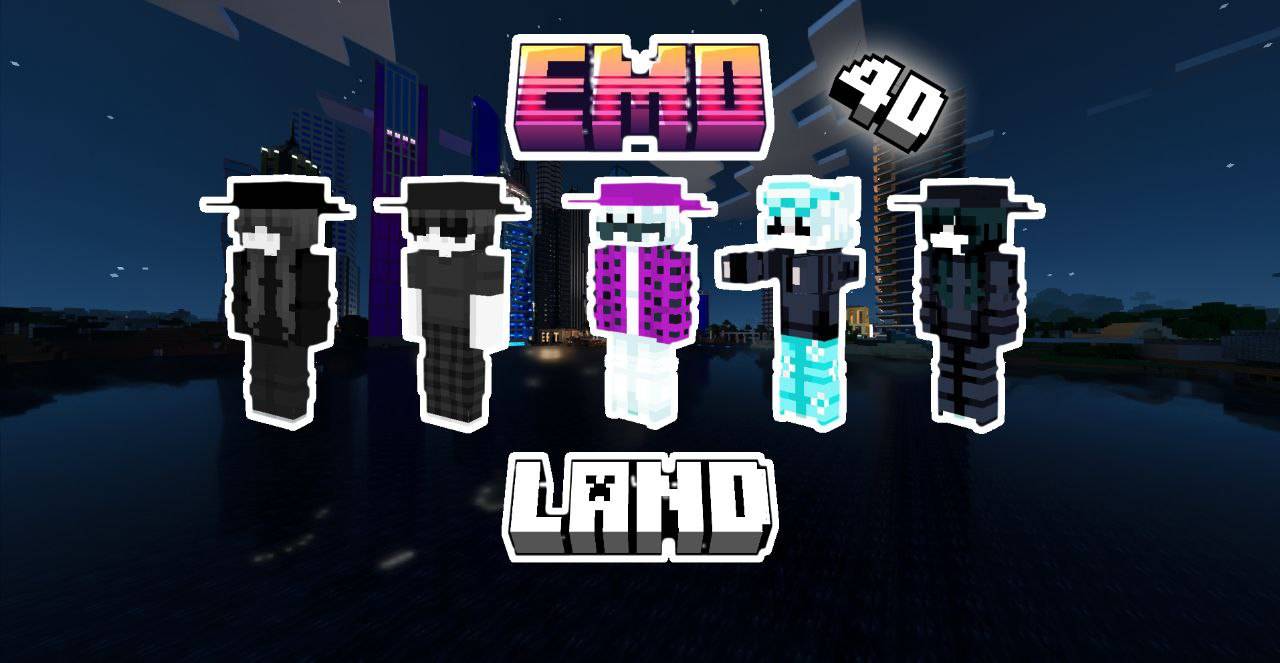
EmoLand 4D – Skinpack in the classic style and style of The Hive *(4D emo skins • Collaboration of Reisho & Armedpingu •)*
Read the author’s full description (200 words)
Written by Reisho for the MCPEDL post, shown as published.
🌀 Features:
✔ 16 skins with 4D cosmetics: - 4D accessories (headphones, hats)
✔ 2 styles to choose from: - Classic /The Hive version
HOW TO INSTALL
First you must to get Timeless Toys Skin Pack in Minecraft Marketplace (its free)
For Windows
- Download EmoLand 4D file
- Rename The File From "EmoLand4D.mcpack" To "EmoLand4D.zip". (No Quotations)
- Unzip The File. Open It Up, And There Should TtbDN0hKOig= folder Be In It.
- Press Windows R, then run should appear, paste the link below into the box: %LocalAppData%\Packages\Microsoft.MinecraftUWP_8wekyb3d8bbwe\LocalState\premium_cache\
- Open Up The skin_packs Folder And Delete Everything In There. (Don't Worry, You Won't Lose Any Of Your Skins!)
- Drag The Unzipped A-Ping Hats Folder Into The skin_packs folder.
- Restart Minecraft If You Had It Open, And You Should Be Good To Go!
For iOS
- Download EmoLand4D File
- Rename The File From "EmoLand4D.mcpack" To "EmoLand4D.zip". (No Quotations)
- Unzip It.
- Move It To This Location: My iPhone/Minecraft/internal/premium_cache/skin_packs. And press move
- Press Select All, Or .../select/select all.
- Make Sure To Deselect Your Pack By Pressing On It, Then Delete Everything In There
- Open Up Minecraft And Enjoy!
For Android
- Download EmoLand4D (for ANDROID) File
- Rename The File "EmoLand4D.mcpack" To "EmoLand4D.zip". (No Quotations)
- Unzip it
- Watch the video how to install it https://youtu.be/QiWm9PL4Lgg?si=rZuVOBBgq32p3hXu
Video
How to install
- Download the file below. On iOS or Android, open it from your Downloads with Minecraft; on Windows, double-click it.
- Minecraft imports the pack automatically. Enable it in your world’s settings under Behavior Packs or Resource Packs; an add-on usually needs both.
- Skin packs show up in the dressing room: Profile → Edit character → Owned.
- Playing on a Realm or server? Everyone needs the same packs, and the host has to enable them.
Advertisement