Halloween Clown Skinpack
BedrockSkin packPlayersby Loyallay
About this skin pack
Step right up! The "Halloween Clown Skinpack" lets you transform into clowns, acrobats, and illusionists, filling your Minecraft world with circus thrills, colorful fun, and end...
Read the author’s full description (215 words)
Written by Loyallay for the MCPEDL post, shown as published.
Clown Skinpack - Clown Skins
The "Halloween Clown Skinpack" is a whimsical addition to any Minecraft world, introducing a riot of colors and fun. With a variety of clown-themed skins, this pack offers players a chance to become the star of their own virtual circus. From classic clowns with big red noses and colorful wigs to daring acrobats performing gravity-defying tricks, there's a skin for every clown enthusiast. But the fun doesn't stop there; this skinpack goes beyond clowns to include circus performers, and magical illusionists. The options are as diverse as the circus itself, allowing players to embrace their inner performer or become the master of carnival attractions. As you explore your Minecraft world adorned in these lively skins, you'll bring the spirit of the carnival to every corner of the game. So, step right up, put on your clown nose, and join the virtual circus with the "Halloween Clown Skinpack" – it's a celebration of fun, laughter, and endless adventures!
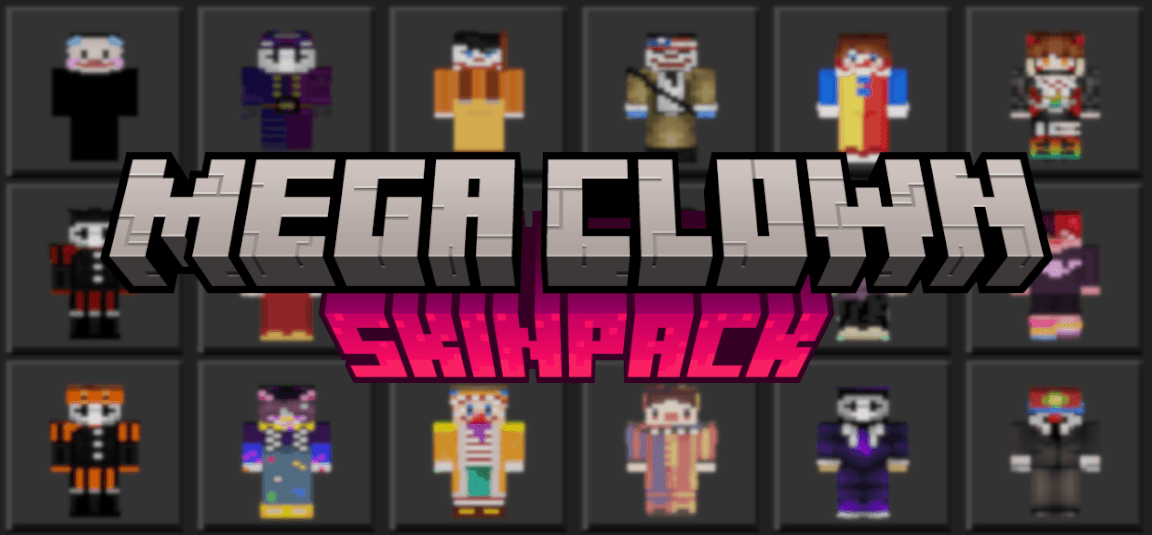
A picture of the skins can be seen below (some newer skins not included):
To succesfully download the updated version of this pack, please delete the old version from your device via your Minecraft in-game settings!Be sure to check out my profile for other skinpacks, texture packs, addons, and worlds for Minecraft Bedrock Edition!
What’s new in the latest update
The author’s notes for the file uploaded .
New skins (pictured below):
How to install
- Download the file below. On iOS or Android, open it from your Downloads with Minecraft; on Windows, double-click it.
- Minecraft imports the pack automatically. Enable it in your world’s settings under Behavior Packs or Resource Packs; an add-on usually needs both.
- Skin packs show up in the dressing room: Profile → Edit character → Owned.
- Playing on a Realm or server? Everyone needs the same packs, and the host has to enable them.
Advertisement