HD Halloween art
BedrockTexture packRealisticby Wsrry_18
About this texture pack
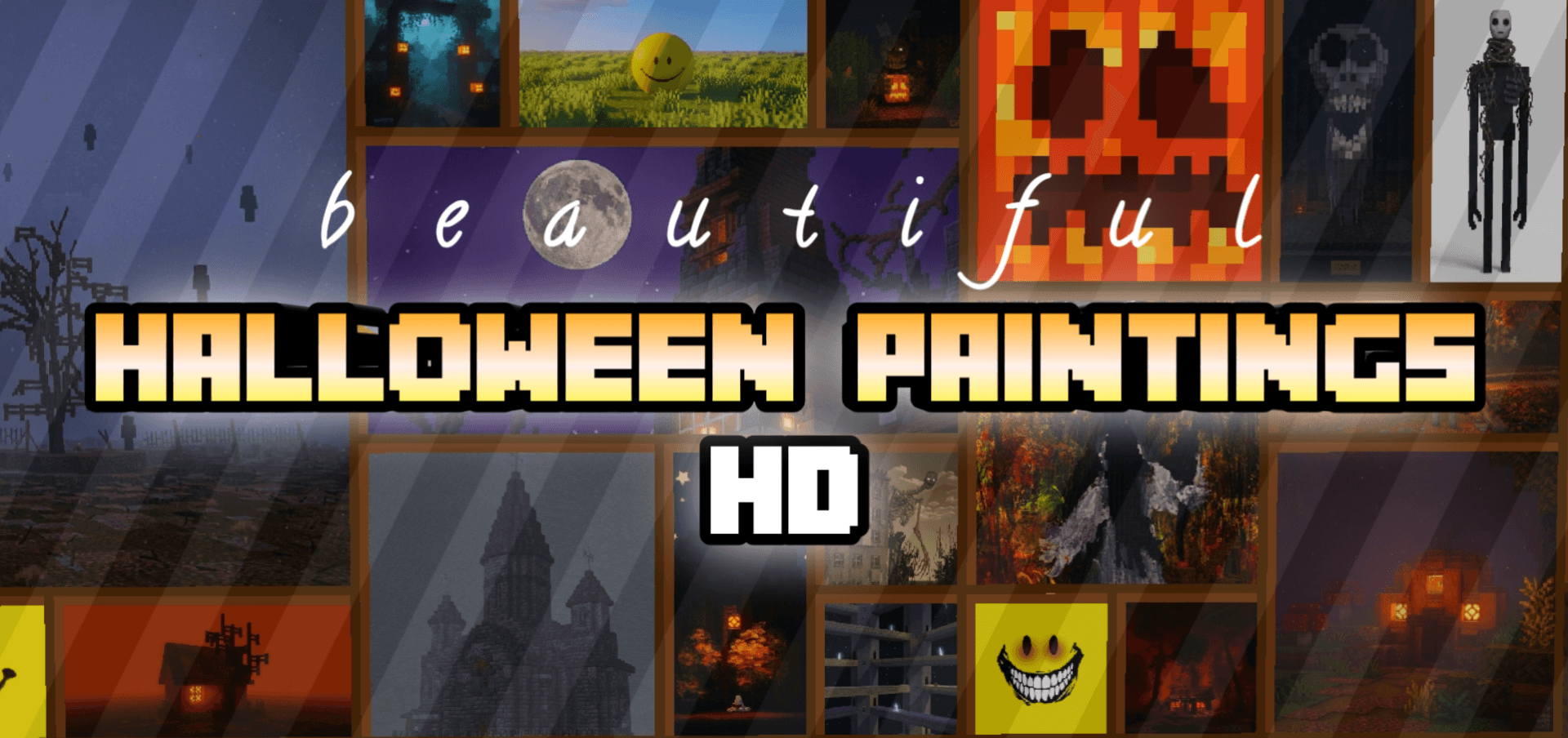
A spooky collection of high-definition Halloween paintings to decorate your Minecraft world.
Read the author’s full description (209 words)
Written by Wsrry_18 for the MCPEDL post, shown as published.
HD Halloween Spooky Art
Transform your Minecraft worlds into a beautifully eerie masterpiece with HD Halloween Spooky Art! This premium texture pack completely revamps the in-game paintings, replacing them with stunning, high-definition, and atmospheric Halloween-themed artwork.
Whether you are building a haunted mansion, a creepy gothic castle, or simply want to add a touch of seasonal dread to your survival base, these meticulously designed paintings will provide the perfect spooky aesthetic.
🎃 Features:
• 22 Brand New Paintings: Includes 22 unique, custom-made spooky artworks to completely replace the default vanilla paintings.
• High-Definition Quality: Crystal-clear resolutions that retain fine artistic details while blending smoothly into the Minecraft world.
• Spooky Visuals: Features a wide variety of eerie landscapes, classic horror elements, mysterious creatures, and haunting pumpkin displays.
• Immersive Atmosphere: Tailored specifically for horror enthusiasts, builders, and anyone looking to celebrate the Halloween season inside the game.
• Enhanced Visuals: Works seamlessly alongside realistic or dark shaders to amplify the creepy lighting and shadows.
🔮 How to Use:
1. Place a painting on a wall just like you normally would in vanilla Minecraft.
2. Cycle through the paintings to discover the 22 different high-definition spooky artworks included in this pack.
3. Combine with candles, soul lanterns, and cobblestone builds to create the ultimate haunted vibe!
Images
How to install
- Download the file below. On iOS or Android, open it from your Downloads with Minecraft; on Windows, double-click it.
- Minecraft imports the pack automatically. Enable it in your world’s settings under Behavior Packs or Resource Packs; an add-on usually needs both.
- Playing on a Realm or server? Everyone needs the same packs, and the host has to enable them.
- Starting a new world? Choose its seed first: the Seed Map shows villages, structures and biomes near spawn for any Bedrock seed.
Advertisement
More texture packs
- Texture packs
Dark Fantasy Visuals (Bedrock Resource Pack)
by Starfish Studios Inc
- Downloads
- 1.4M
- Rating
- 4.0





