Invisible skins | hide player armor and items
BedrockSkin packPlayersby Asterx
About this skin pack
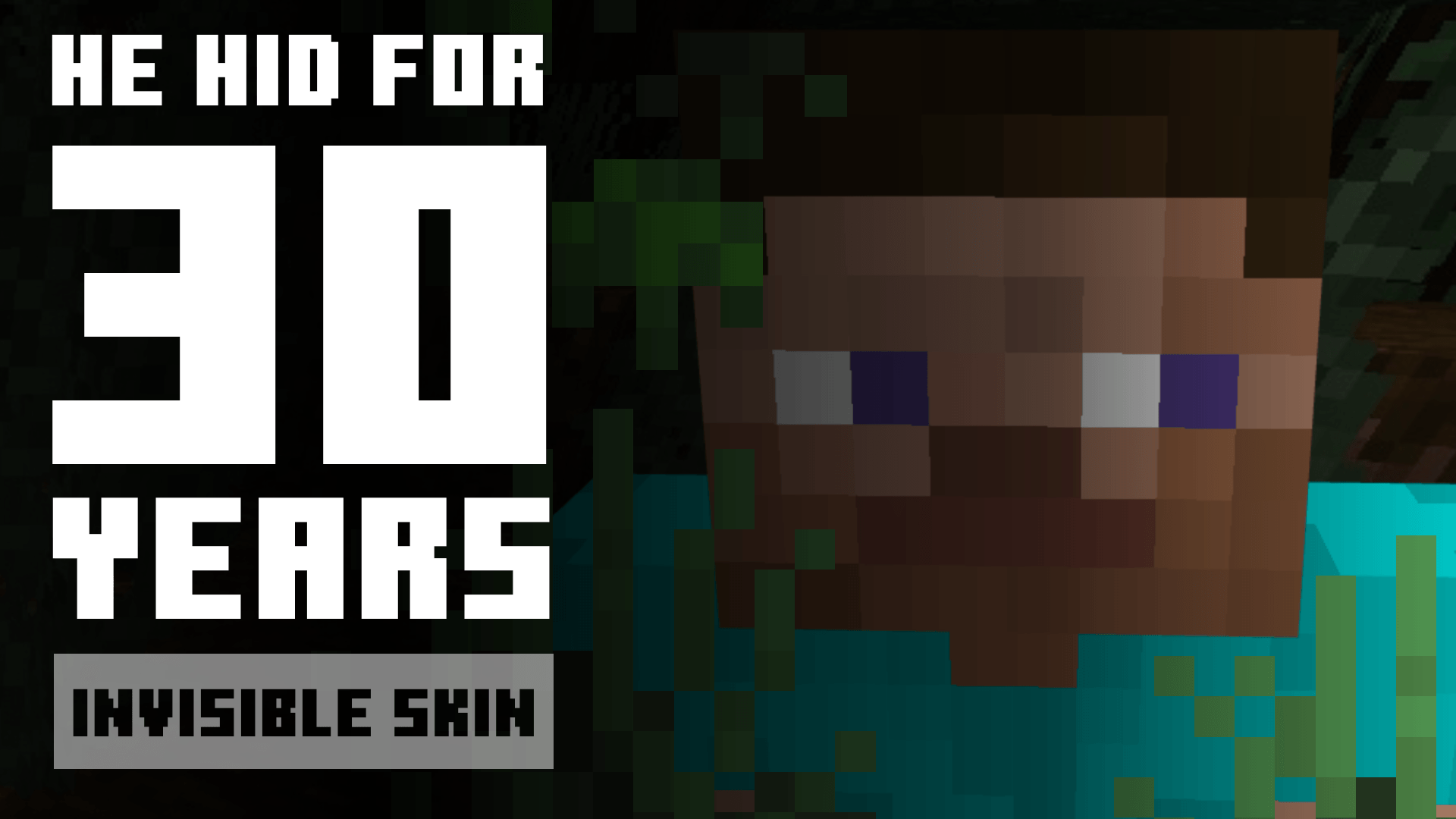
a skin that can hide your armors and hand-items without installing any mod/resources pack
Read the author’s full description (483 words)
Written by Asterx for the MCPEDL post, shown as published.
some item might disappeared such as : Spear, Spyglass, Mace, Shield and all of 3D items. there's no way to fix this right now. Skins Pack Pack Compatible Cheat
Playing around with skins editor give me an idea, what if i can make player skin and also the armors invisible. Without having to install any mod/resources pack? So here it is. A skins that can hide player armors and hand-items so they can't be detected.
ⓘ How it Works
Simply, just change your skin into this skin pack in Dressing Room -> Classic Skin, choose which one you like by reading the name of the skin
⫶☰ Skin Variants
Variants
- Invisible hide all armors and items in player hand.
- Floating Item for items in player hand, that'll make an illusion like it's a dropped item
- Floating Item 2D same as Floating Item, but will make 2D sprite item facing stright.
- Item Small Floating item but smaller.
- Still Item like floating items but they're not moving bouncing like floating item.
- Big Item show only items in player hand, but they're bigger.
- Low Item show only items in player hand, but placed lower.
- Invisible [Show Item] show only items in player hand, still hide player armors
- Invisible [Show Armor] show all armors and items
MORE INFO... click "spoiler" button below
Spoiler⚠ Content Limitations
Pack Limitations Game Limit- Player Shadow still appears, there's no way to hide it without any mod
- Weird item placement because i can only use stuff that the game give. so there will be alot of limitations on where or how the model placed
- Some item disappeared such as Spear, Spyglass, Mace, Shield and all of 3D items. there's no way to fix this right now
- Public Server i've tried using this skin in "Hive Server", but unfortunately they'll change your skin to their random regular skin. i don't know if it's gonna work on Lifeboat or Mineplex too.
- Private Server since it's private, you and your friends can use any skin, so no problem here.
- Edit this pack for your private/personal use
- Make Content (videos & any media) with this pack as long as you leave a link to my CurseForge or MCPEDL page
- Distribute the pack using your own or new download link (this pack already using direct link that's safe)
- Monetise the pack download. Doing so will result in a copyright takedown.
✎ Feedback & Support
Feedback/Bug ReportsIf you have encountered any issues, i'm open to any of your feedbacks and suggestions. it would be soo useful so i can be better and better next time.
You can leave any feedback in the comment of my page (Curseforge/MCPEDL) or Youtube video. or else, you can also join my Discord Server
CHANGELOGInvisible skin v1 : SpoilerAdd 9 skins :
- Invisible
- Floating Item
- Floating Item 2D
- Item Small
- Still Item
- Big Iteml
- Low Item
- Invisible [Show Item]
- Invisible [Show Armor]
Images
What’s new in the latest update
The author’s notes for the file uploaded .
Add 9 skins :
- Invisible
- Floating Item
- Floating Item 2D (for sprite)
- Item Small
- Big Item
- Still Item
- Low Item
- Invisible [Show Item]
- Invisible [Show Armor]
How to install
- Download the file below. On iOS or Android, open it from your Downloads with Minecraft; on Windows, double-click it.
- Minecraft imports the pack automatically. Enable it in your world’s settings under Behavior Packs or Resource Packs; an add-on usually needs both.
- Skin packs show up in the dressing room: Profile → Edit character → Owned.
- Playing on a Realm or server? Everyone needs the same packs, and the host has to enable them.
Advertisement