Java Combat+
BedrockAdd-onUtilityby RisabGamerz
About this add-on
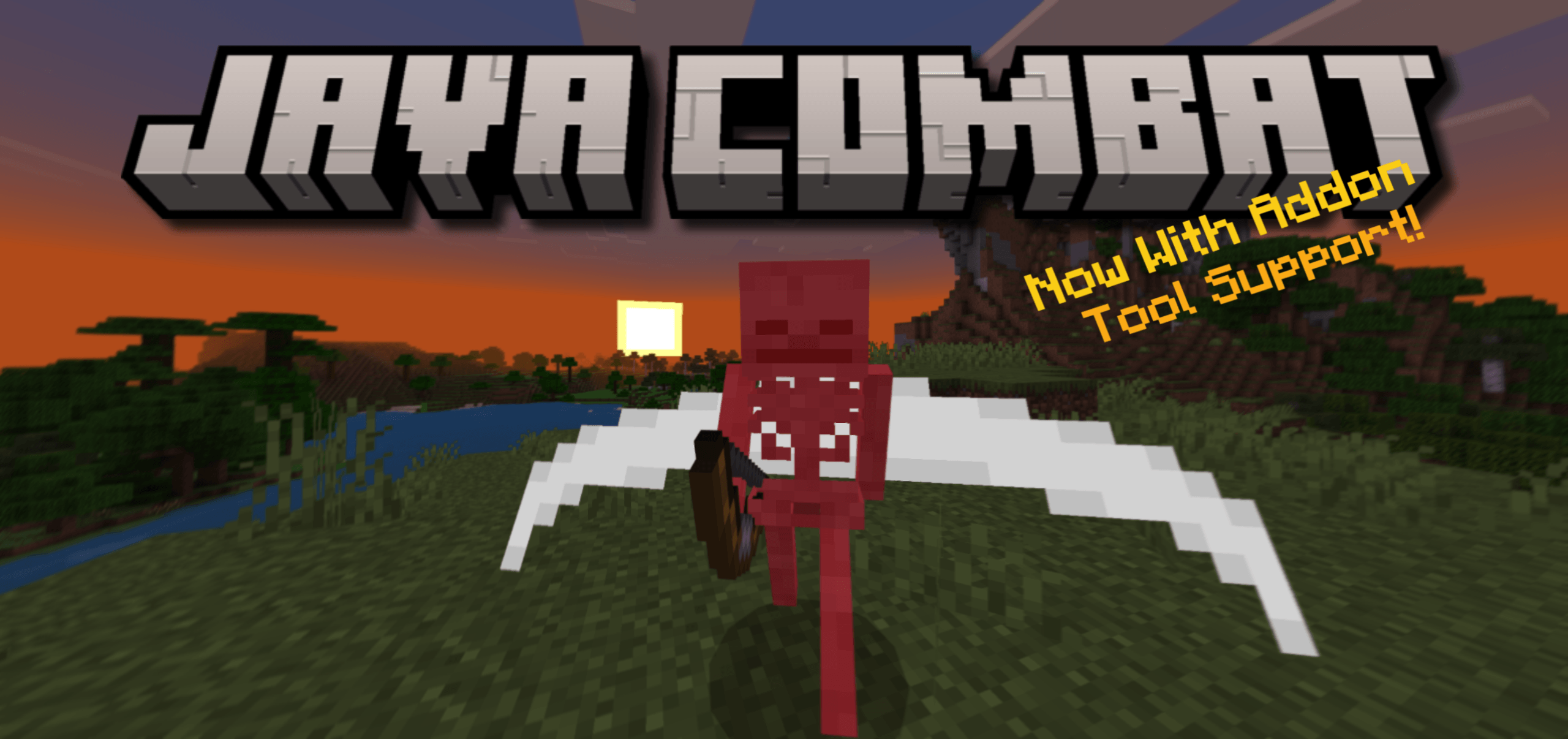
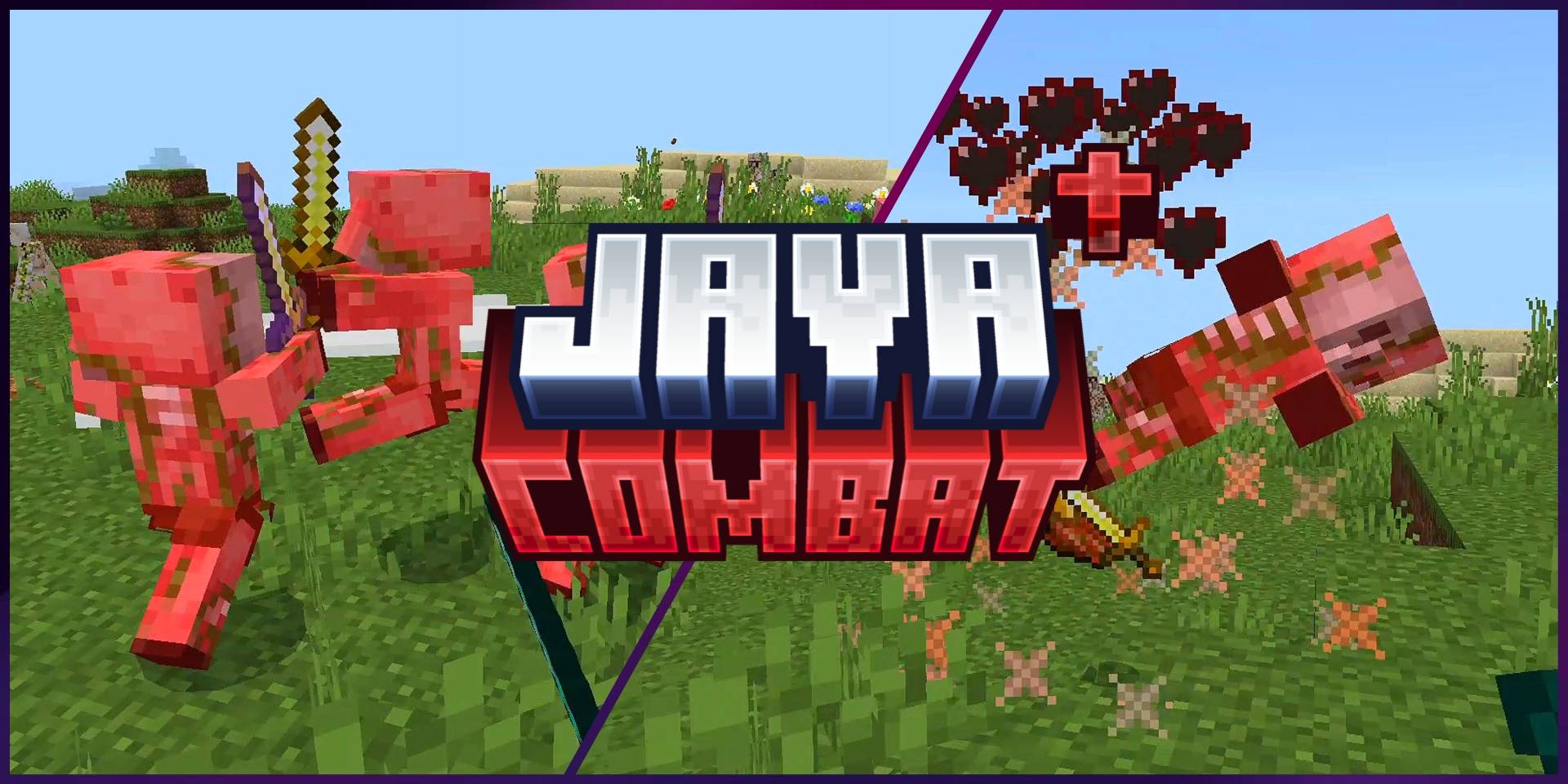
Experience Java PvP features from your minecraft bedrock edition, Add Cooldown Bar , Crit hearts , Sweep Edge .
Read the author’s full description (301 words)
Written by RisabGamerz.
Java PvP Features for Bedrock – Cooldown Bar, Crit Hearts & Sweep Edge
Bring the iconic feel of Java Edition PvP to your Minecraft Bedrock Edition world. This add-on recreates three signature combat features that make fights clearer, more skillful, and more satisfying: an Attack Cooldown Bar, Crit Hearts, and Sweep Edge. Whether you’re dueling friends, running a PvP server, practicing sword combat, or recording content, these Java-inspired features help you time hits, read critical moments, and fight with more precision.
✦ Features
Attack Cooldown Bar
A clean on-screen bar shows your weapon’s attack charge after every swing. Instead of spam-clicking, you can time your next hit perfectly — just like Java 1.9 combat. Great for swords, axes, and custom PvP gamemodes.
Crit Hearts
Critical hits are highlighted with Java-style heart and crit feedback. Instantly tell when you land a jump crit, fall crit, or fully charged critical strike, making every fight easier to read.
Sweep Edge
Swords display a sweeping arc and area-hit feedback that recreates Java’s Sweeping Edge feel. Perfect for crowd control, multi-target fights, and making sword combat look and feel more dynamic.
✦ Why You’ll Like It
· Makes Bedrock PvP feel much closer to Java Edition.
· Improves combat readability and timing.
· Lightweight and focused on PvP feedback.
· Great for duels, factions, practice servers, and content creation.
· No need to switch editions just to enjoy Java-style combat cues.
✦ Compatibility
· Designed for Minecraft Bedrock Edition./ Pocket Edition ( MCPE)
Crit Hearts
Sweep Edge
Cooldown Meter
Socials:
Join our discord :
Support On Kofi:
You Are Allowed To:
- Showcase my work in videos/streams if you give proper credit (e.g., link to the official download).
- Edit file for personal use only
You Are Not Allowed To:
- Distribute through monetized links (AdFly, Linkvertise, etc.).
- Edit and re-share my projects
If You Give Low Rating ,You Should Comment the Reason
Video
How to install
- Download the file below. On iOS or Android, open it from your Downloads with Minecraft; on Windows, double-click it.
- Minecraft imports the pack automatically. Enable it in your world’s settings under Behavior Packs or Resource Packs; an add-on usually needs both.
- Playing on a Realm or server? Everyone needs the same packs, and the host has to enable them.
- Starting a new world? Choose its seed first: the Seed Map shows villages, structures and biomes near spawn for any Bedrock seed.
Advertisement