All texture packs
Low fire
BedrockTexture packRealisticby The Cubic Company
About this texture pack
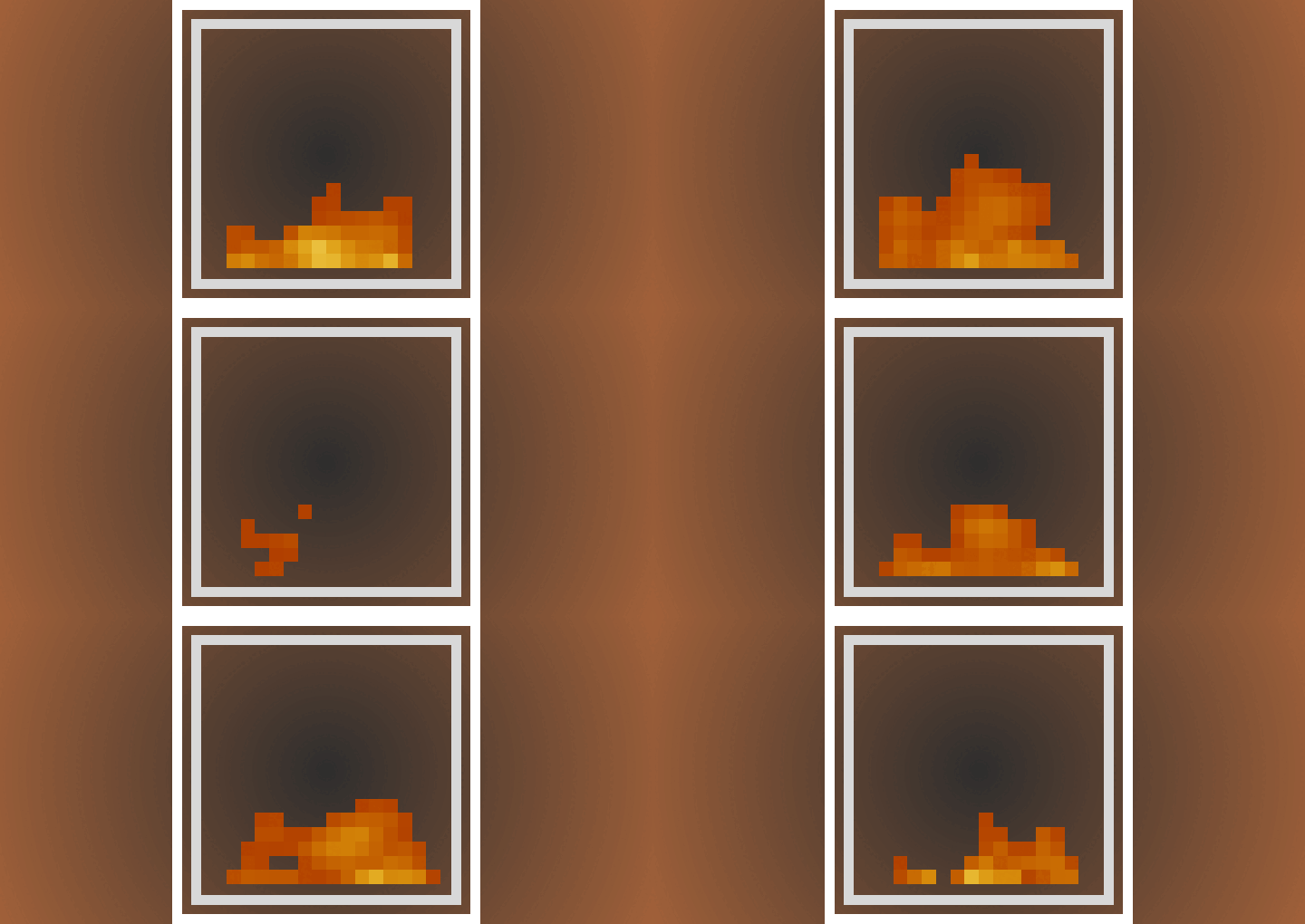
Lowers the fire texture for pvp and survival.
Read the author’s full description (49 words)
Written by The Cubic Company for the MCPEDL post, shown as published.
Low Fire
Lowers the fire texture for better visibility. Compatible with vibrant visuals.
Customize the fire height
You can customize the fire height as you see fit by clicking the settings icon next to the resource pack.
Over here you can set the desired fire height using the slider.
What’s new in the latest update
The author’s notes for the file uploaded .
- Fully compatible with the latest minecraft versions
- Adjusted the default fire-height to better match the new on fire animation
How to install
- Download the file below. On iOS or Android, open it from your Downloads with Minecraft; on Windows, double-click it.
- Minecraft imports the pack automatically. Enable it in your world’s settings under Behavior Packs or Resource Packs; an add-on usually needs both.
- Playing on a Realm or server? Everyone needs the same packs, and the host has to enable them.
- Starting a new world? Choose its seed first: the Seed Map shows villages, structures and biomes near spawn for any Bedrock seed.
Advertisement
More texture packs
- Texture packs
Dark Fantasy Visuals (Bedrock Resource Pack)
by Starfish Studios Inc
- Downloads
- 1.4M
- Rating
- 4.0





