Magnificent Minimap
BedrockAdd-onUtilityby kam!i
About this add-on
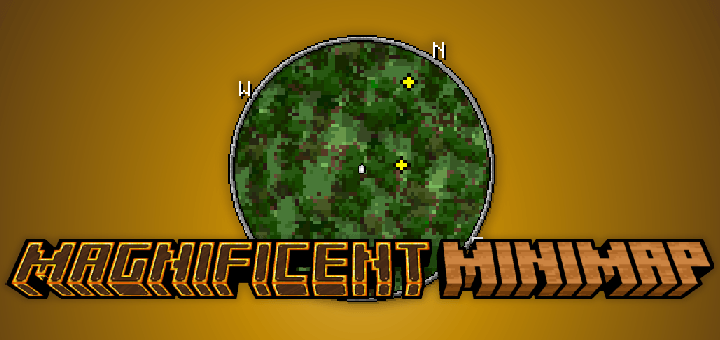
Magnificent Minimap is a realtime, responsive, and configurable minimap addon.
Read the author’s full description (214 words)
Written by kam!i.
Magnificent Minimap is a powerful addon that offers a real-time, responsive, and highly customizable mini-map experience. Players can freely adjust their size, style, and the information displayed, ensuring the minimap remains practical without disrupting core gameplay. Combining performance, adaptability, and aesthetics, Magnificent Minimap makes exploring and navigating the game world more fluid, efficient, and enjoyable.
Requires:
- UI Queue
- Kamii's Script Configuration
Key Features
- Rotating minimap display
- Multiple rendering styles
- Extensive customization options
- Entity tracking indicators
- Compass orientation
- Both circular and rectangular views display
- Even it can play Bad Apple (/function start_bad_apple)
- Map Atlas
- Nether Minimap
How to close Minimap
Mobile: Sneak and click 'X' button to hide.
PC: Sneak and press 'F8' to toggle show minimap
Console: Not available yet
Configuration
Use the command /configuration to open the configuration menu. This command is only available with Kamii's script configuration
Disclaimer
This addon is very experimental; sometimes it may consume a lot of RAM and make your world unplayable, and you will need to reopen the world. This addon has never been tested on low-end devices.
Installation
This addon requires UI Queue and Kamii's script configuration to work properly. This addon requires the beta API, so it ned to enable the BetaAPI toggle in the experimental settings.
Link Depedencies
- UI Queue
- Kamii's Script Configuration
Images
What’s new in the latest update
The author’s notes for the file uploaded .
- changed some code to compatible with stable script api from beta
- added compatibility with custom dimensions
How to install
- Download the file below. On iOS or Android, open it from your Downloads with Minecraft; on Windows, double-click it.
- Minecraft imports the pack automatically. Enable it in your world’s settings under Behavior Packs or Resource Packs; an add-on usually needs both.
- Playing on a Realm or server? Everyone needs the same packs, and the host has to enable them.
- Starting a new world? Choose its seed first: the Seed Map shows villages, structures and biomes near spawn for any Bedrock seed.
Advertisement