OUTLINE BLOCK SELECTION BY BAKU
BedrockTexture packRealisticby BakuMaps
About this texture pack
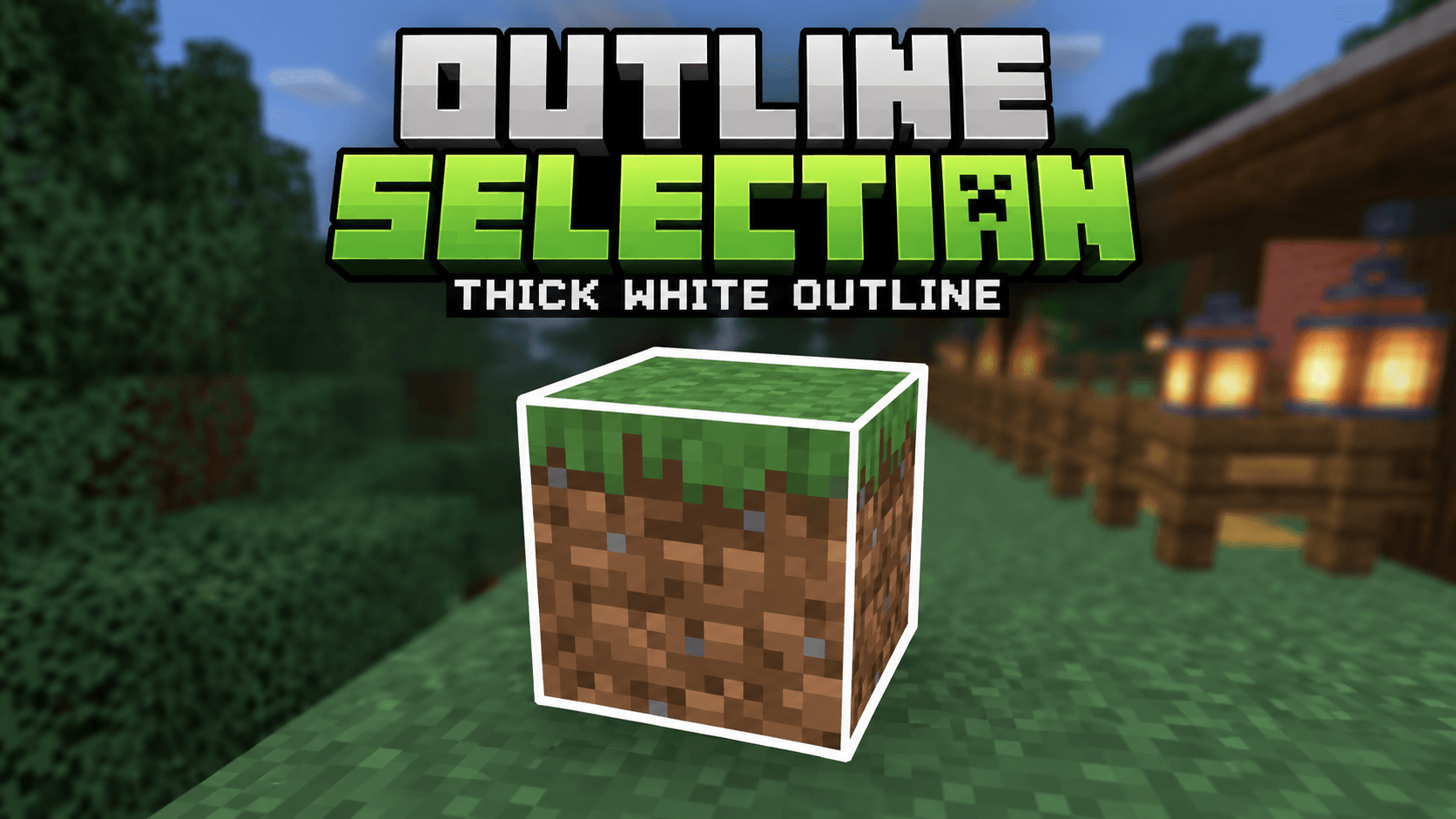
Outline Selection makes targeted blocks easier to see with a clean, bold white outline. Perfect for building, mining and precise block placement while keeping the vanilla Minecr...
Read the author’s full description (224 words)
Written by BakuMaps for the MCPEDL post, shown as published.
⬜ OUTLINE SELECTION
Clear • Bold • Simple
📌 About The Pack
Outline Selection improves Minecraft Bedrock's normal block selection outline by making it cleaner, stronger and easier to see.
This pack is useful while building, mining or working with detailed blocks where the default selection outline can sometimes be hard to notice.
✨ Features
▪ Bold White Selection Outline — Makes targeted blocks easier to identify.
▪ Improved Visibility — Cleaner and stronger than the normal outline.
▪ Vanilla Friendly — Keeps the original Minecraft look simple and clean.
▪ Better For Building — Helps with accurate block placement and selection.
▪ Better For Mining — Clearly shows which block is currently targeted.
▪ Lightweight — No unnecessary scripts, entities or extra systems.
▪ Easy To Use — Import, activate and start playing.
🎮 Recommended For
🧱 Building • ⛏️ Mining • 🏗️ Precision Placement • 🌍 Survival • 🎥 Gameplay & Recording
⚙️ Installation
1. Download and import the pack into Minecraft Bedrock.
2. Activate it from Global Resources or your world's Resource Packs.
3. Keep this pack above other packs that modify selection materials.
4. Enter your world and target any block to see the improved outline.
ℹ️ Important Information
Minecraft Bedrock controls part of the selection outline rendering through the game engine. This pack improves the outline visibility as much as possible using resource-pack materials and shaders. The exact thickness may vary slightly depending on the device and rendering mode.
👑 Credits
Created By Baku
All Rights & Credits Reserved To Baku.
Images
How to install
- Download the file below. On iOS or Android, open it from your Downloads with Minecraft; on Windows, double-click it.
- Minecraft imports the pack automatically. Enable it in your world’s settings under Behavior Packs or Resource Packs; an add-on usually needs both.
- Playing on a Realm or server? Everyone needs the same packs, and the host has to enable them.
- Starting a new world? Choose its seed first: the Seed Map shows villages, structures and biomes near spawn for any Bedrock seed.
Advertisement
More texture packs
- Texture packs
Dark Fantasy Visuals (Bedrock Resource Pack)
by Starfish Studios Inc
- Downloads
- 1.4M
- Rating
- 4.0





