All texture packs
PandaMine's Fullbright (Night Vision) - 1.26 | Achievements Friendly
BedrockTexture packRealisticby Panda-Mine5
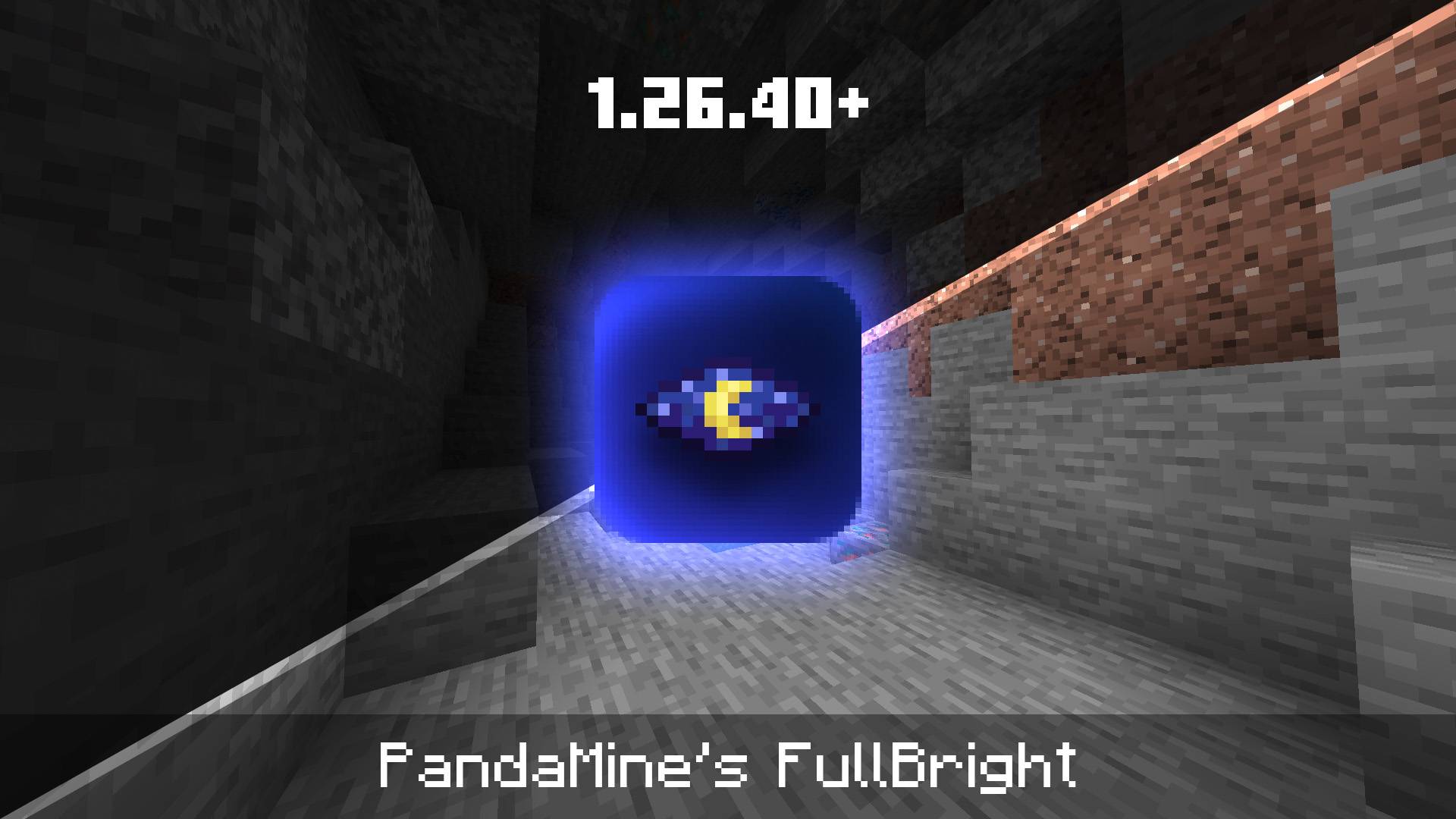
About this texture pack
Simple shader that gives you real full bright, making all caves and mobs visible. Supports: 1.26.30+, achievements friendly.
Read the author’s full description (204 words)
Written by Panda-Mine5.
Simple shader that gives you full bright, making all caves and mobs are visible.
Supports: Simple, Fancy, Vibrant Visuals.
Gives upto 35% better FPS and supports: 1.21.100 - 26.50
Compatibility
- Supports: Simple, Fancy, Vibrant Visuals
- Works on: 1.21.100 - 26.50
Required
- PandaMine's Mip Mapper
- Read "Shader Installation Guide" at the bottom
Try out
Fullbright without Shaders:
If you're reviewing or sharing this mod, please only use CurseForge link!
Shader Installation
Android
- Use MB Loader
- Activate Fullbright in Global Resources
IOS
Windows
- Use Wyvern or manually replace ".material.bin"
- Activate Fullbright in Global Resources
Read instructions carefully, I can't respond to comments "It does not work"
Or contact on Discord: pandamine5x
Terms of Use (Read to avoid DMCA)
Allowed
- Showcase the pack in any video as long there's this Curseforge or MCPEDL link.
Not Allowed
- Steal any code or assets (like icons, textures..) for any addon or texture pack and claim as own.
- Monetize for own benefit.
- Upload and share on any 3rd-party website.
- Violating this will get you DMCA takedowns, and upto 80% revenue share if it was monetized.
Contact
Discord: pandamine5x
Follow for more packs!
Images
What’s new in the latest update
The author’s notes for the file uploaded .
- Updated 1.26.40
- Added built-in Vibrant Visuals support
Video
How to install
- Download the file below. On iOS or Android, open it from your Downloads with Minecraft; on Windows, double-click it.
- Minecraft imports the pack automatically. Enable it in your world’s settings under Behavior Packs or Resource Packs; an add-on usually needs both.
- Playing on a Realm or server? Everyone needs the same packs, and the host has to enable them.
- Starting a new world? Choose its seed first: the Seed Map shows villages, structures and biomes near spawn for any Bedrock seed.
Advertisement
More texture packs
- Texture packs
Dark Fantasy Visuals (Bedrock Resource Pack)
by Starfish Studios Inc
- Downloads
- 1.4M
- Rating
- 4.0





