Physics+
BedrockAdd-onUtilityby PastaBreakerHimself
About this add-on
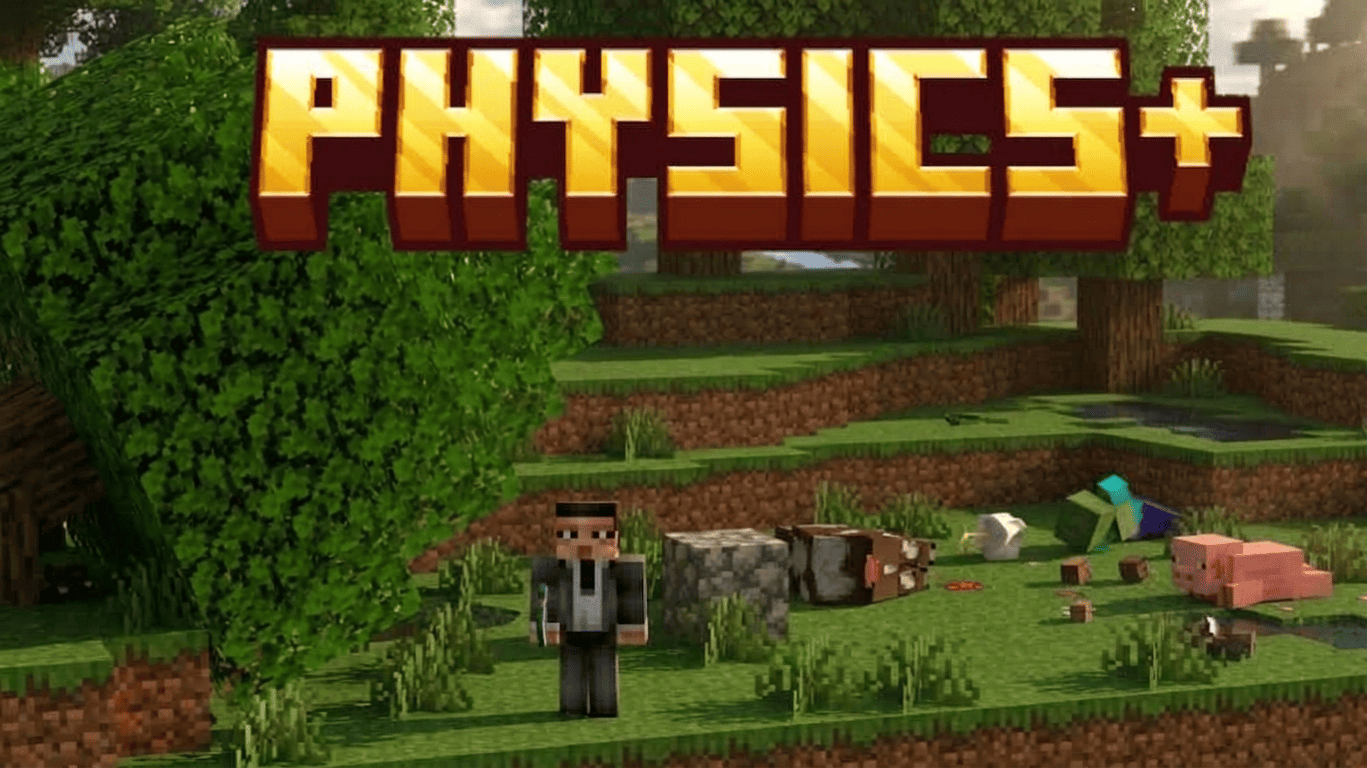
Physics+ adds more realistic physics to Minecraft Bedrock. Mobs leave ragdoll corpses when they die, dropped items appear as physical objects, and chopped trees fall with their ...
Read the author’s full description (203 words)
Written by PastaBreakerHimself.
Physics
[FALLING TREES] · [RAGDOLL CORPSES] · [ITEM PHYSICS]
Physics adds physical behavior to Minecraft Bedrock without changing the basic Minecraft style. It includes falling trees, ragdoll corpses, and dropped items that react more naturally to the world.
Falling trees
Chop a supported tree with an axe and its connected logs, branches, roots, and natural leaves fall together. The addon supports oak, spruce, birch, jungle, acacia, dark oak, mangrove, cherry, and pale oak trees.
The falling tree system makes woodcutting faster and gives each tree a physical collapse instead of removing every block separately.
Ragdoll corpses
When a supported mob dies, Physics leaves a matching corpse behind for a short time. This works with many vanilla mobs, including animals, villagers, hostile mobs, aquatic creatures, and larger mobs.
Corpses are removed automatically after some time, helping keep the world clean while still showing where mobs died.
Physical dropped items
Dropped items appear as physical objects with their normal Minecraft textures. They can settle on the ground, rotate into different positions, and react to the environment.
Items can move in water, react to lava and fire, and move away from hazards such as cacti. They can still be picked up normally.
Compatibility
Minecraft Bedrock 1.26.30 or newer.
How to install
- Download the file below. On iOS or Android, open it from your Downloads with Minecraft; on Windows, double-click it.
- Minecraft imports the pack automatically. Enable it in your world’s settings under Behavior Packs or Resource Packs; an add-on usually needs both.
- Playing on a Realm or server? Everyone needs the same packs, and the host has to enable them.
- Starting a new world? Choose its seed first: the Seed Map shows villages, structures and biomes near spawn for any Bedrock seed.
Advertisement