PlayerLP's Prestige Add-on
BedrockScriptUtilityby PlayerLP
About this script
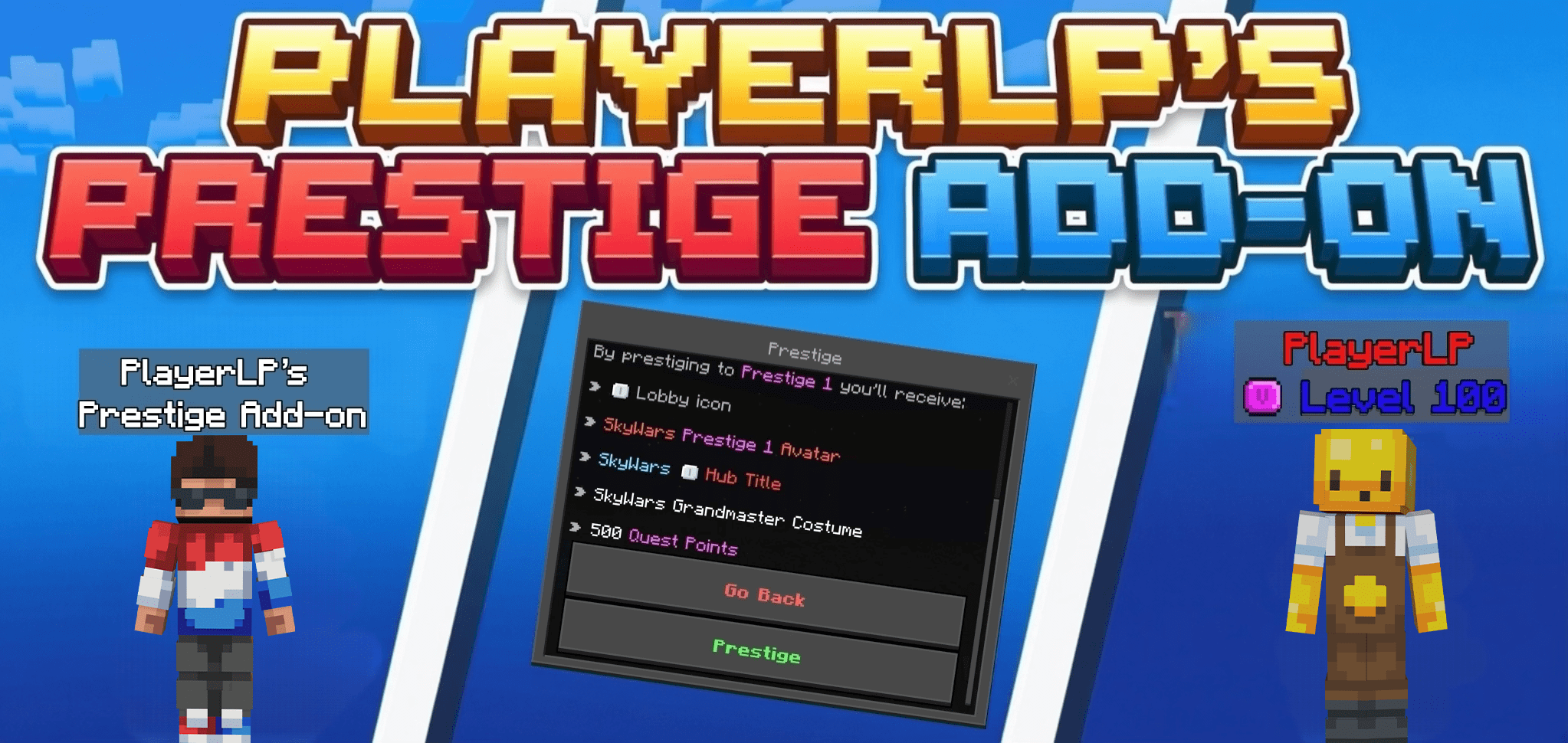
This Add-on allows you to change your name tag, and Levels. This Add-on is made by me for fun. Disclaimers THIS SCRIPT REQUIRES BETA API AND LATEST VERSION THIS SCRIPT REQUIRES...
Read the author’s full description (289 words)
Written by PlayerLP.
Welcome to my very first add-on! This pack allows you to fully customize your experience with custom nicknames, levels, and a complete Prestige system.
Key Features
-
Custom Nicknames: Change your name easily in both multiplayer and single-player worlds.
-
Prestige System: Level up and progress through custom Prestiges (Prestige 1 to 100) using a dedicated setup item.
-
Custom Ranks and Hive Ranks: Stand out with pre-made ranks from The Hive or create your own custom ranks with custom colors.
How To Use
-
Get the custom item in-game.
-
Right-click the item to open up the main UI menu.
-
Select what you want to change (Nickname, Prestige level, or Ranks) and enjoy.
- To Prestige in more minigames like survival or duels, you have to use command /tag. (aka /tag @s add survival or /tag @s remove survival to add/remove tags). You Can't stack the tags! Current tags: bedwars, duels, skywars, survival, uhc, hide and hub (hub is default for SkyWars Prestige menu).
Requirements and Disclaimers
-
Beta APIs: This script requires Beta APIs to be enabled in your world settings.
-
Compatibility: This pack does not allow you to see your name in third-person natively (third-person name tags require specific clients like Oderso, Onix, Lyra, etc.).
Terms of Use and Copyright
-
Original Creator: This pack is fully created and owned by PlayerLP.
-
Re-uploading: It is strictly prohibited to re-upload, redistribute, or share this pack on any other websites, apps, or platforms without direct permission.
-
Servers and Worlds: You are free to use this add-on in your personal worlds or servers, but any public sharing must link back to the official page.
SOCIALS
- Join My Discord: https://discord.gg/EVsFhyRWay (this is the ORIGINAL Discord Server of original Developer aka PlayerLP, and the Add-on).
Thx for supporting!
Images
What’s new in the latest update
The author’s notes for the file uploaded .
added support to version 26.5X
How to install
- Download the file below. On iOS or Android, open it from your Downloads with Minecraft; on Windows, double-click it.
- Minecraft imports the pack automatically. Enable it in your world’s settings under Behavior Packs or Resource Packs; an add-on usually needs both.
- Playing on a Realm or server? Everyone needs the same packs, and the host has to enable them.
- Starting a new world? Choose its seed first: the Seed Map shows villages, structures and biomes near spawn for any Bedrock seed.
Advertisement