PolyGamer's Visual Pack
BedrockTexture packRealisticby PolyGamer69007
About this texture pack
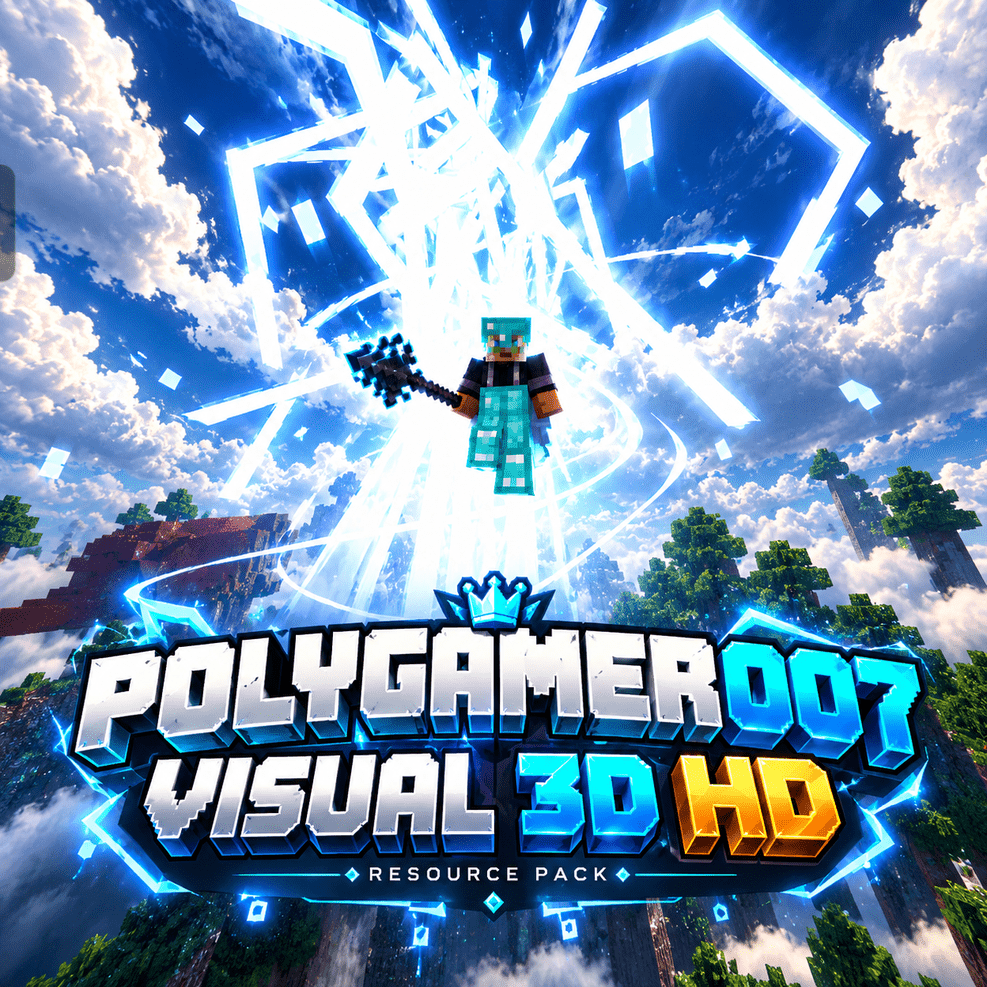
Transform your MCPE experience with PolyGamer007 Visual 3D HD! ⚡ Featuring enhanced skies, detailed textures, colourful ore borders, and animation support for a more immersive ...
Read the author’s full description (293 words)
Written by PolyGamer69007.
PolyGamer007 Visual 3D HD
Creator: PolyGamer007 Version: 1.9.2 Platform: Minecraft Bedrock Edition / MCPE Type: Visual Enhancement Resource Pack
📖 About This Pack
Take your Minecraft Bedrock experience to the next level with PolyGamer007 Visual 3D HD! ⚡
This resource pack enhances Minecraft's visual atmosphere with beautiful skies, detailed clouds, improved block textures, colourful ore borders, and animation assets designed to make gameplay more immersive.
Whether you're exploring the Overworld, mining underground, or recording cinematic gameplay for YouTube, this pack aims to give your world a fresh visual style.
✨ Features
- 🌤️ Enhanced Sky & Clouds — Enjoy a more dramatic and immersive sky atmosphere.
- 🧱 Enhanced Block Textures — A refreshed visual style for supported blocks.
- 💎 Coloured Ore Borders — Thin, colourful outlines help ores stand out while mining.
- 🎬 Animation Support — Includes animation assets for supported player, mob, and item interactions.
- ⚔️ Item & Equipment Support — Designed to retain compatible item and equipment visuals.
- 🌍 Immersive Environment — Enhanced visual atmosphere for exploration and survival.
- 📱 Bedrock / MCPE Support — Created for Minecraft Bedrock Edition.
🎮 Perfect For
- Survival gameplay
- Building and exploration
- Minecraft screenshots and cinematic videos
- Content creators and MCPE players
📦 Installation
- Download the ".mcpack" file.
- Open it with Minecraft Bedrock Edition.
- Wait for the import to complete.
- Open Settings → Global Resources, or edit your world's Resource Packs.
- Activate PolyGamer007 Visual 3D HD.
- Enter your world and enjoy!
⚠️ Important Notes
- Features may vary depending on your Minecraft version and device.
- Performance depends on your device and world settings.
- This is a resource pack; it does not require a separate world.
- Please obtain permission and provide appropriate credit for any third-party assets before redistributing them.
❤️ Credits
Created and maintained by PolyGamer007.
Thank you for checking out the pack! If you enjoy it, share your screenshots and gameplay, and support future updates.
Made for the Minecraft Bedrock community. ⚡
Images
How to install
- Download the file below. On iOS or Android, open it from your Downloads with Minecraft; on Windows, double-click it.
- Minecraft imports the pack automatically. Enable it in your world’s settings under Behavior Packs or Resource Packs; an add-on usually needs both.
- Playing on a Realm or server? Everyone needs the same packs, and the host has to enable them.
- Starting a new world? Choose its seed first: the Seed Map shows villages, structures and biomes near spawn for any Bedrock seed.
Advertisement
More texture packs
- Texture packs
Dark Fantasy Visuals (Bedrock Resource Pack)
by Starfish Studios Inc
- Downloads
- 1.4M
- Rating
- 4.0





