RARISOW PACK V3
BedrockTexture packRealisticby rarisowpe
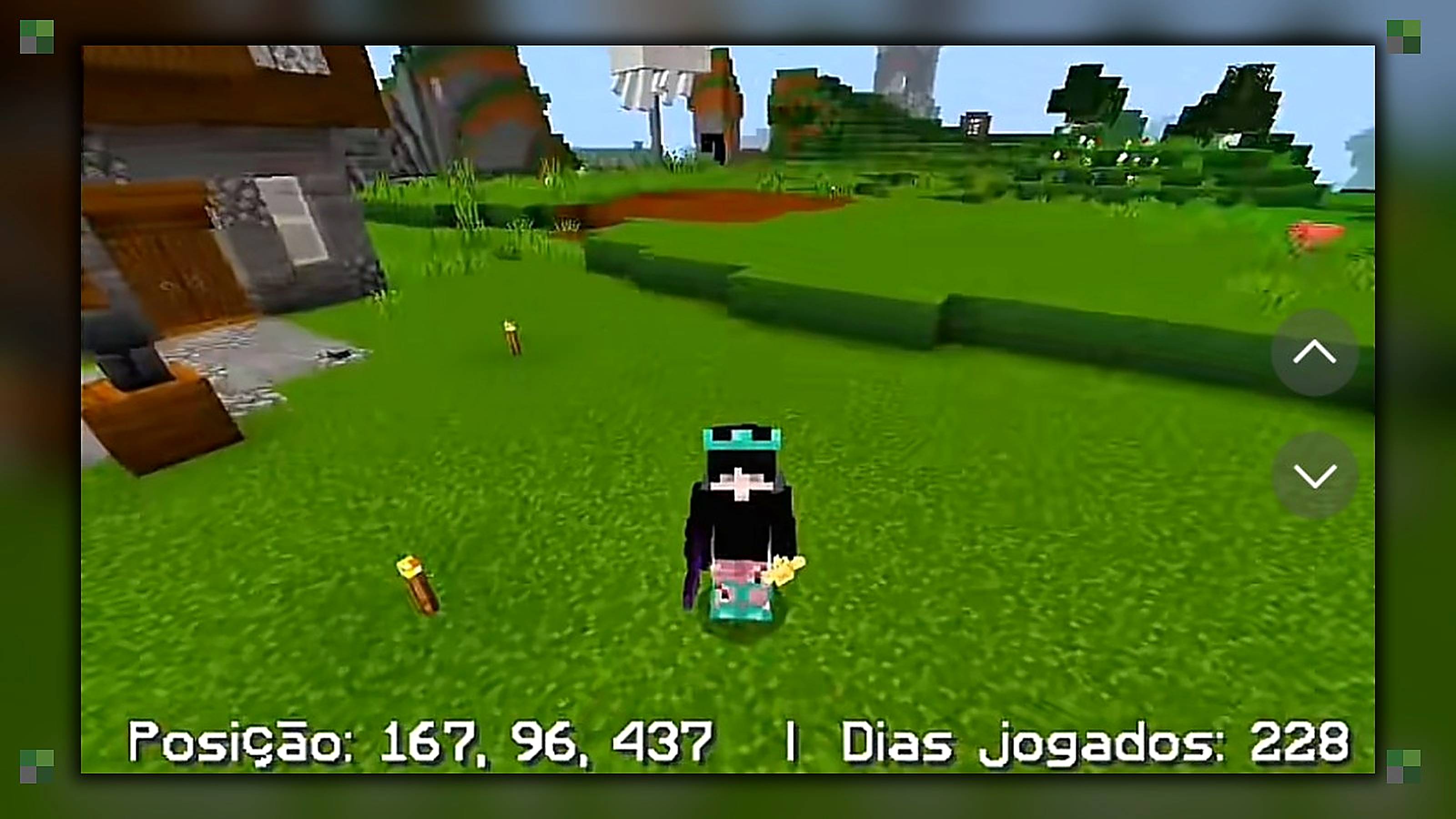
About this texture pack
Textura personalizada e view model
Read the author’s full description (170 words)
Written by rarisowpe.
# RARISOW PACK V3 | Minecraft Bedrock Resource Pack
Take your Minecraft Bedrock experience to the next level with **RARISOW PACK V3**, a custom resource pack featuring visual changes, interface enhancements, and gameplay customization.
### Features
* **Custom Textures:** A large collection of texture files for a customized Minecraft experience.
* **HUD Enhancements:** Custom coordinate and days-played displays.
* **Inventory UI:** Modified inventory, chest, and container interfaces.
* **Quick Crafting:** Interface files for quick crafting and item search.
* **Durability Display:** UI components related to tool durability.
* **Custom Animations:** Animation files for the mace and shield.
* **Environmental Effects:** Fog settings and particle resources.
* **Custom Sounds:** Audio resources for blocks, items, mobs, and the environment.
* **Customizable Settings:** Resource-pack settings for supported visual and interface options.
### Compatibility
* **Edition:** Minecraft Bedrock Edition
* **Minimum engine version declared:** 1.21.130
* **Installation:** Import the `.mcpack` file into Minecraft and activate the resource pack in your resource-pack settings.
### About
RARISOW PACK V3 combines custom textures, interface modifications, animations, and additional resources in one package.
Created by **RARISOW MC**.
Enjoy Min
ecraft with RARISOW PACK V3!
Images
How to install
- Download the file below. On iOS or Android, open it from your Downloads with Minecraft; on Windows, double-click it.
- Minecraft imports the pack automatically. Enable it in your world’s settings under Behavior Packs or Resource Packs; an add-on usually needs both.
- Playing on a Realm or server? Everyone needs the same packs, and the host has to enable them.
- Starting a new world? Choose its seed first: the Seed Map shows villages, structures and biomes near spawn for any Bedrock seed.
Advertisement
More texture packs
- Texture packs
Dark Fantasy Visuals (Bedrock Resource Pack)
by Starfish Studios Inc
- Downloads
- 1.4M
- Rating
- 4.0





