All texture packs
Realism Enhanced Visuals
BedrockTexture packRealisticby CraftStudio
About this texture pack
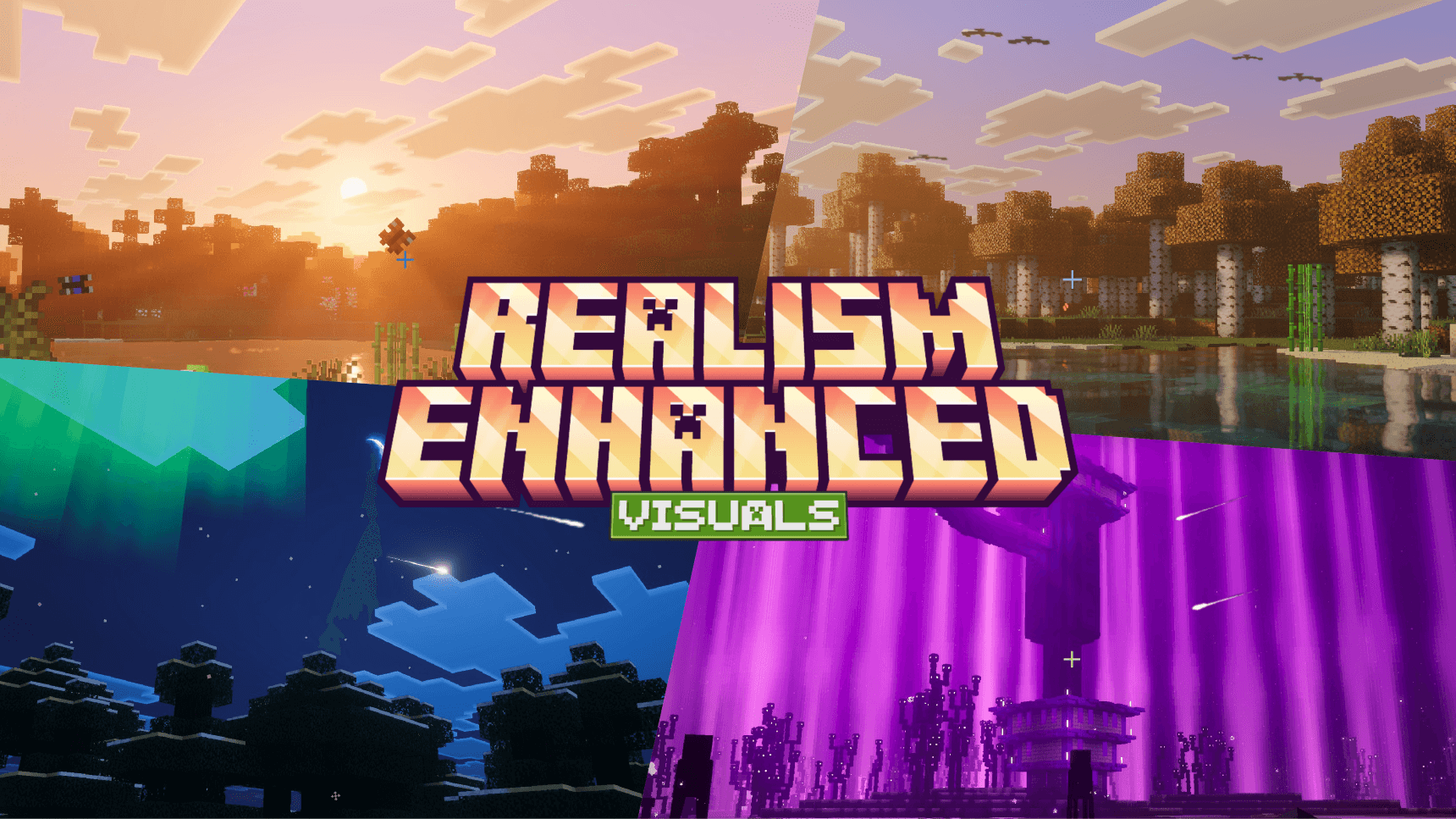
A Vibrant Visuals overhaul with per-biome fog, lighting and colour grading. Warm god rays through the trees, richer skies from dawn to midnight, and ambient particles — birds, b...
Read the author’s full description (175 words)
Written by CraftStudio for the MCPEDL post, shown as published.
Realism Enhanced Visuals turns Minecraft Bedrock into a world that feels lived in, warm god rays through the canopy, skies hand-tuned from dawn to midnight, and fog built biome by biome.
Features
- Per-Biome Fog, Lighting & Colour Grading — 17 volumetric fogs, with dedicated lighting and grading for forests, taigas, jungles, deserts, cherry groves, every Nether biome and the End
- Volumetric God Rays — sunlight breaks through trees, fog and clouds
- Rich Day-to-Night Skies — warm golden hours, deep blue nights
- A Living World — falling leaves for every tree type, butterflies, birds, drifting cherry petals, wind, ground fog in forests, swamps, snow and the Nether, sand and snow dust, shooting stars, meteor showers and northern lights
- Coloured Light Sources — 100 light-emitting blocks with their own glow
- Water Caustics & Waves — animated light ripples, layered waves and water tinted per biome
- Soft Shadows
- PBR Textures — surface depth and material detail for 650 blocks (Texture Quality - High subpack)
Using another texture pack? Place Realism Enhanced above it and choose Texture Quality - Default.
[ ! ] This pack only works with Vibrant Visuals turned on.
Images
Video
How to install
- Download the file below. On iOS or Android, open it from your Downloads with Minecraft; on Windows, double-click it.
- Minecraft imports the pack automatically. Enable it in your world’s settings under Behavior Packs or Resource Packs; an add-on usually needs both.
- Playing on a Realm or server? Everyone needs the same packs, and the host has to enable them.
- Starting a new world? Choose its seed first: the Seed Map shows villages, structures and biomes near spawn for any Bedrock seed.
Advertisement
More texture packs
- Texture packs
Dark Fantasy Visuals (Bedrock Resource Pack)
by Starfish Studios Inc
- Downloads
- 1.4M
- Rating
- 4.0





