Realistic Debo Shader
BedrockTexture packRealisticby gamerzmcpe
About this texture pack
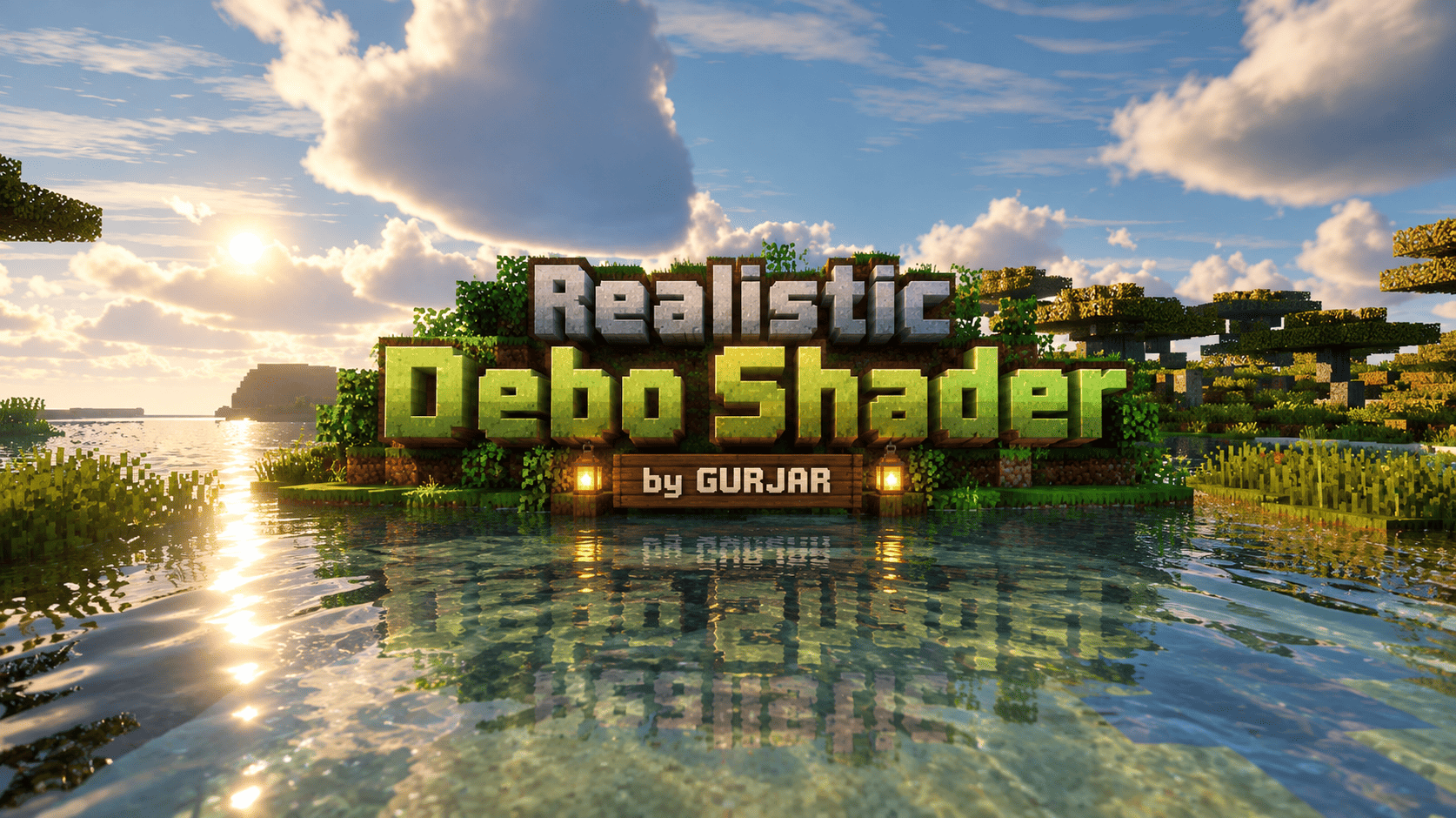
Realistic Debo Shader by GURJAR – Cinematic realistic visuals for Minecraft Bedrock. Soft natural lighting, clear reflective water, lush foliage, soft clouds & PBR materials. Be...
Read the author’s full description (196 words)
Written by gamerzmcpe.
Realistic Debo Shader by GURJAR
A cinematic realistic resource pack designed for Minecraft Bedrock Edition (1.21.x – 1.26.x).
Inspired by high-end realistic Minecraft screenshots, this pack focuses on natural colors, soft lighting response, clear water, and lush vegetation while keeping the classic Minecraft blocky feel.
Features:
• Natural cinematic color grading (warm sunlight cool sky)
• Improved grass, dirt, stone, sand, logs & leaves
• Clear shallow water with better transparency look
• Soft large clouds & atmospheric sky
• PBR materials (normals MER) for Vibrant Visuals
• Better foliage color variation
• Clean and performance-friendly textures
How to get the best look:
1. Import the pack
2. Enable Vibrant Visuals (or RTX if available)
3. Increase shadow quality, volumetric fog & reflections moderately
4. Place this pack high in your active resource packs list
Note: Bedrock Edition does not support full custom shaders like Java. This pack enhances textures PBR materials so Vibrant Visuals can look closer to the cinematic reference style.
Created by GURJAR
Credits:
• Pack created by: GURJAR
• Visual style inspired by high-quality realistic Minecraft screenshots
• Built for Minecraft Bedrock / Pocket Edition (1.21 – 1.26)
• Uses official Vibrant Visuals / PBR system
Name: Realistic Debo Shader
Author: GURJAR
Version: 1.0.0
Supported: Minecraft Bedrock 1.21.x – 1.26.x
Images
How to install
- Download the file below. On iOS or Android, open it from your Downloads with Minecraft; on Windows, double-click it.
- Minecraft imports the pack automatically. Enable it in your world’s settings under Behavior Packs or Resource Packs; an add-on usually needs both.
- Playing on a Realm or server? Everyone needs the same packs, and the host has to enable them.
- Starting a new world? Choose its seed first: the Seed Map shows villages, structures and biomes near spawn for any Bedrock seed.
Advertisement
More texture packs
- Texture packs
Dark Fantasy Visuals (Bedrock Resource Pack)
by Starfish Studios Inc
- Downloads
- 1.4M
- Rating
- 4.0





