Red Black Anime Skin
BedrockSkin packPlayersby Mcadd182719
About this skin pack
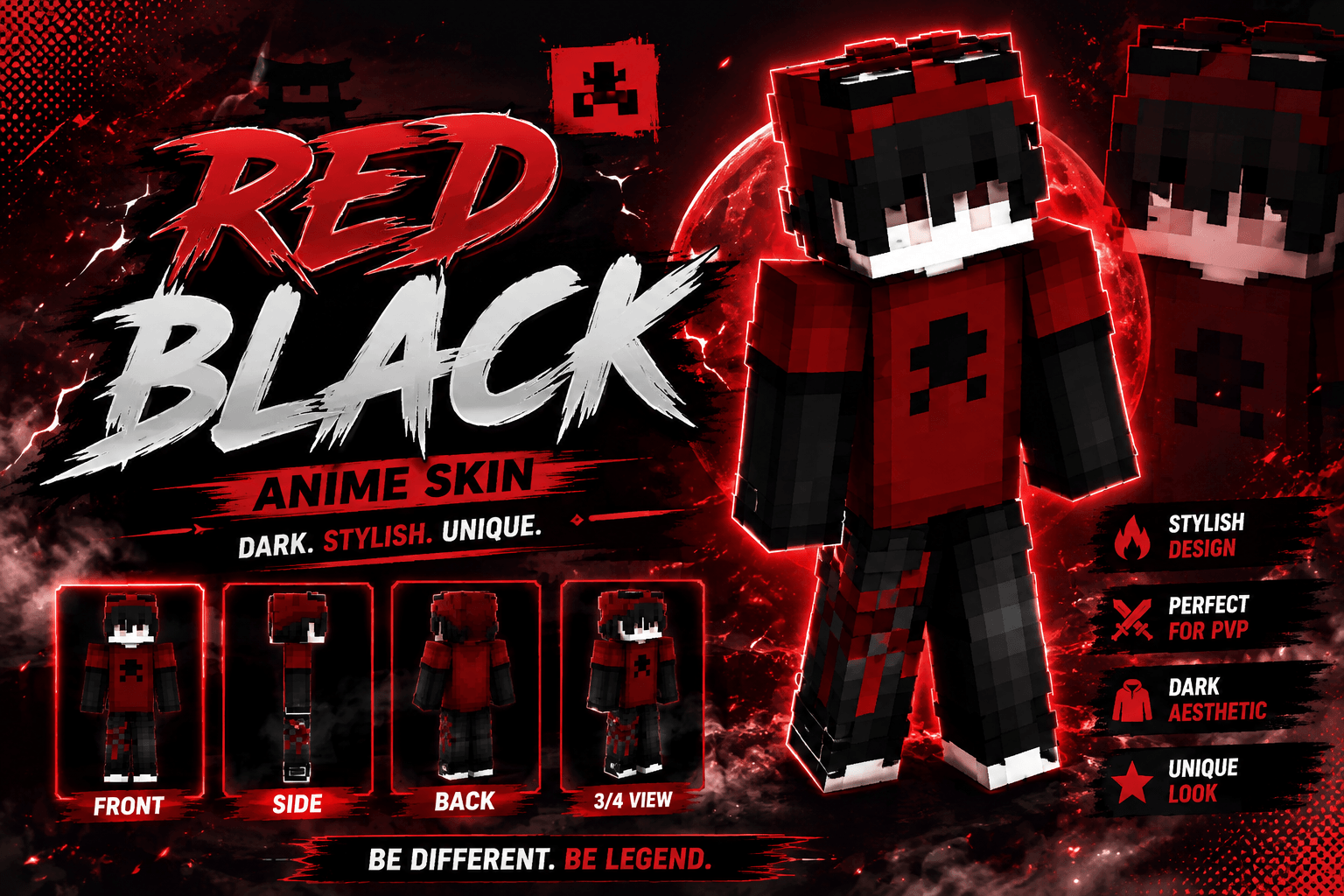
A stylish red and black anime-inspired skin with a dark hoodie design and bold streetwear aesthetic.
Read the author’s full description (87 words)
Written by Mcadd182719 for the MCPEDL post, shown as published.
Enhance your gaming experience with this Red Black Anime Skin. Featuring a dark red and black outfit, black hair, a red hood, and a clean anime-inspired design, this skin is perfect for PvP, survival, BedWars, SkyWars, multiplayer servers, and everyday gameplay.
✨ Features ✔ Red and black color palette ✔ Anime-inspired design ✔ Dark streetwear aesthetic ✔ Clean pixel-art detailing ✔ Great for PvP and multiplayer ✔ Stylish and unique appearance
📦 Installation Download the skin file. Open it with Minecraft. Import the skin. Equip it in the Dressing Room. Enjoy your new look!
Images
How to install
- Download the file below. On iOS or Android, open it from your Downloads with Minecraft; on Windows, double-click it.
- Minecraft imports the pack automatically. Enable it in your world’s settings under Behavior Packs or Resource Packs; an add-on usually needs both.
- Skin packs show up in the dressing room: Profile → Edit character → Owned.
- Playing on a Realm or server? Everyone needs the same packs, and the host has to enable them.
Advertisement