ShopDisplays
BedrockAdd-onUtilityby llildanlid
About this add-on
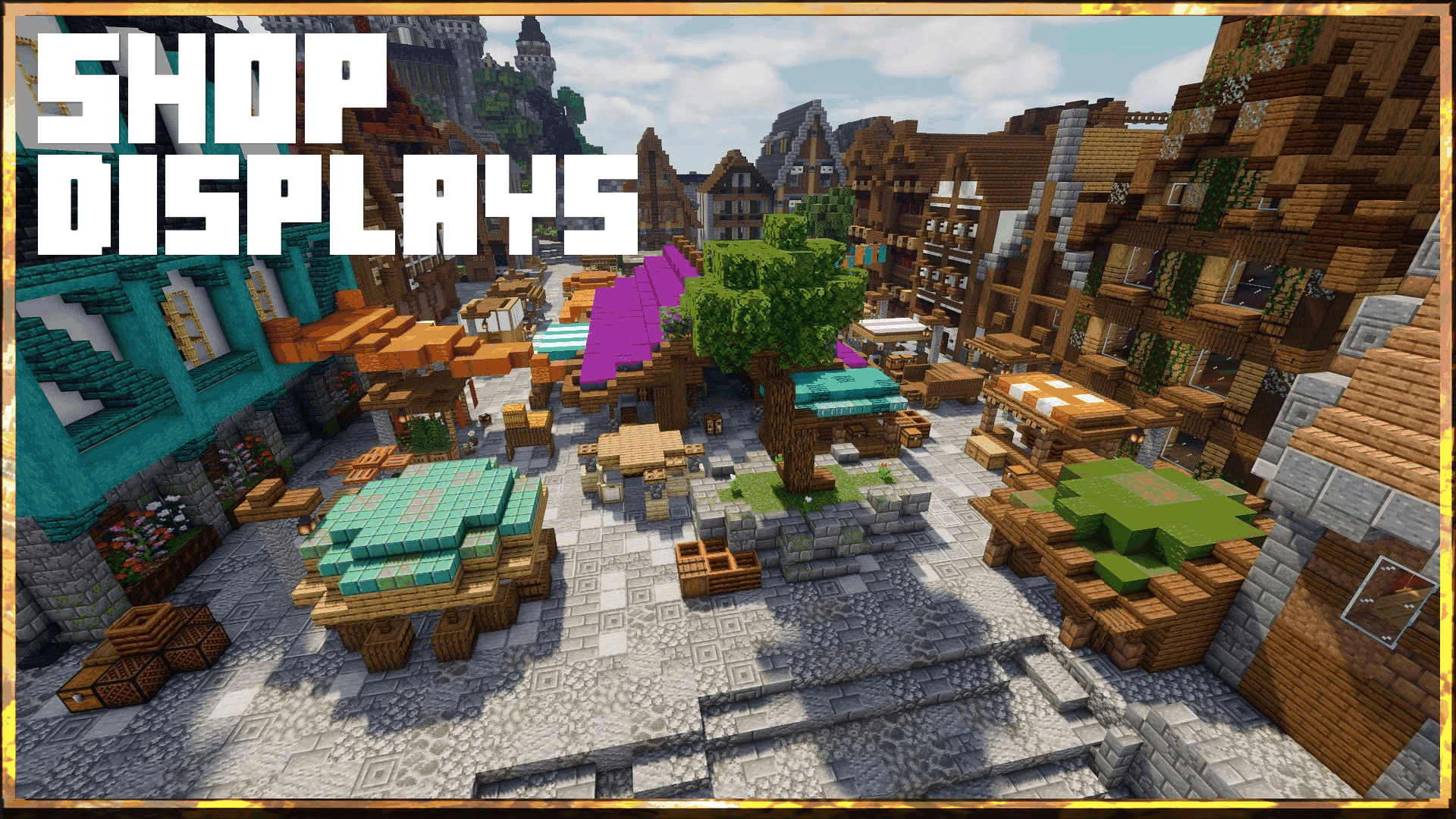
A simple way to display server shops in a more visually appalling way.
Read the author’s full description (170 words)
Written by llildanlid.
SHOP DISPLAYS
Four shop types. One clean display system.
Build item, kit, effect, and enchantment shops directly into your Minecraft Bedrock world. Shop Displays combines visual showcases, floating labels, customizable lighting, and straightforward purchase menus -- without forcing players to browse a wall of signs.
---
Kit Shop
Show the entire loadout before anyone buys it.
Display equipped armor and weapons together so players can see what a kit offers. Configure a container-backed loadout, a price, and the appearance of the showcase. Ideal for starter kits, PvP gear, and server rewards.
---
Enchantment Shop
Let the item tell players what they are purchasing.
Present an enchantment with its name and level alongside the intended item. Configure the enchantment, its price, and whether the shop gives an enchanted book or enchants an item.
---
Effect Shop
Offer useful effects from a display players can recognize.
Create a shop for a chosen status effect and set its level and duration
---
Item Shop
Make everyday trading look like part of your world.
Display an item or block.
How to install
- Download the file below. On iOS or Android, open it from your Downloads with Minecraft; on Windows, double-click it.
- Minecraft imports the pack automatically. Enable it in your world’s settings under Behavior Packs or Resource Packs; an add-on usually needs both.
- Playing on a Realm or server? Everyone needs the same packs, and the host has to enable them.
- Starting a new world? Choose its seed first: the Seed Map shows villages, structures and biomes near spawn for any Bedrock seed.
Advertisement