Fast_Cart_By_GxShake
BedrockAdd-onUtilityby GxShake
About this add-on
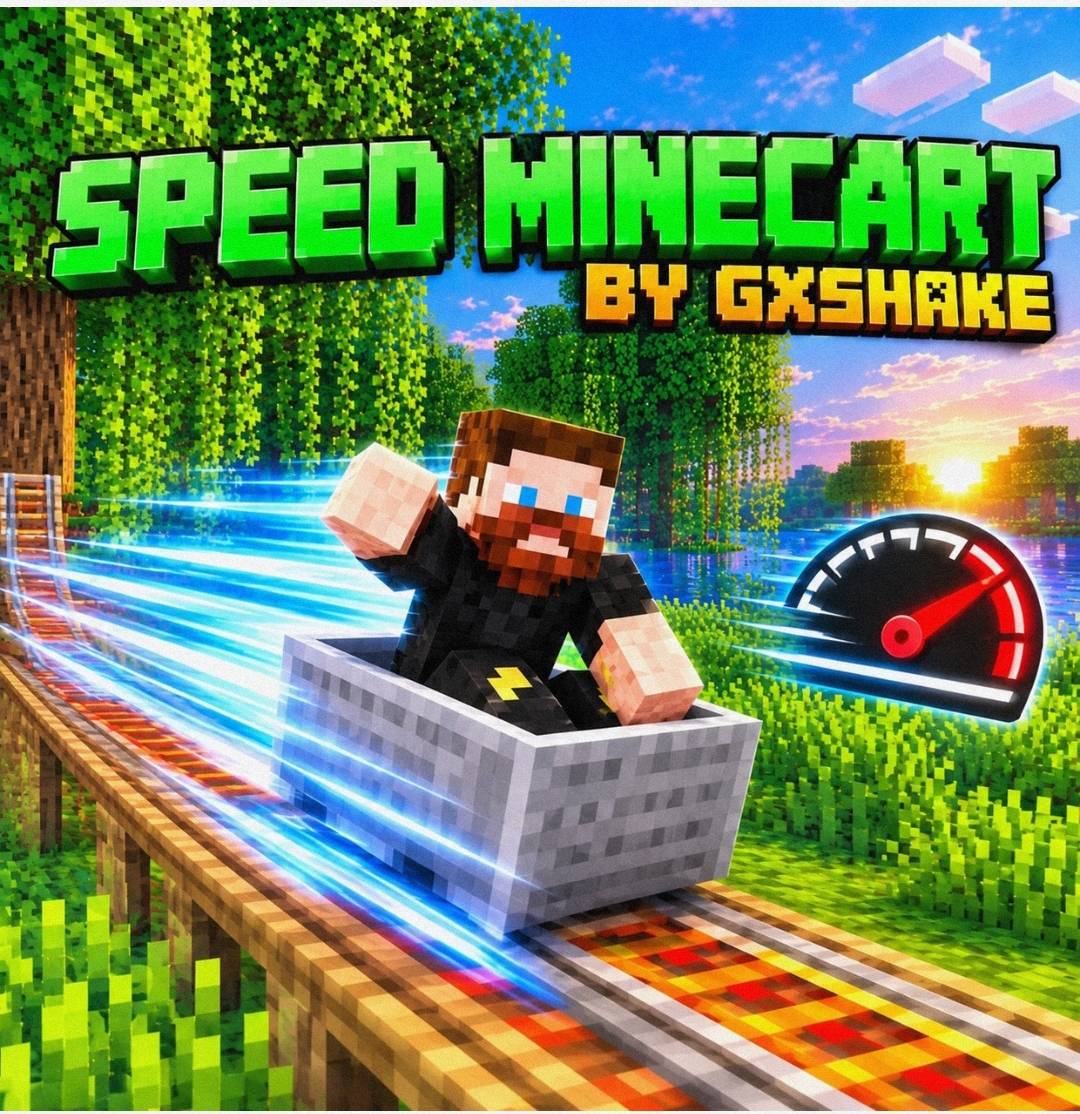
Speed Minecart makes minecarts up to 4x faster on straight rails, and automatically slows them on curves and slopes so they never derail.
Read the author’s full description (198 words)
Written by GxShake.
Speed Minecart by GxShake is a behavior-pack addon for Minecraft Bedrock Edition that makes minecarts much faster without breaking your rail lines.
Features
4x faster minecarts: the max speed on straight rails goes from 0.4 to 1.6 (about 32 blocks/s, versus 8 in vanilla).
Auto-slowdown: the addon checks the rails ahead of each cart. When it detects a curve or slope, it slows the cart to vanilla speed so it stays on the track. It speeds back up on the next straight section.
Works in all dimensions: it applies to every minecart in the Overworld, Nether and End.
Easy to customize: you can change the fast and slow speeds by editing one value each in entities/minecart.json.
Requirements
Minecraft Bedrock 1.21.60 or newer.
Script API support (@minecraft/server 1.15.0).
How to use
Import the .mcaddon file.
Create or open a world and enable the behavior pack.
Place rails and ride a minecart. It speeds up on straight tracks and slows down automatically near curves and slopes.
Notes
The addon overrides the vanilla minecart, so it may conflict with other addons that modify minecarts.
Curves and slopes within a few blocks ahead of the cart trigger the slowdown.
Created by GxShake.
Video
How to install
- Download the file below. On iOS or Android, open it from your Downloads with Minecraft; on Windows, double-click it.
- Minecraft imports the pack automatically. Enable it in your world’s settings under Behavior Packs or Resource Packs; an add-on usually needs both.
- Playing on a Realm or server? Everyone needs the same packs, and the host has to enable them.
- Starting a new world? Choose its seed first: the Seed Map shows villages, structures and biomes near spawn for any Bedrock seed.
Advertisement