YOICHI ISAGI SKIN BY BAKU
BedrockSkin packPlayersby BAKUTHEBUILDER
About this skin pack
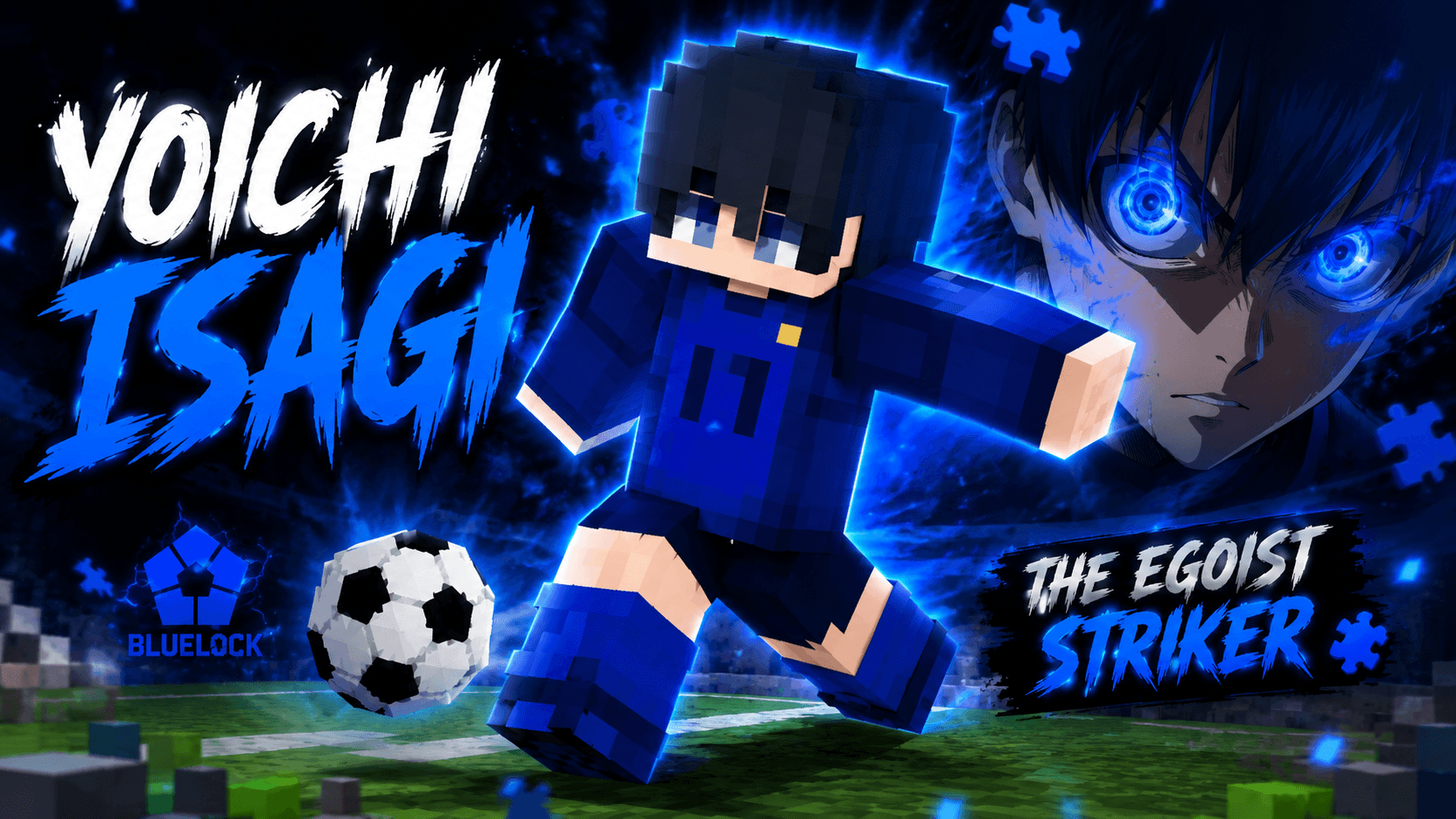
Yoichi Isagi Skin by Baku — Bring the Blue Lock striker into Minecraft with this stylish Isagi-inspired skin. Perfect for fans who want an anime-themed look while playing Bedroc...
Read the author’s full description (119 words)
Written by BAKUTHEBUILDER for the MCPEDL post, shown as published.
⚽ Yoichi Isagi Skin — By Baku
💙 Blue Lock × Minecraft
Step onto the field with the Yoichi Isagi Skin by Baku! Inspired by the iconic Blue Lock striker, this Minecraft skin brings Isagi’s signature blue football style into Minecraft Bedrock Edition.
✨ Features
- ⚽ Yoichi Isagi-inspired design
- 💙 Blue Lock themed football outfit
- 🎨 Clean Minecraft-style detailing
- 🔥 Perfect for PvP, survival & roleplay
- 📱 Compatible with Minecraft Bedrock/MCPE
🏆 Credits
Skin Creator: Baku
Design: Baku
All custom skin work and pack presentation are credited to Baku.
⚠️ Disclaimer
Blue Lock and its characters belong to their respective copyright holders. This is a fan-made Minecraft skin created for entertainment purposes.
💙 Support Baku
If you enjoy this skin, consider supporting Baku by checking out more Minecraft skins, packs and creations!
Images
How to install
- Download the file below. On iOS or Android, open it from your Downloads with Minecraft; on Windows, double-click it.
- Minecraft imports the pack automatically. Enable it in your world’s settings under Behavior Packs or Resource Packs; an add-on usually needs both.
- Skin packs show up in the dressing room: Profile → Edit character → Owned.
- Playing on a Realm or server? Everyone needs the same packs, and the host has to enable them.
Advertisement