Tokyo Tower 1:1
BedrockMapOtherby MakoEnergyGamer
About this map
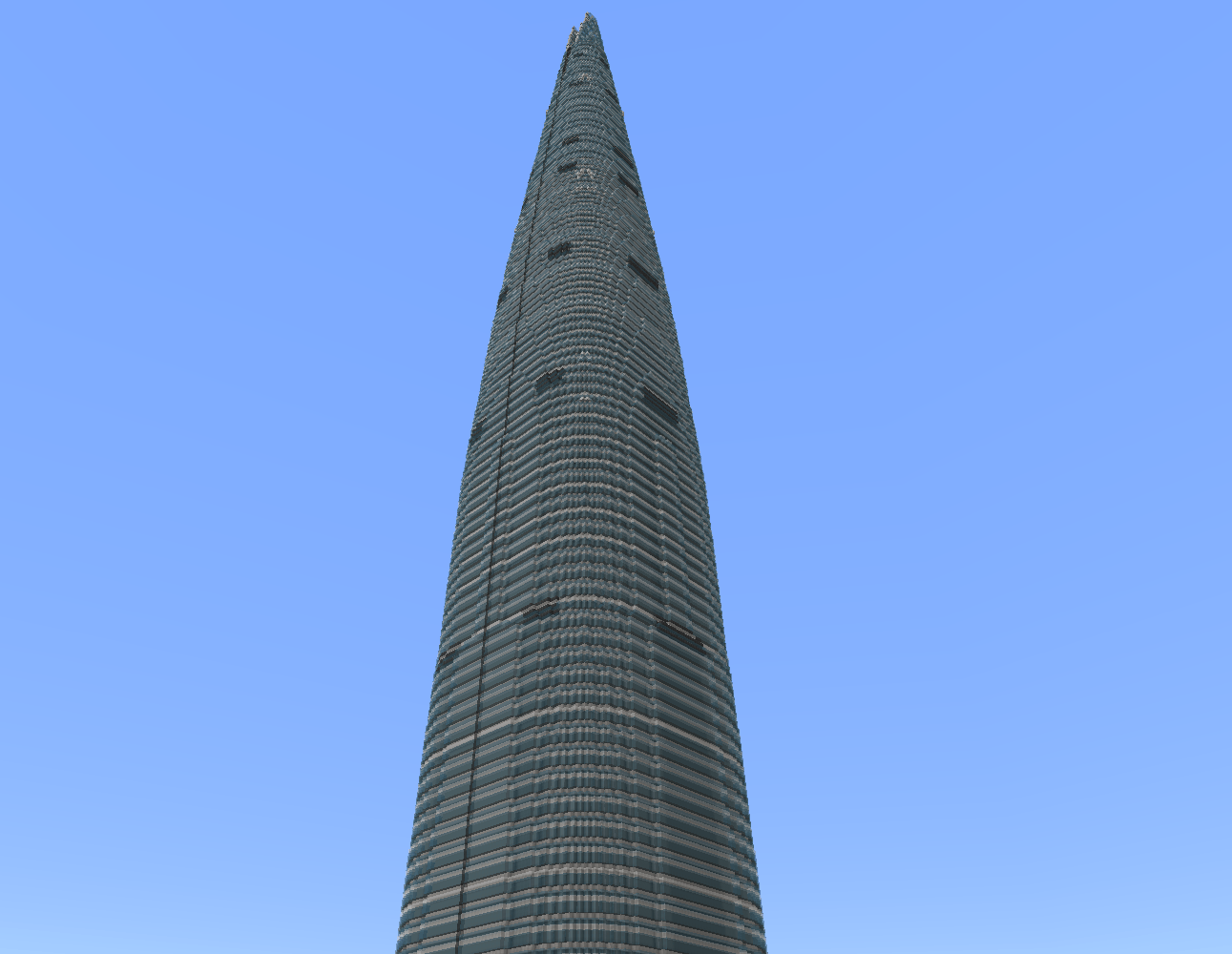
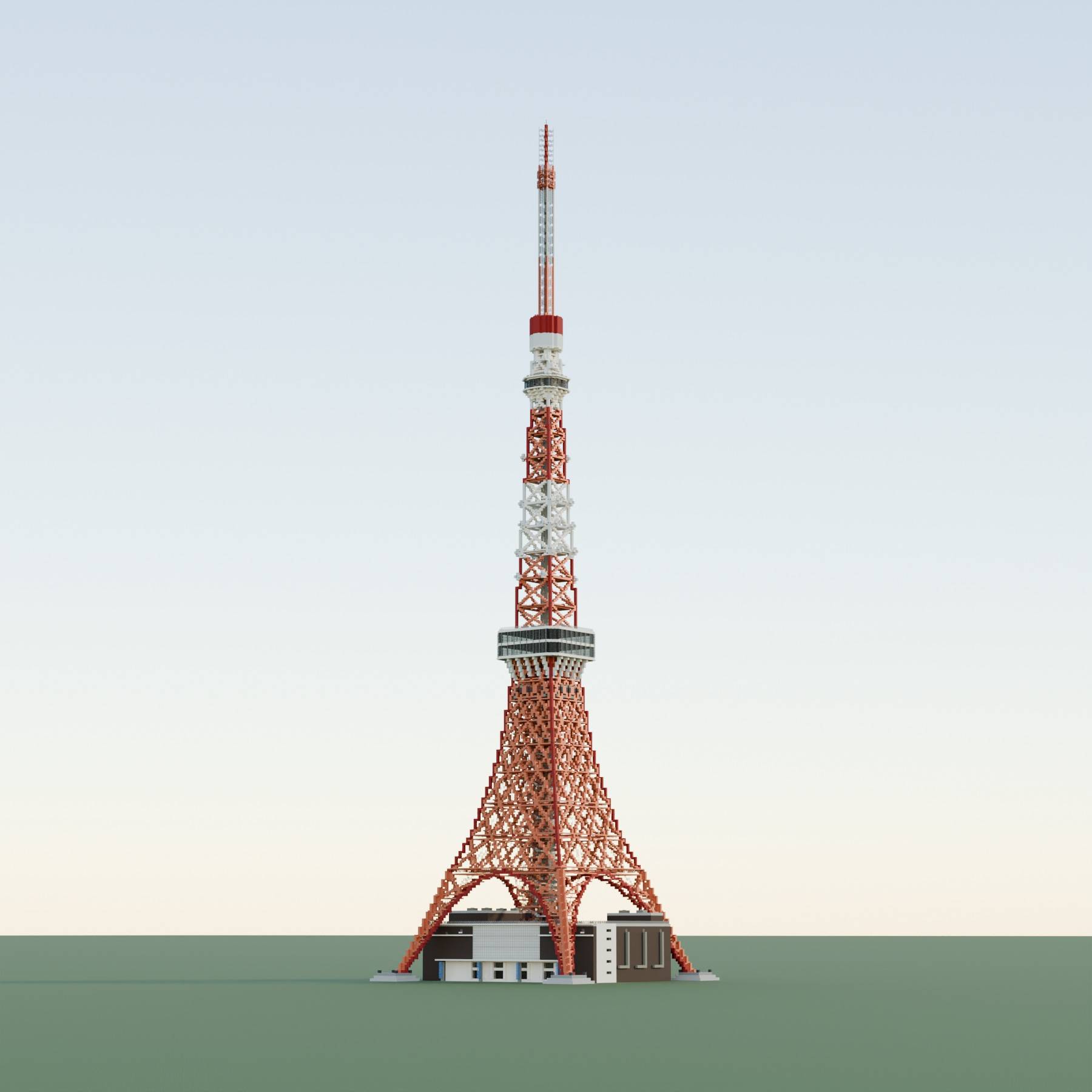
Download a 1:1-scale Tokyo Tower map for Minecraft Bedrock/MCPE! Explore the iconic red-and-white Tokyo landmark, lattice framework, observation decks, and FootTown.
Read the author’s full description (288 words)
Written by MakoEnergyGamer for the MCPEDL post, shown as published.
Tokyo Tower 1:1
Explore a 1:1-scale recreation of Tokyo Tower in Tokyo, Japan, for Minecraft Bedrock Edition.
The tower is recreated at a scale of 1 block = 1 meter, letting you explore its iconic red-and-white silhouette, lattice framework, observation decks, and FootTown base directly in Minecraft.
Features
- A recreation of Tokyo Tower, one of Tokyo's most recognizable landmarks
- 1:1 scale with 1 block = 1 meter
- Red-and-white lattice framework, Main Deck, Top Deck, and antenna
- FootTown building at the base of the tower
- Ready-to-import .mcworld file
- Suitable for exploration, screenshots, city projects, and showcase videos
Compatibility & Installation
Minecraft Bedrock Edition 1.26.50 or newer is recommended.
Download the .mcworld file and open it with Minecraft Bedrock Edition to import the world.
Notes
The main focus of this world is the overall scale, height, silhouette, and recognizable appearance of the tower. Some smaller details may differ from the real building.
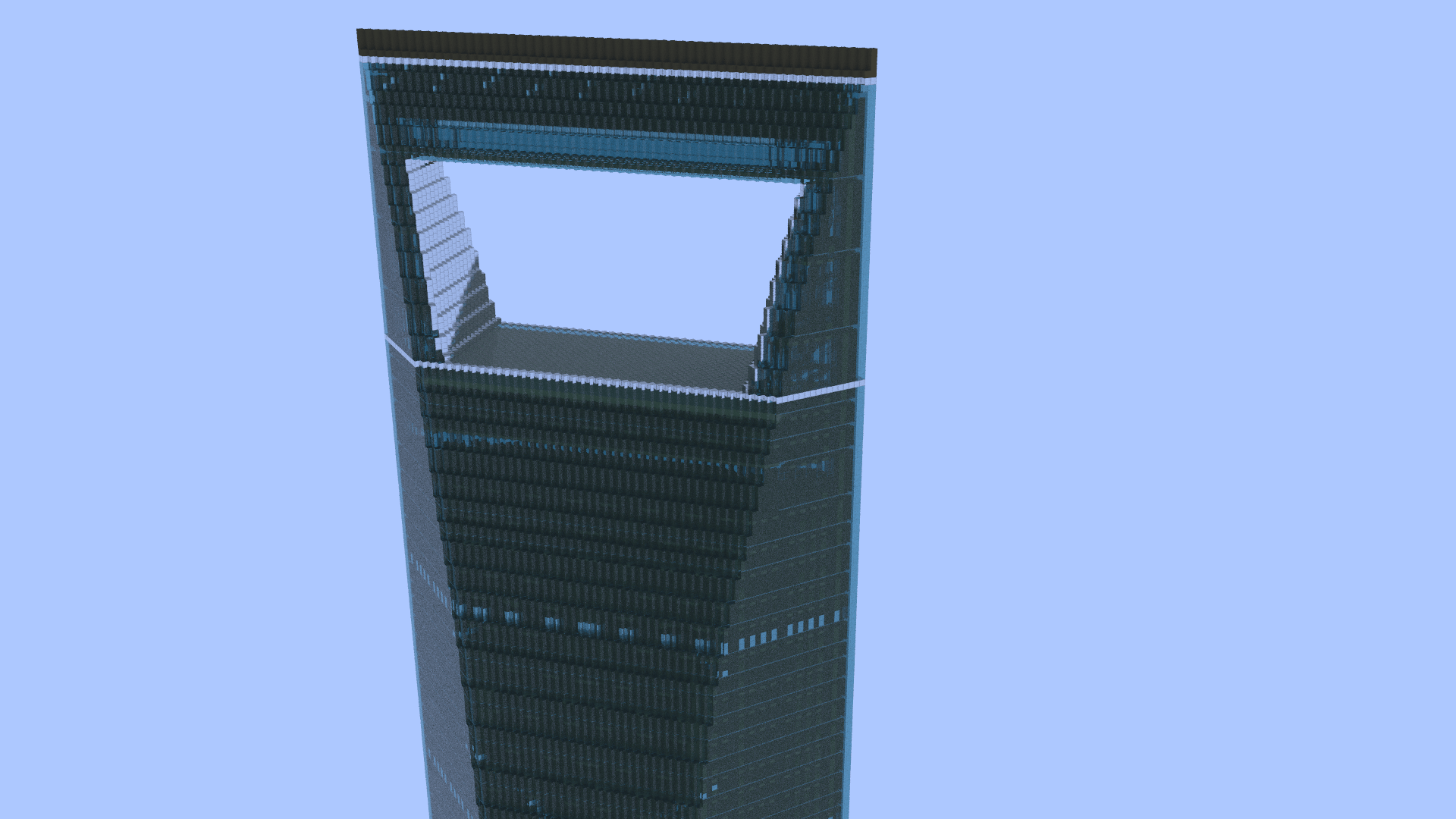
Gallery images are Blender renders of the build. Lighting and appearance may differ in Minecraft.
Usage & Credits
You may use this world and its buildings in your own Minecraft projects, videos, screenshots, livestreams, and other publicly shared content.
Credit is appreciated but not required.
Please do not claim this world or its buildings as your own creation. Please do not use them to promote hate, harassment, discrimination, or other harmful content.
Redistributing the original world file without any changes is discouraged. It is not strictly prohibited, but I would prefer that you avoid simply re-uploading the world as-is.
However, redistribution is welcome if you have meaningfully modified the world, incorporated the building into a larger project, or otherwise added new value to the original work.
No prior permission or notification is required for redistribution under these conditions.
Created by MakoEnergyGamer.
Images
How to install
- Download the file below. On iOS or Android, open it from your Downloads with Minecraft; on Windows, double-click it.
- A .mcworld opens straight into your worlds list, ready to play.
- Playing on a Realm or server? Everyone needs the same packs, and the host has to enable them.
Advertisement