WAVY WORLD
BedrockTexture packRealisticby PROMO_ADDON
About this texture pack
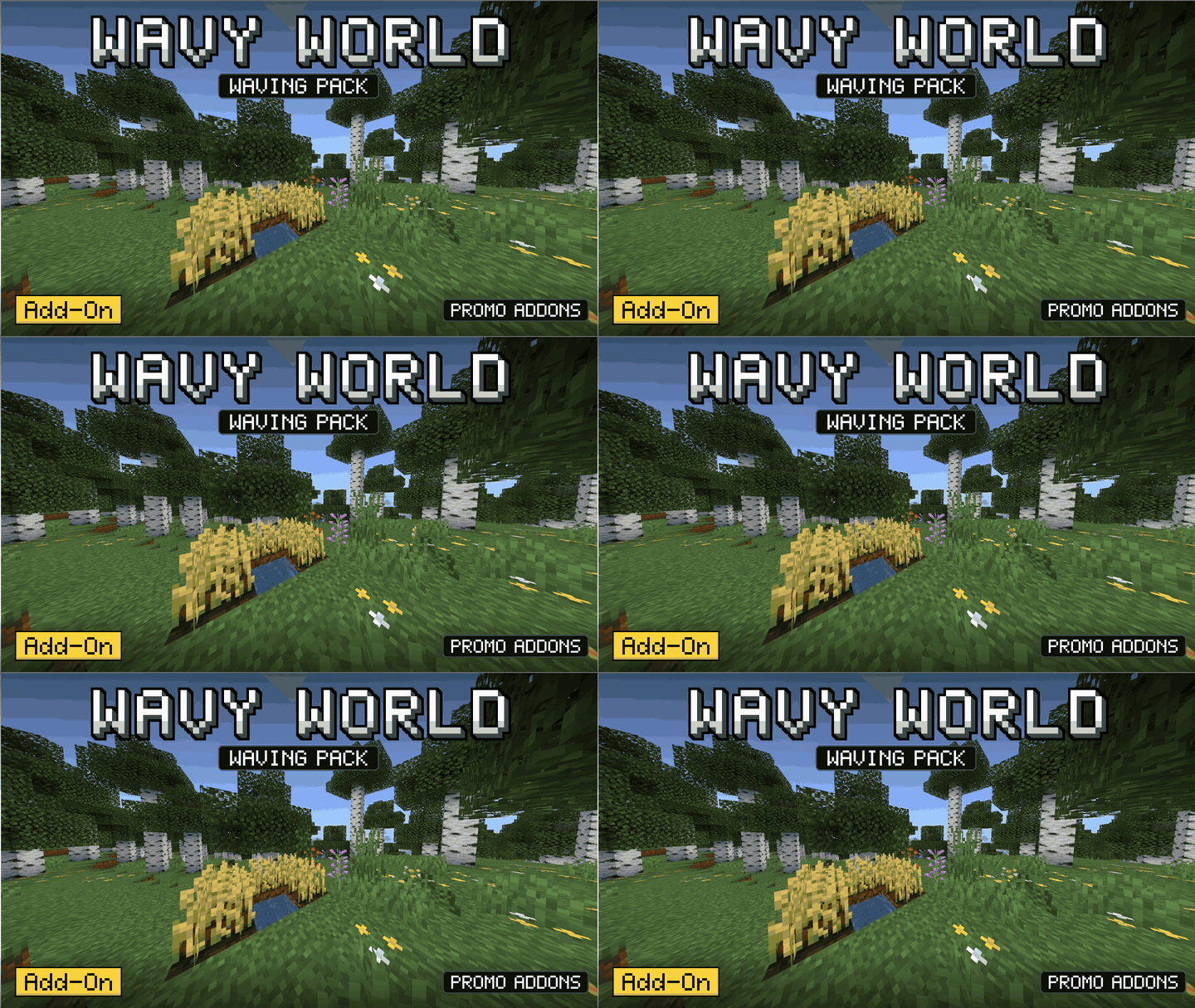
Plants, flowers, leaves and water move in the wind. Rest is vanilla.
Read the author’s full description (327 words)
Written by PROMO_ADDON for the MCPEDL post, shown as published.
🌿 Wavy World
Plants, flowers, leaves and water move in the wind. Water reflects the sky and ores glow in the dark. Everything else stays vanilla.
Wave
Grass, tall grass, fern, large fern, sugar cane
All flowers and tall flowers
All saplings
Leaves
Vines
Crops (wheat, carrots, potatoes, beetroot)
Lanterns
Water surface
Stronger movement in rain
Water Reflection
Water reflects the vanilla sky: sun, moon (with moon phases), stars and clouds
Golden sunrise and sunset colors on the water
Distant skyline shows on the horizon
Soft ripples on the water surface
Ore Glow
Ores glow in the dark, strongest in caves
Diamond, emerald, gold, iron, copper, lapis, redstone, nether ores, ancient debris and deepslate ores
Lag free: light on performance, runs smooth.
Works on:
Windows: Minecraft Bedrock 1.26.52
Android: Minecraft Bedrock 1.26.52
Important info!
• Fix Invisible world:
This problem is caused when you import the shader incorrectly.
Do not manually put the .mcpack file in the resource pack folder. First delete it from there, then just tap the downloaded .mcpack file and, if it asks, select "Open with Minecraft". Minecraft will open and import it automatically.
If Minecraft is not shown, open the .mcpack through a file explorer: hold the file, go to options, select "Open with" and then select Minecraft.
Now apply it in Global Resources. For old worlds, remove it from World Resources.
• Use the correct file for your device (Windows file for Windows, Android file for Android).
• Lighting, fog and the sky stay vanilla. Only waving, water reflection and ore glow are added.
• The waving works only near you (about 13 blocks), so it stays light.
• Shaders are not supported on every device. If the world looks wrong, turn the pack off.
Terms of use!
• If you use this pack in a YouTube video, please give the link to this page in your description.
• Do not re-upload this pack on any other website without my permission.
Bugs or suggestions? Contact me on YouTube:
https://www.youtube.com/@Promoaddon
Images
What’s new in the latest update
The author’s notes for the file uploaded .
NEW v1.0.1
REFLATION
GLOWING ORES
performance boost++...
How to install
- Download the file below. On iOS or Android, open it from your Downloads with Minecraft; on Windows, double-click it.
- Minecraft imports the pack automatically. Enable it in your world’s settings under Behavior Packs or Resource Packs; an add-on usually needs both.
- Playing on a Realm or server? Everyone needs the same packs, and the host has to enable them.
- Starting a new world? Choose its seed first: the Seed Map shows villages, structures and biomes near spawn for any Bedrock seed.
Advertisement
More texture packs
- Texture packs
Dark Fantasy Visuals (Bedrock Resource Pack)
by Starfish Studios Inc
- Downloads
- 1.4M
- Rating
- 4.0





