Diamond Mining: Y Levels, Caves and the Finder
JavaDiamonds in modern Minecraft follow precise rules: a triangle of probability peaking at the bottom of the world, four separate placement passes, and a deletion rule for blocks next to air. Knowing them, and using a finder that replays them block for block, turns a mining session into a shopping trip.
Updated · 6 min read · Java up to 26.3
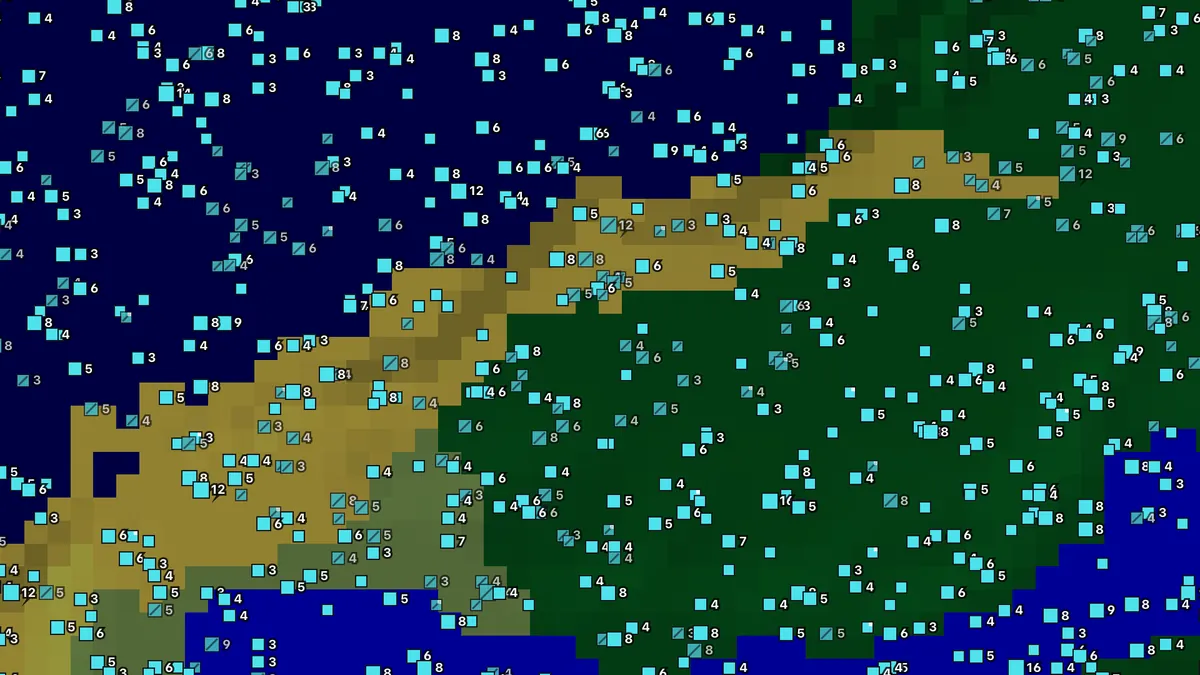
Where diamonds generate since 1.18
Since the world floor dropped to Y -64, diamonds generate from Y -64 up to Y 16 with a probability shaped like a triangle: densest at the very bottom and tapering to nothing at Y 16. In practice the richest layers are Y -64 to -50, and the sensible place to tunnel is Y -58 or -59, low enough for near-peak density while staying above the lava lakes that fill cave floors from Y -54 down. Below Y 0 the ore sits in deepslate, which mines more slowly than stone, so an efficient pickaxe matters more than it used to.
Older worlds are different. Before 1.18 diamonds generated uniformly from Y 1 to 15, and chunks created in those versions keep that layout even after you update. The ore levels page has the table for every version; the diamond finder has a preset that switches to the old rules for worlds made in 1.16 or 1.17.
The four diamond features
The game does not place diamonds once per chunk; it runs several independent features, each with its own random sequence derived from the seed, the chunk and the feature's position in the generation order. The finder replays all of them.
| Feature | What it does |
|---|---|
| Small vein | Tried several times per chunk across the whole triangle; the bulk of the diamonds you find. |
| Medium vein (1.20+) | A few extra deep blocks per chunk, added when the Y range was tuned. |
| Large vein | Up to about a dozen blocks together, roughly once in nine chunks; the veins worth a detour. |
| Buried vein | Veins that are never allowed to touch air, so you only find them by digging. |
Because each feature has its own sequence, two diamonds a few blocks apart can come from different passes, and a vein can straddle a chunk border. The finder groups touching blocks into deposits regardless of which feature placed them and shows the block count on each square.
Why diamonds vanish next to caves
Most ore features carry a rule that removes a share of the blocks that would be exposed to air. For the small and large diamond veins, half of the blocks touching a cave, a ravine or an aquifer are deleted after placement; for the buried vein, every exposed block is deleted. A diamond vein that generates across a cave wall therefore loses roughly half of itself, and a vein entirely inside a cavern can disappear.
The consequence for mining is that cave walls show you fewer diamonds than are actually nearby, while solid stone a few blocks behind the wall is untouched. It also explains why ore finders that assume the world is solid stone are wrong about a quarter of the time: the finder on this site models the caves, carvers and aquifers, which is what lifts its diamond precision to 97%.
The finder marks each block as exposed or buried and lets you filter on it: the “Visible from caves” preset shows what you can spot while exploring, the “Fully buried” preset shows what strip mining will reach.

Strip mining with the finder
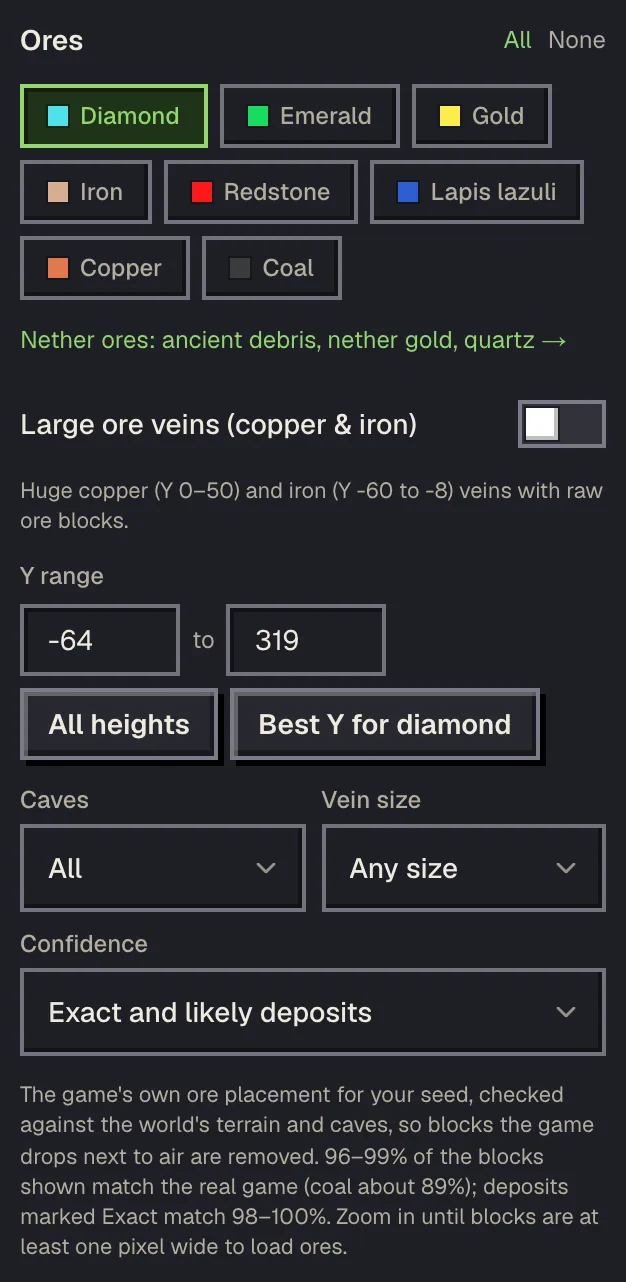
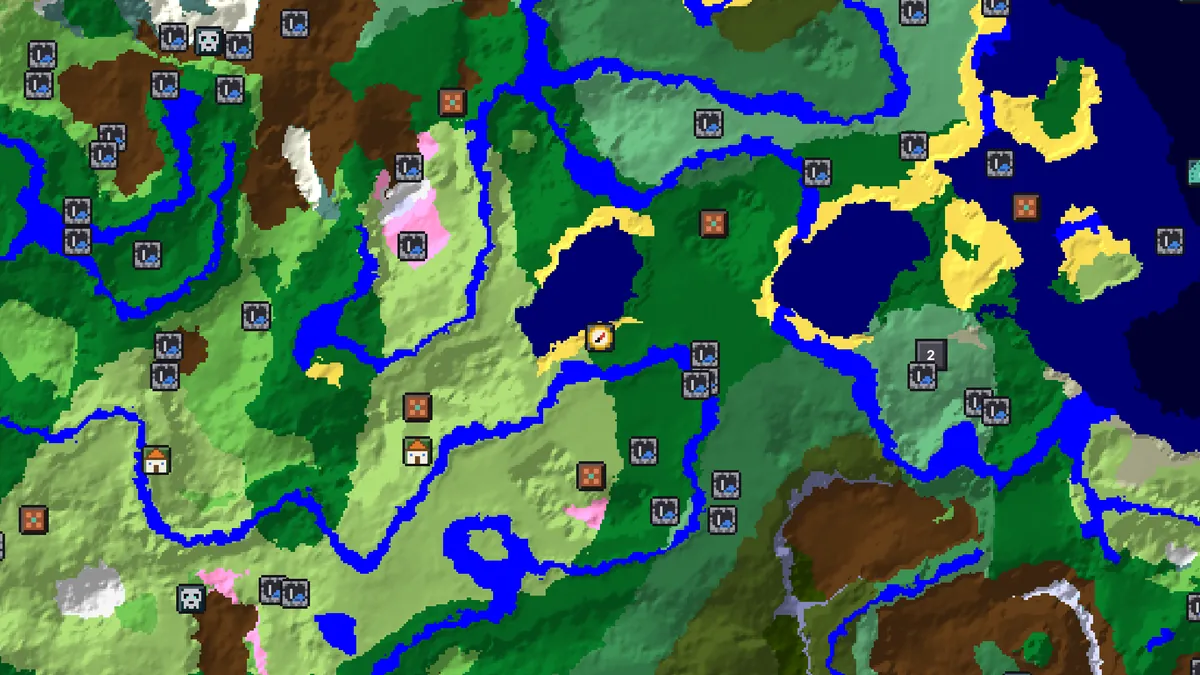
- Open the diamond finder on your seed and version, choose the strip-mining preset (Y -64 to -54, buried only), and zoom in until deposits show their block counts.
- Open Nearest deposits, set the origin to your base or your current X Y Z, and read the list: distance, direction, block count and the Y of each deposit.
- Dig a staircase to Y -58, then tunnel toward the first deposit along the straight line the map shows. The popup's /tp is for creative tests; in survival the coordinates are enough.
- At the deposit, dig to the exact X Y Z of each block. Tick Mined in the popup; the finder keeps the list per world so the next session starts where you stopped.
- Move on to the next deposit in the list rather than branching blindly. A classic branch mine at Y -58 finds diamonds eventually; following the finder finds the same diamonds in a fraction of the digging.
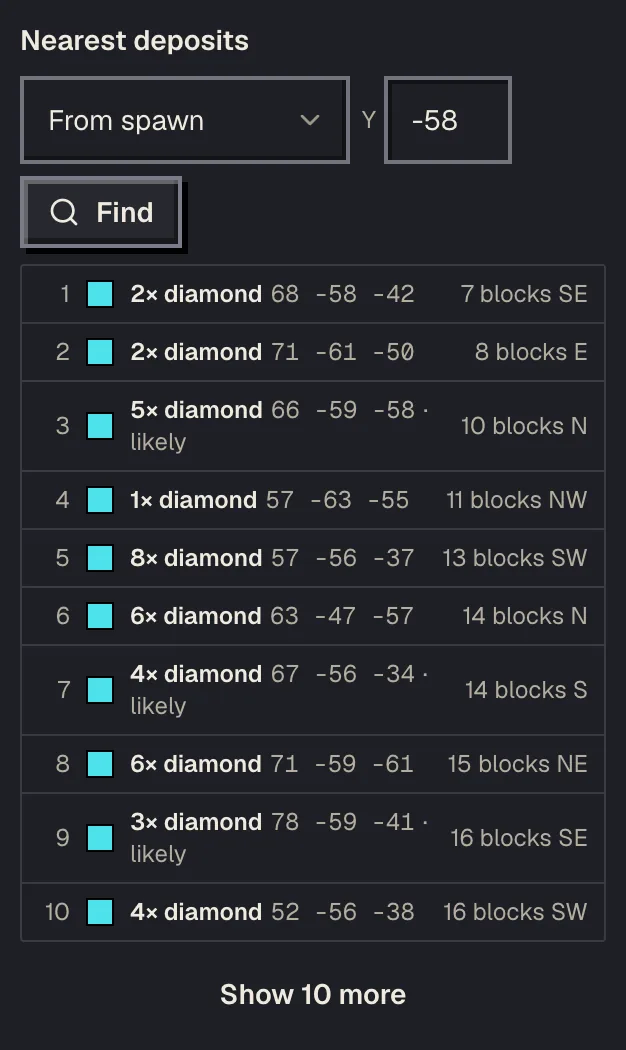
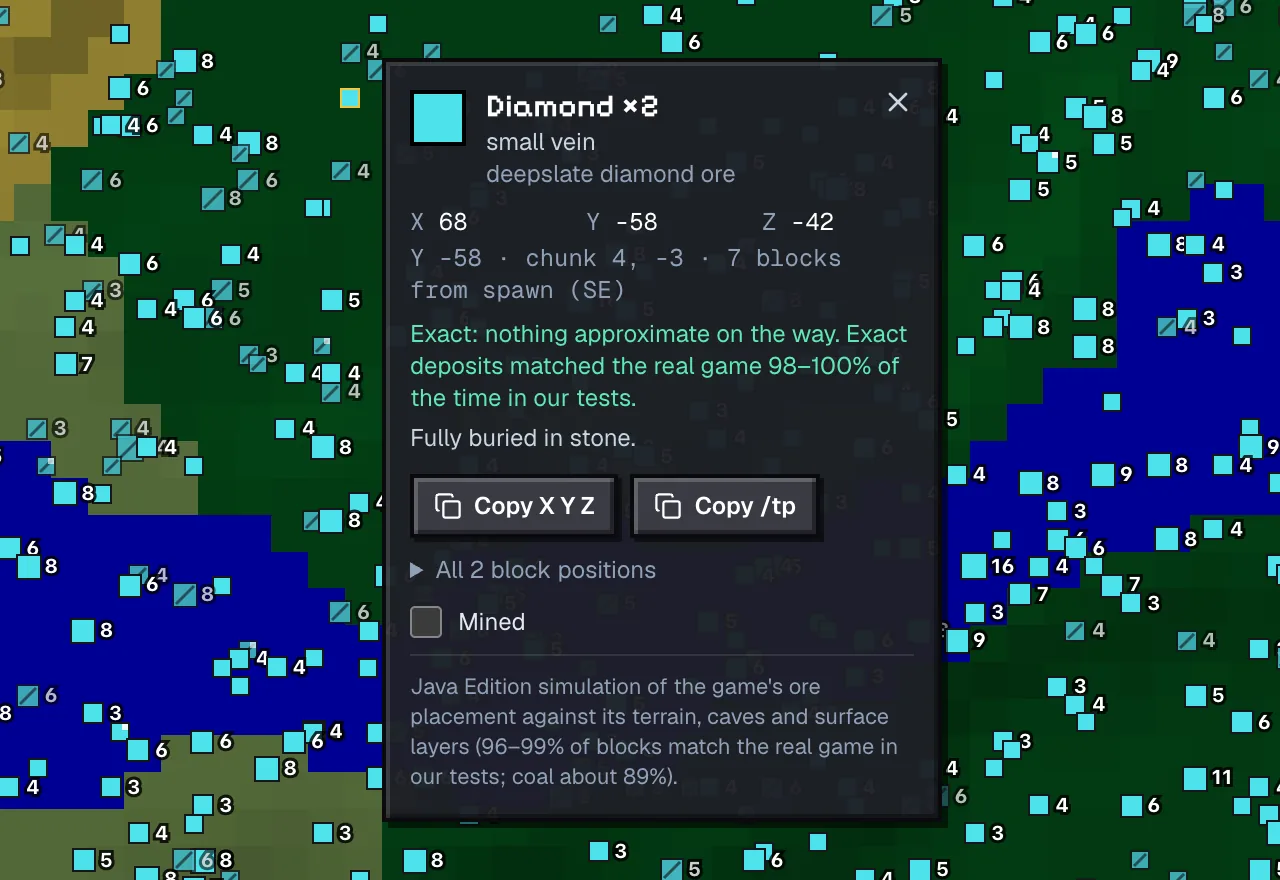
Use Fortune III on every diamond ore block, carry a water bucket for the lava that still turns up in buried pockets, and leave deposits marked Likely for last: they rest on an approximation in the terrain model and are right about nine times in ten, while Exact deposits were right every time in testing.
Caving for diamonds
Large caves expose diamonds on their walls and floors, and at Y -50 and below a big cheese cave is a diamond gallery once lit. The cave finder shows the huge caves of your seed with their depth; combine it with the diamond finder's exposed filter to pick the cave with the most visible diamonds. Bring blocks, a water bucket and night vision; the floor of the deepest caves is lava.
Ancient cities are a special case: the deep dark sits at the right depth, so a city raid that goes quiet can turn into a mining session along its edges. The sculk does not stop ore generation, and the city's own deepslate streets are easy to tunnel from.
How much to trust the numbers
The diamond finder was checked block by block against worlds generated by the official Java server for 26.3 and 1.21.11: of the diamond blocks it showed, 97.2% were diamonds in the game, and it showed 98.9% of the game's diamonds. Blocks it marked Exact were right 100% of the time. The remaining misses sit at cave boundaries the terrain model approximates, which is what the Likely marking flags.
The finder is Java only: Bedrock's ore placement is not implemented, so the Bedrock map shows nothing instead of Java positions that would be wrong. Bedrock players still get the Y-level advice above, which applies to both editions.
Questions
What is the best Y level for diamonds?
Y -58 or -59 in 1.18 and later: near the peak of the diamond distribution at Y -64 but above the lava lakes that start around Y -54. In worlds made before 1.18, Y 11 or 12.
Why do I find fewer diamonds in caves than expected?
Half of the small and large vein blocks that would touch air are deleted when the chunk generates, and buried veins lose every exposed block. Solid stone a few blocks behind a cave wall is unaffected.
Does the diamond finder work for Bedrock?
No. Bedrock ore placement is not implemented, so the finder is marked Java only and the Bedrock map shows no ores. The Y-level advice is the same on both editions.
How accurate is the diamond finder?
Checked block by block against the official Java server: 97.2% of the blocks shown are diamonds in the game and 98.9% of the game's diamonds are shown. Blocks marked Exact were right every time.
Do diamonds move when I update my world?
Chunks that already exist keep their ores. Only chunks generated after the update use the new version's rules, so set the finder's version to the one that generated the area you are mining.
Related guides
Finders and tools in this guide
- Diamond FinderJavaEvery diamond in your Java seed with exact X Y Z, vein size and cave exposure.
- Ore FinderJavaDiamonds, iron, gold, redstone and every other ore, block by block with Y levels.
- Cave FinderJavaHuge cheese caves underground, sized and with the depth to dig to — mining, bases and caving.
- Ancient City FinderDeep dark cities with the warden, sculk and swift sneak books.
- Ore LevelsBest Y levels for every ore, before and after the 1.18 world height change.
Written by the Minecraft Tools team from the same world-generation engine that runs the seed map. Coordinates quoted here were computed with it for the stated seed, edition and version, and the engine is tested against the real game.