
Add-ons
SERP Pokédrock (Pokémon Addon) || v1.34.15 Altars & Type-Charts Update
by Zacek el Serpentín
- Downloads
- 7.7M
- Rating
- 4.2
by Iced Fox Studios
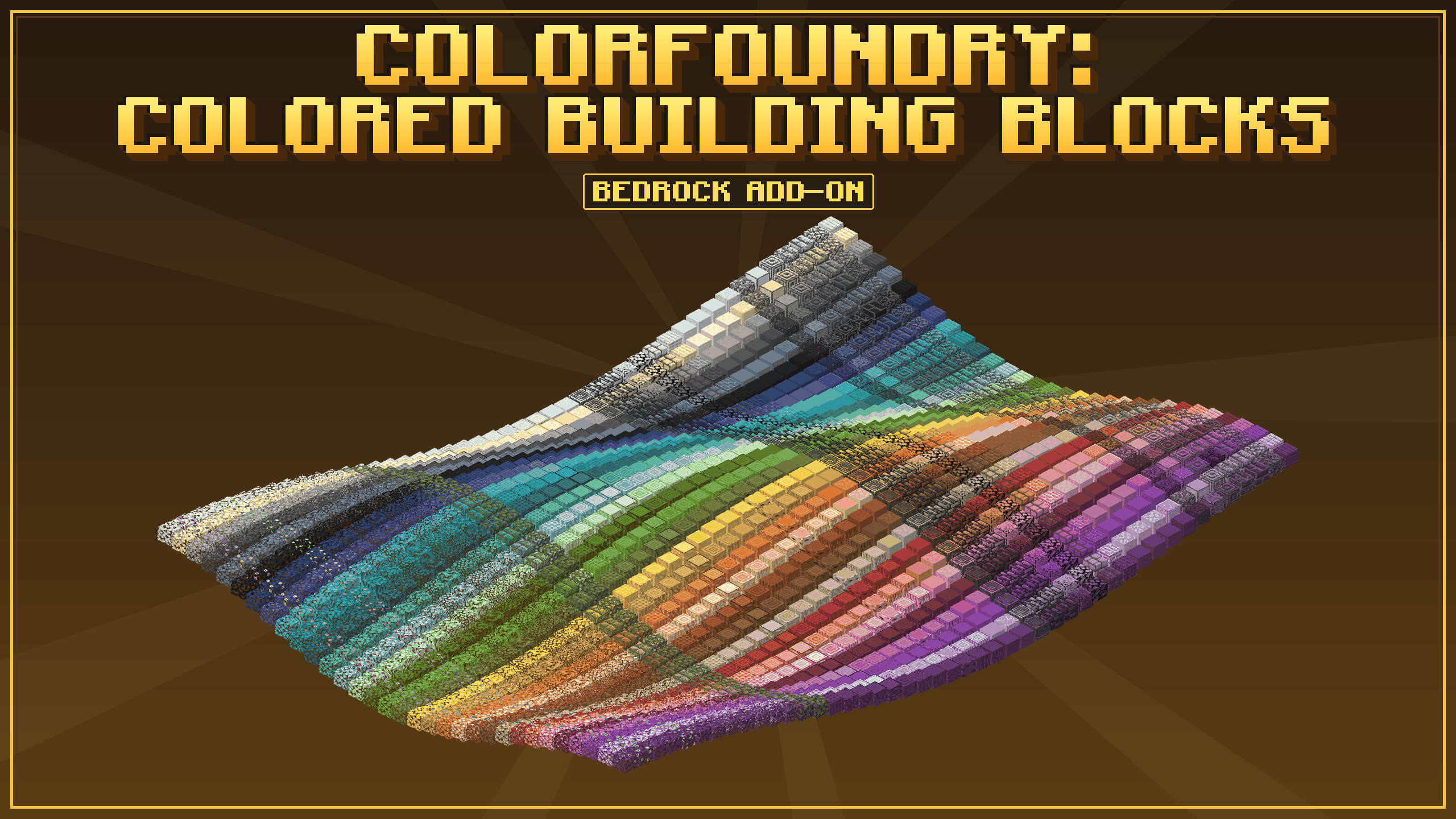
Build with 2,784 colorful blocks, stairs, slabs, walls, fences, and leaves in 32 dye colors.
Written by Iced Fox Studios.
ColorFoundry: Colored Building Blocks brings more color to Minecraft Bedrock builds with 2,784 colored variants across 46 materials and 32 colors. Explore familiar stone, wood, bricks and decorative leaves, plus stairs, slabs, walls and fences for supported materials. Mix dyes to create new shades, craft colored blocks, or use dyes on supported blocks already placed in your world.
The author’s notes for the file uploaded .
ColorFoundry: Colored Building Blocks 0.8.1 - Behavior Pack
- Improved connections between colored walls and neighboring vanilla walls.
- Improved wall updates after placement and removal.
- Previously placed colored walls update as nearby chunks become available.
- Adjusted the selection bounds of straight walls to better match vanilla.
- Preserved existing block IDs, colors, crafting and painting behavior.
Requires the matching ColorFoundry 0.8.1 Resource Pack.
Advertisement
by Zacek el Serpentín




